

分享相片前,先移除隱藏資訊
直接在瀏覽器中產生乾淨的 JPG、PNG 或 WebP 副本。相片不會上傳,原檔案中的 EXIF、GPS、IPTC 與 XMP 不會被複製。
- 瀏覽器本機處理
- 檔案不上傳
- 移除 GPS 與 EXIF
在本機清理相片
選擇 20 MB 以內的 JPG、PNG 或 WebP,處理只發生在目前裝置。
What the clean copy removes
The browser draws the visible image pixels onto a new canvas, then exports a new image without copying the original metadata blocks.
- Location data
- Embedded GPS coordinates and altitude from the original file are not copied.
- Camera details
- Camera, lens, exposure, timestamp, and software tags are not copied.
- Editorial metadata
- Original IPTC and XMP fields such as creator, caption, and workflow notes are not copied.
- Visible pixels remain
- The visible image is retained at its original dimensions, then re-encoded in the same supported format.
Remove photo metadata in three steps
No account or upload is needed.
- 1
Choose a photo
Select a supported file from this device.
- 2
Create a clean copy
Your browser decodes the visible pixels and re-encodes them without the original metadata.
- 3
Download and verify
Save the new file, then use the metadata viewer if you want to inspect the result.
What changes when metadata is removed
The clean copy is a new encoded image, not a byte-for-byte clone.
- JPEG and WebP compression may change the file size and introduce a small visual difference.
- Animated images, HEIC, RAW, SVG, and files above 20 MB are not supported by this browser tool.
- Visible information inside the pixels, such as a street sign or face, is not metadata and will remain visible.
Photo metadata remover FAQ
Direct answers about privacy, GPS, quality, and local processing.
No. This tool uses browser APIs on your device and does not send the selected file to ClearCrowds.
讓照片再精緻一點
快速處理,也能獲得專業效果。


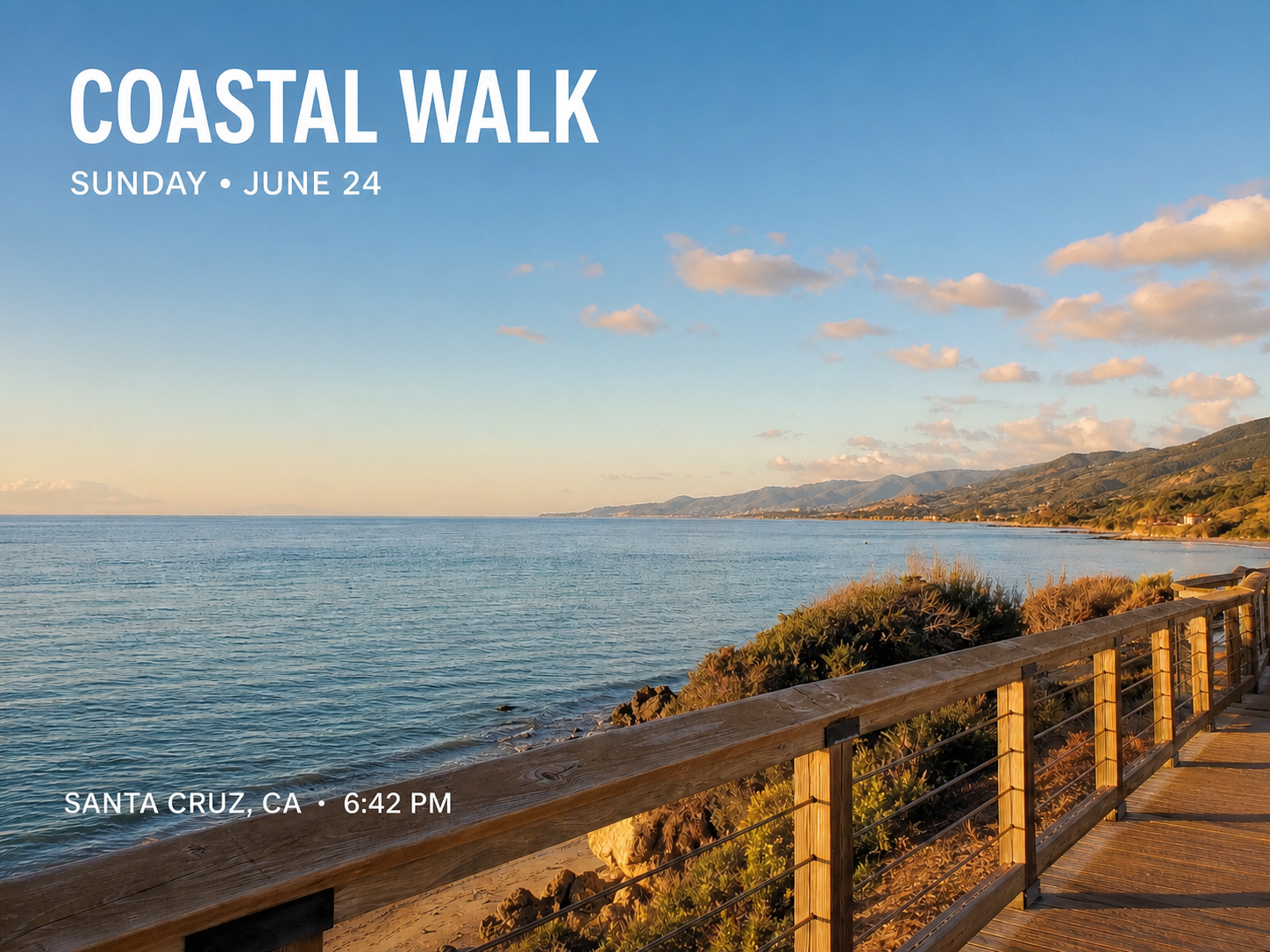

分享乾淨副本,而不是原始檔案
選擇支援的相片,在本機移除隱藏資訊後下載新檔案。