
كيفية جعل الصورة الباهتة واضحة: دليلك للحصول على صور أكثر وضوحًا
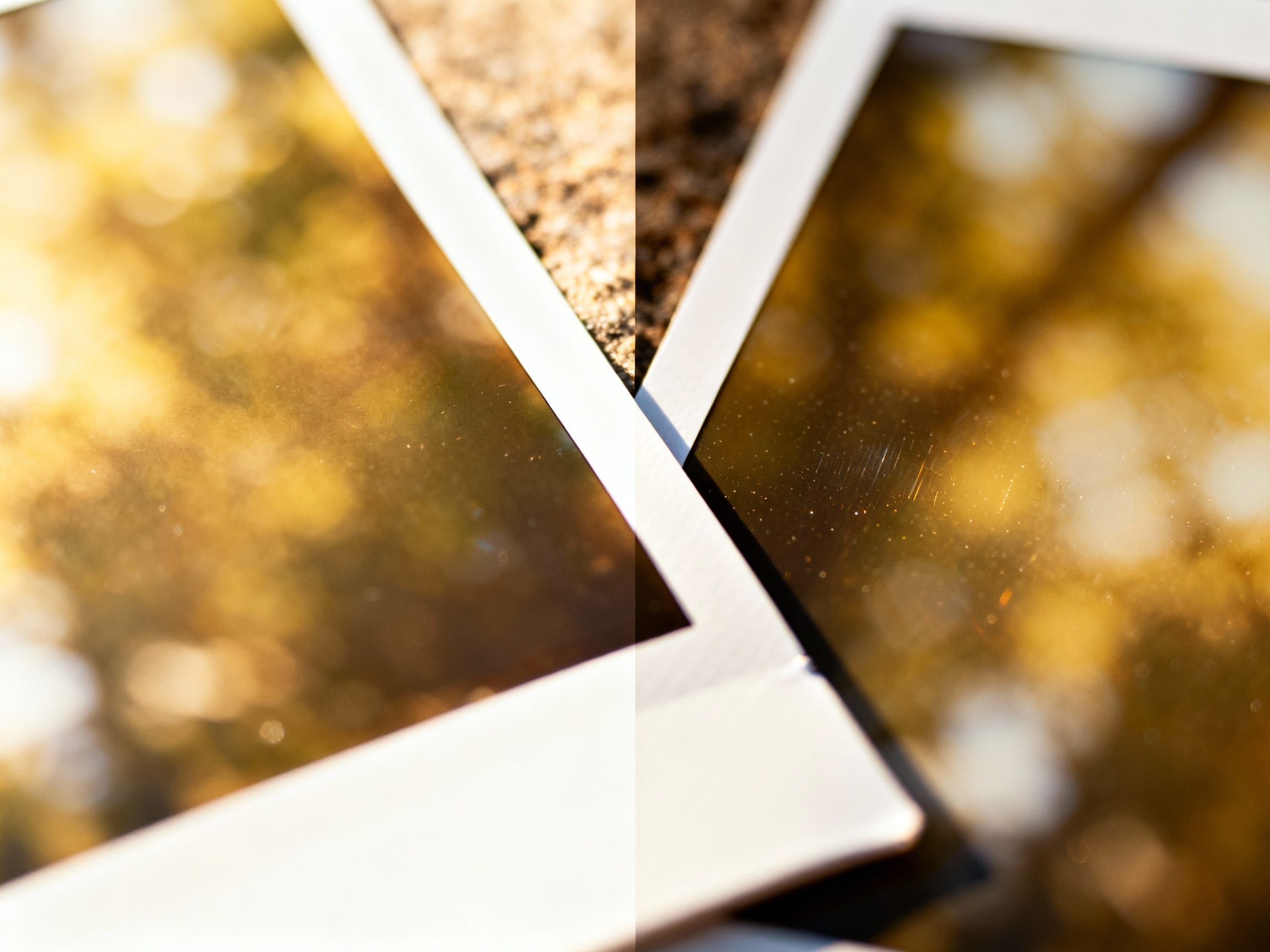
هل سبق لك أن قمت بالتمرير عبر هاتفك للعثور على لحظة تم التقاطها بشكل مثالي، ثم أدركت أنها فوضى ضبابية؟ هذا الشعور بالإحباط شائع جدًا، سواء كان ذلك لقطة سفر لمرة واحدة في العمر أو صورة منتج مهمة لمتجرك عبر الإنترنت. لا أحد يريد أن يفقد تلك الذكريات العزيزة أو يفوتك عملية بيع بسبب صورة غامضة.
لماذا تصبح صوري ضبابية على أي حال؟
قبل أن نتعمق في إصلاح الصور الباهتة، من المفيد أن نفهم سبب حدوثها. تنبع معظم الصور الباهتة من عدد قليل من الأسباب الشائعة:
- اهتزاز الكاميرا: ربما يكون هذا هو السبب الأكثر شيوعًا. حتى الاهتزاز البسيط في يدك أثناء الالتقاط يمكن أن يؤدي إلى صورة غير واضحة، خاصة في ظروف الإضاءة المنخفضة حيث يظل الغالق مفتوحًا لفترة أطول.
- تركيز ضعيف: إذا ركزت الكاميرا على الهدف الخطأ أو وجدت صعوبة في العثور على التركيز على الإطلاق، فسيظهر الهدف الرئيسي ضعيفًا وخارج نطاق التركيز.
- الإضاءة المنخفضة: عندما لا يكون هناك ما يكفي من الضوء، غالبًا ما تعوض الكاميرات ذلك باستخدام سرعات غالق أبطأ أو إعدادات ISO أعلى. تزيد سرعات الغالق البطيئة من فرصة اهتزاز الكاميرا، في حين أن حساسية ISO العالية يمكن أن تؤدي إلى تحبب يشبه الضبابية.
- طمس الحركة: يحدث هذا عندما يتحرك هدفك بسرعة، أو عندما تقوم بتحريك الكاميرا لتتبع هدف متحرك (بدون سرعة غالق بطيئة عن عمد لإحداث التأثير).
- إعدادات غير صحيحة: في بعض الأحيان، قد يؤدي تغيير إعدادات الكاميرا عن غير قصد، مثل استخدام فتحة عدسة واسعة جدًا دون فهم عمق المجال، إلى حدوث ضبابية غير متوقعة.
إن فهم هذه المشكلات يقدم نظرة خاطفة على سبب كون الصورة ضبابية، ولكن لا تقلق، فالعديد من الصور الباهتة ليست محكوم عليها بالفشل!
هل يمكنني حقا إصلاح صورة ضبابية؟
نعم، يمكنك ذلك غالبًا، لكن ذلك يعتمد على درجة التمويه. فكر في الأمر بهذه الطريقة: إذا كانت الصورة ضبابية قليلاً، فهي مثل نافذة ملطخة - يمكنك تنظيفها واستعادة الوضوح. إذا كان الأمر خارج التركيز بشدة، فهو أشبه بالنظر من خلال زجاج بلوري - ببساطة لا توجد تفاصيل كافية لإعادة البناء. تزيد الأدوات الحديثة بشكل كبير من فرصك في إنقاذ لقطة أقل من مثالية. في حين أن بعض التشويش لا يمكن إصلاحه، خاصة إذا كان خطأً كبيرًا في التركيز، فإن تقنيات تحسين الصورة اليوم جيدة بشكل ملحوظ في جعل الصورة الباهتة واضحة.
ما هي أسرع الطرق لتوضيح الصورة؟
لإجراء تحسينات فورية، لديك عدد قليل من الخيارات التي يمكن الوصول إليها. تحتوي العديد من الهواتف الذكية على برامج تحرير صور مدمجة تتضمن شريط تمرير "شحذ" أساسي. كما توفر تطبيقات مثل Instagram أو Snapseed تعديلات سريعة. تعمل هذه الأدوات عادةً عن طريق زيادة التباين على طول حواف الكائنات في صورتك، مما يجعلها تبدو أكثر تحديدًا. تعد الأدوات المجانية عبر الإنترنت خيارًا آخر، حيث توفر وظائف أساسية مماثلة.
في حين أن هذه المبراة الأساسية يمكن أن تقدم بعض المساعدة، إلا أنها غالبًا ما تكون محدودة. قد يؤدي دفع شريط تمرير التوضيح إلى أبعد من اللازم إلى ظهور نتائج غير مرغوب فيها، مما يجعل صورتك تبدو محببة أو مصطنعة. للحصول على نتائج طبيعية وعالية الجودة حقًا دون أي ضجة، فإن أدوات مثل ClearCrowds تنقلك إلى المستوى التالي. على عكس أشرطة التمرير البسيطة، يستخدم ClearCrowds الذكاء الاصطناعي الذكي ليس فقط لزيادة الوضوح، ولكن أيضًا لإعادة بناء التفاصيل المفقودة للحصول على مظهر أكثر صقلًا.
كيف يجعل الذكاء الاصطناعي الصورة الباهتة أكثر وضوحًا؟ (الطريقة الذكية للشحذ)
إن التغيير الحقيقي في مجال تحسين الصور هو الذكاء الاصطناعي. بدلاً من مجرد زيادة التباين، تقوم الأدوات المدعومة بالذكاء الاصطناعي بتحليل صورتك لفهم محتواها. يمكنهم تحديد الأنماط، والتمييز بين التفاصيل المهمة والضوضاء، وحتى إعادة بناء وحدات البكسل المفقودة حيث تم فقدان المعلومات بسبب التمويه. هذا النهج المتقدم يعني أن الذكاء الاصطناعي لا يبرز الحواف فحسب؛ فهو يعمل على تحسين الصورة واستعادتها بذكاء، مما يخلق مظهرًا أكثر تصديقًا وأقل "تحريرًا".
هذا هو المكان الذي يتألق فيه ClearCrowds. لا يتعلق الأمر فقط بإظهار شريط التمرير "الشحذ"؛ يقوم الذكاء الاصطناعي القوي بتحليل صورتك الباهتة ويعيد بناء تفاصيل الخلفية بذكاء، مما يجعلها تبدو كما لو أن التمويه لم يكن موجودًا على الإطلاق. يعد هذا مفيدًا بشكل خاص عند التعامل مع الصور ذات الخلفيات المعقدة أو عندما تحتاج إلى إزالة عوامل التشتيت، مما يضمن الحصول على لمسة نهائية طبيعية مصقولة. تعمل التطورات في معالجة الصور بالذكاء الاصطناعي باستمرار على تحسين كيفية استعادة الصور وتحسينها، وتقدم حلولاً لم تكن ممكنة في السابق إلا من خلال البرامج والخبرة ذات المستوى الاحترافي.
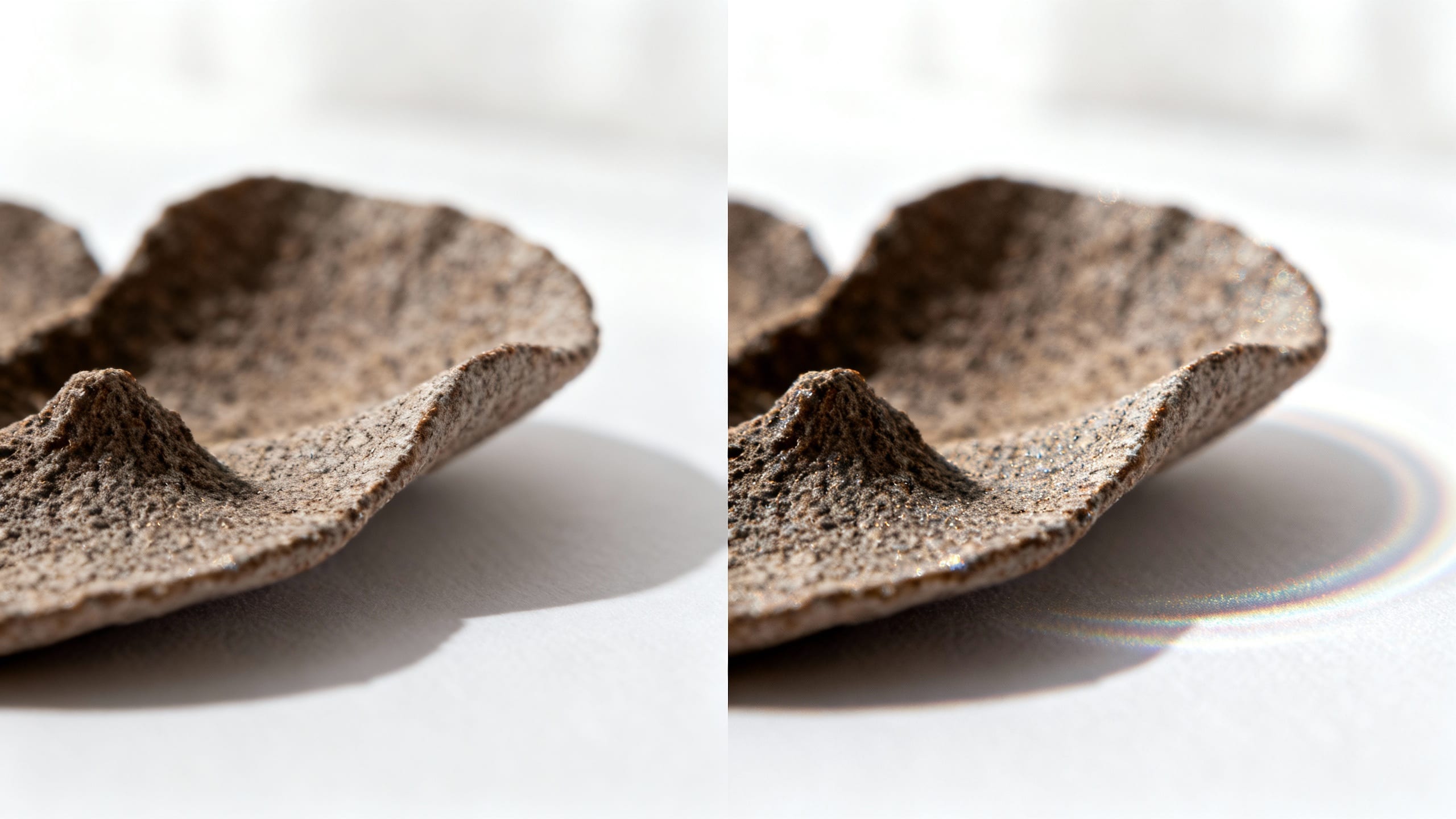
ما الذي يمكنني فعله أيضًا لجعل صوري تبدو حادة دائمًا؟
أفضل طريقة للتعامل مع الصور الباهتة هي منعها في المقام الأول! فيما يلي بعض النصائح الاستباقية للحفاظ على وضوح صورك:
- الإضاءة الجيدة هي المفتاح: يتيح الكثير من الضوء الطبيعي للكاميرا استخدام سرعات غالق أسرع، مما يقلل من فرصة التشويش الناتج عن الحركة.
- يد ثابتة أو حامل ثلاثي القوائم: أمسك الكاميرا بثبات كلما أمكن ذلك. للتصوير الفوتوغرافي الجاد، يعد الحامل ثلاثي الأرجل أفضل صديق لك، خاصة في الإضاءة المنخفضة.
- تقنيات التركيز: انقر دائمًا للتركيز على الموضوع الرئيسي عند استخدام الهاتف الذكي. إذا كنت تستخدم كاميرا مخصصة، فافهم أوضاع التركيز البؤري التلقائي وعمق المجال الخاص بها للتأكد من أن هدفك في تركيز واضح.
- تحقق من إعداداتك: انتبه إلى سرعة غالق الكاميرا (أسرع للأهداف المتحركة)، وISO (اجعلها منخفضة قدر الإمكان لتجنب الضوضاء)، والفتحة (فتحة أصغر، ورقم بؤري أعلى، مما يزيد من عمق المجال، ويحافظ على التركيز على جزء أكبر من المشهد).
طريقك للحصول على صور واضحة تمامًا
لا تدع الصورة الباهتة تبقى فرصة ضائعة. على الرغم من أنه لا يمكن استرداد كل اللقطات التي كانت خارج نطاق التركيز بشكل كامل، إلا أن الأدوات الحديثة توفر حلولاً قوية لجعل الصورة الباهتة واضحة، وغالبًا ما تؤدي إلى نتائج مذهلة. من خلال فهم سبب حدوث الضبابية واستخدام أدوات تحسين الصور الذكية المدعومة بالذكاء الاصطناعي، يمكنك إعادة الوضوح إلى ذكرياتك العزيزة والمرئيات المهمة. قم بتجربة الأدوات المتقدمة المصممة للحصول على نتائج طبيعية واحترافية، واجعل كل لقطة تتألق.