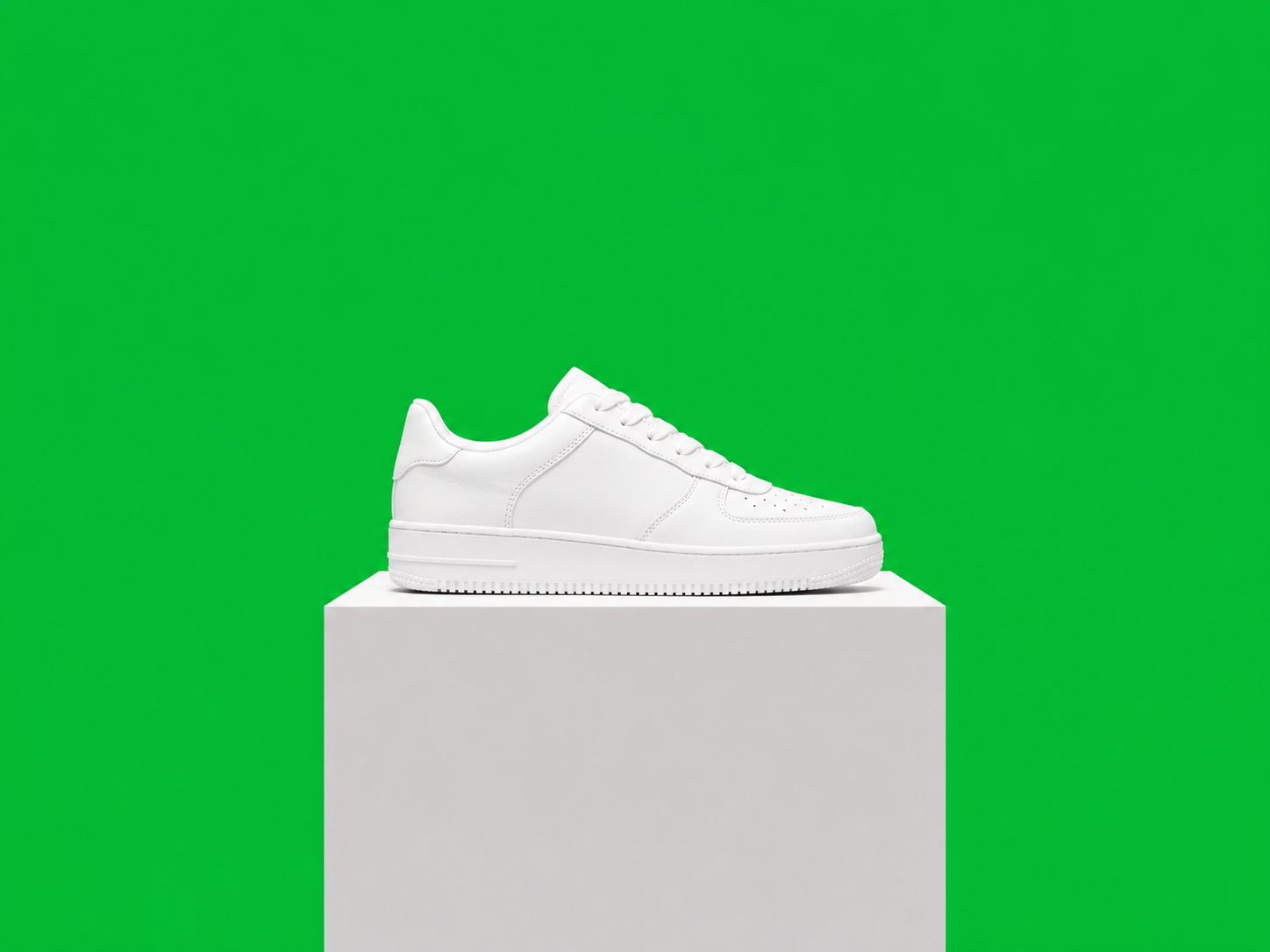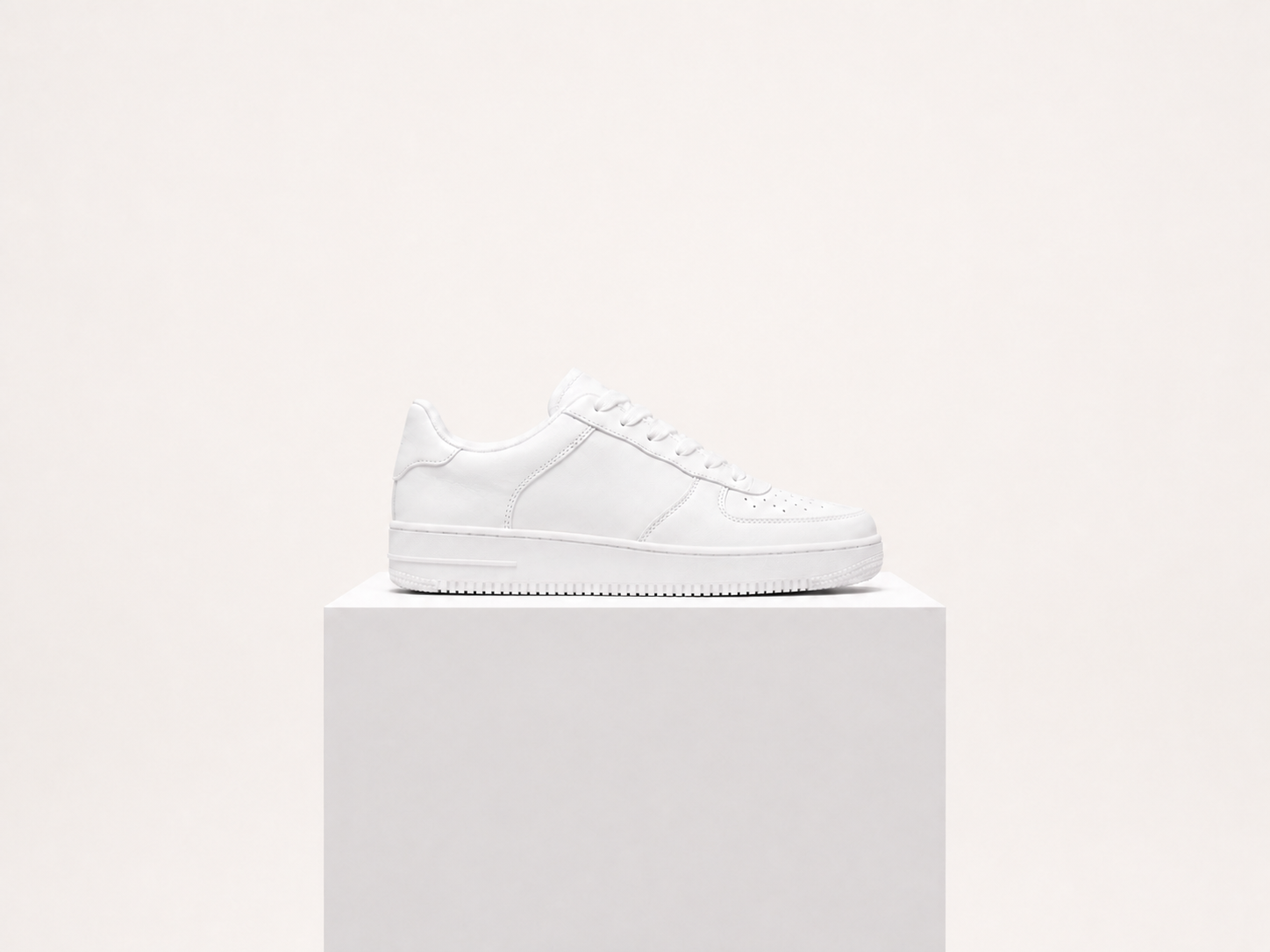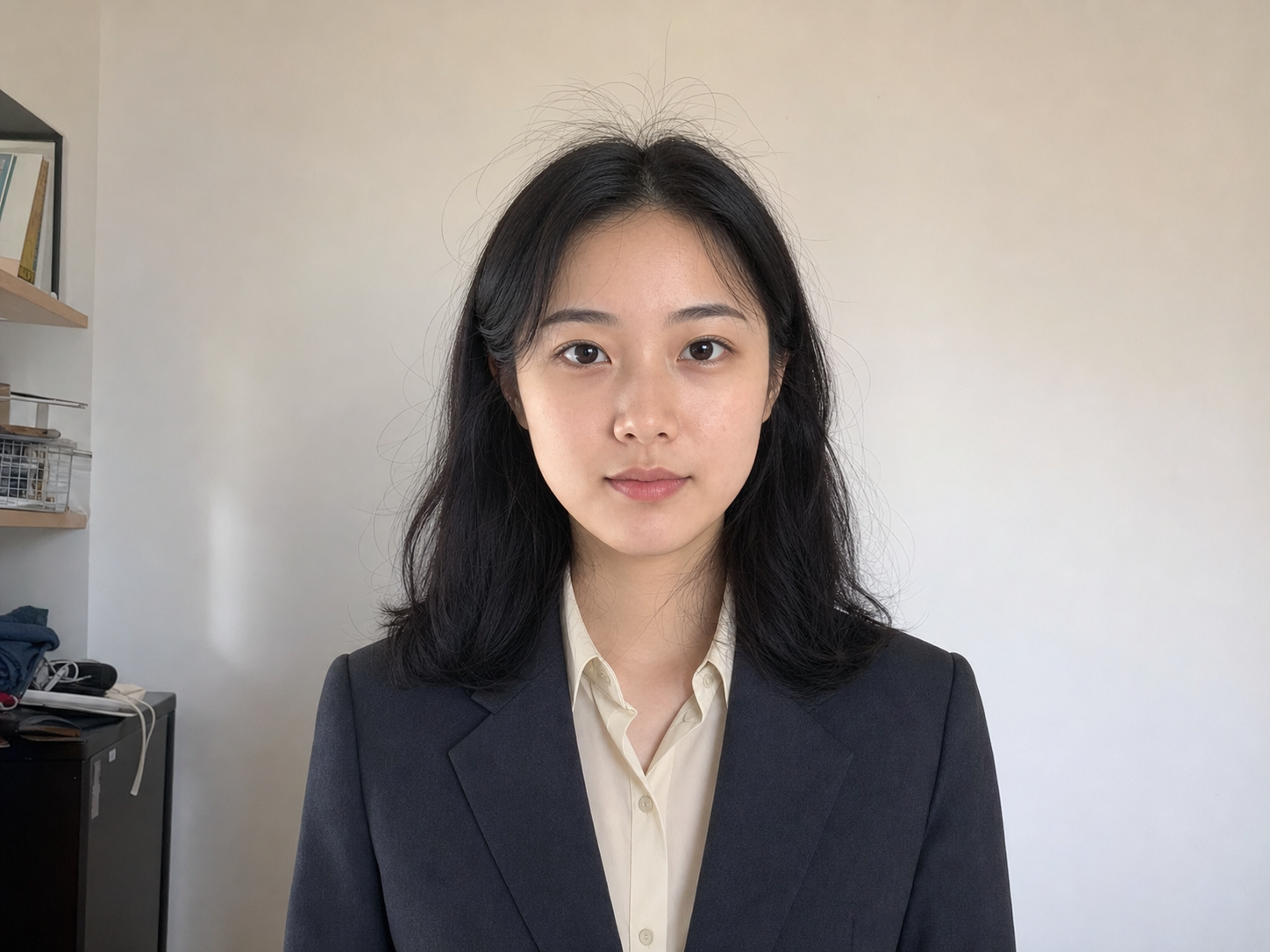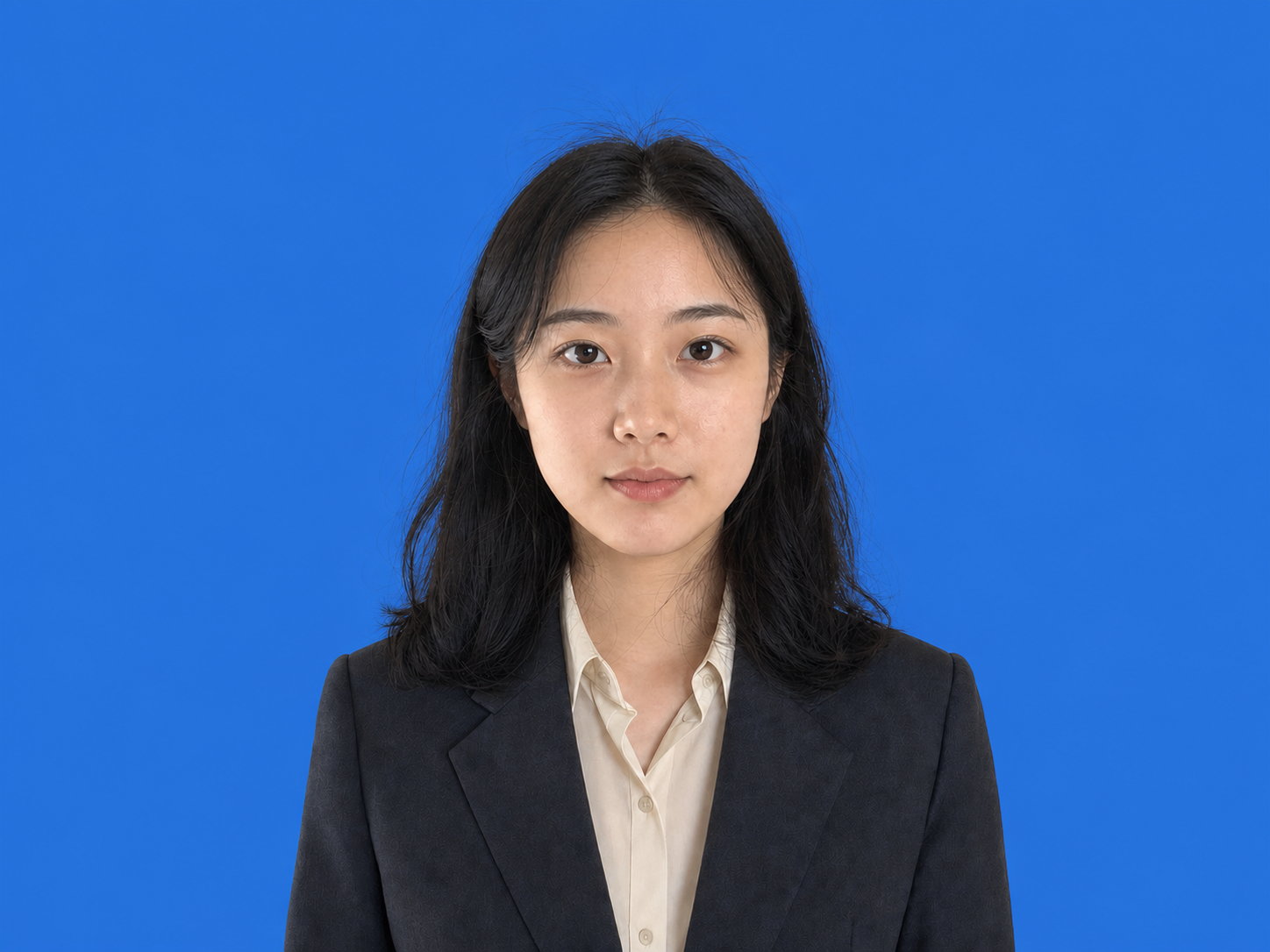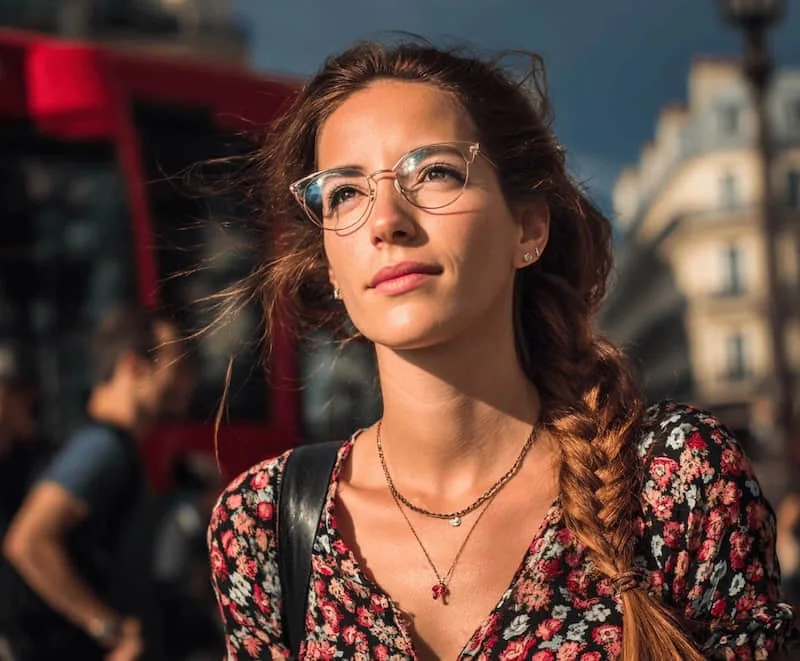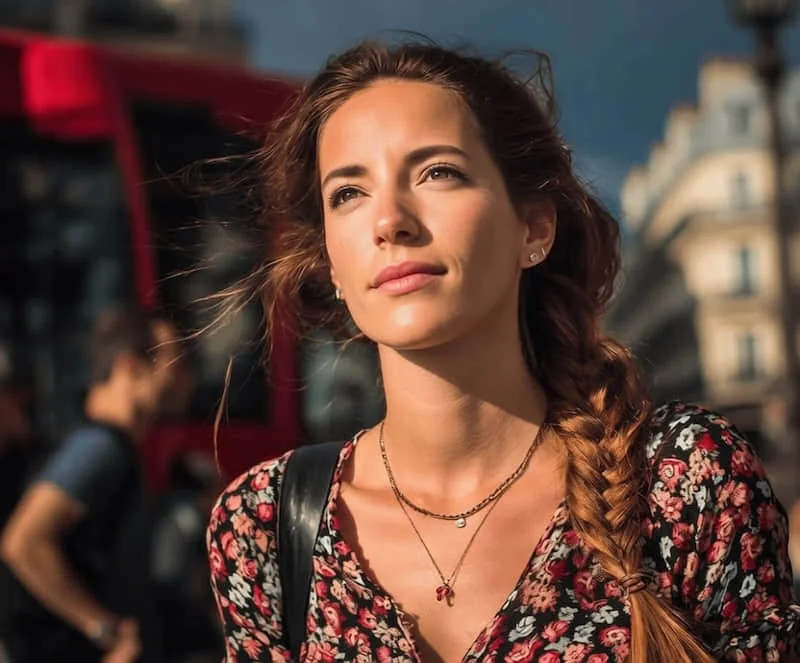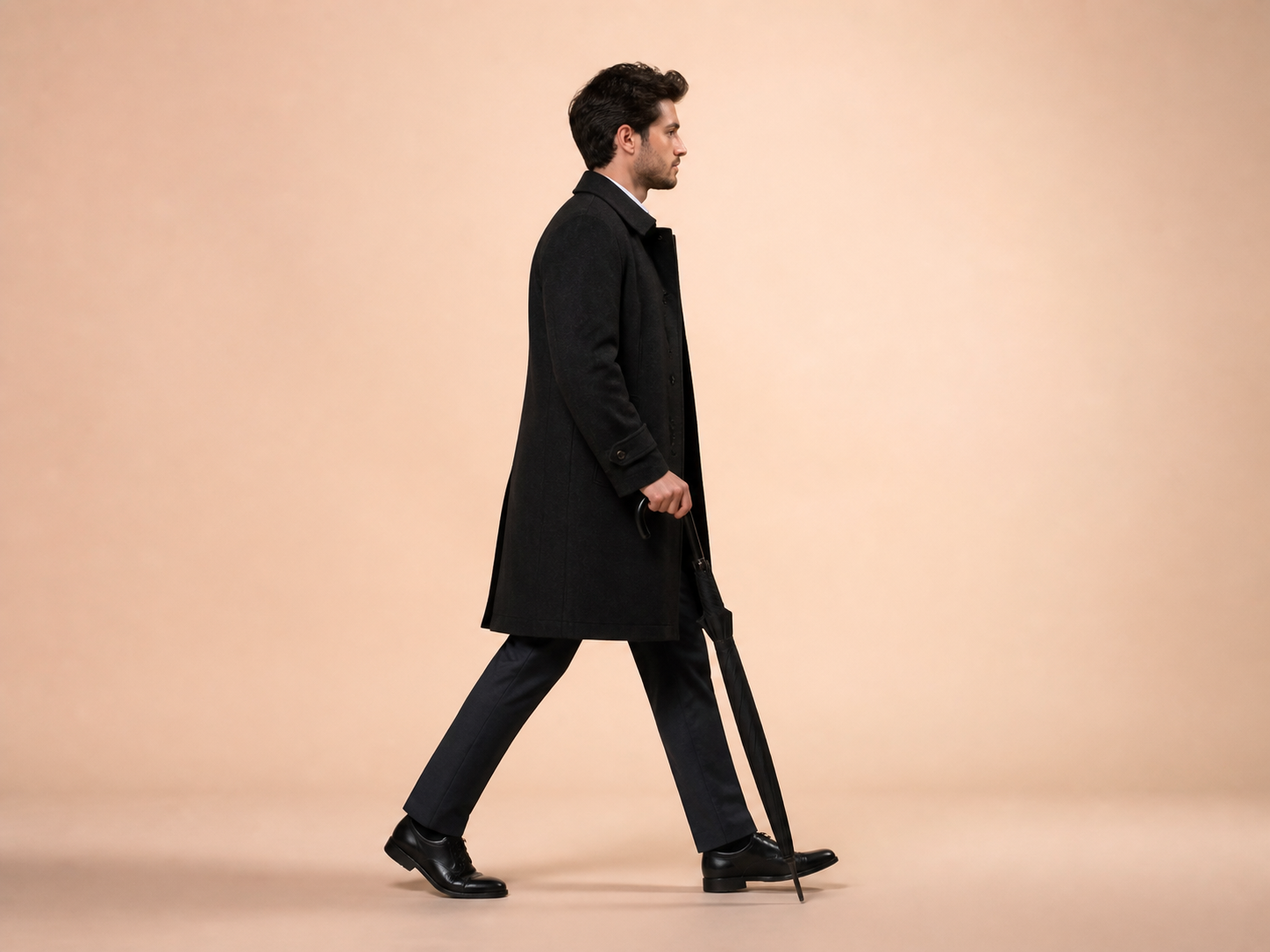
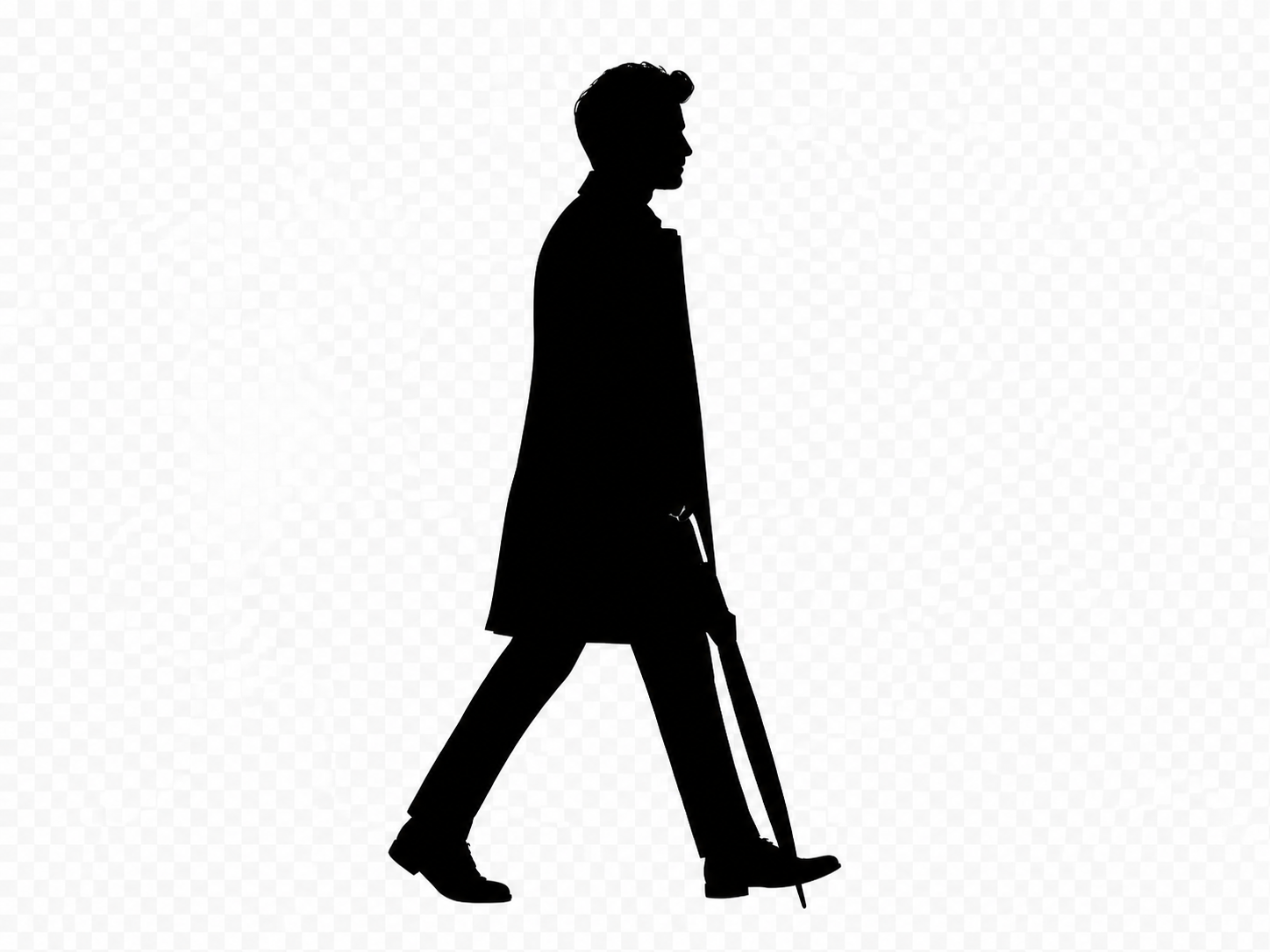
Profile portraits
Create a classic side-profile silhouette for an avatar, invitation, or keepsake.
실루엣 색상과 투명 또는 단색 배경을 선택하세요.
JPG, PNG, or WebP. Clear subjects with visible edges work best.
Silhouette
Silhouette Maker uses the existing subject alpha as a mask. If the photo has no transparency, it first runs the proven background-removal workflow instead of guessing with a brittle color threshold.
A clear subject with complete edges produces the most recognizable silhouette.
Choose a person, pet, or object with a visible outline and as little edge obstruction as possible.
Choose the silhouette color plus a transparent, white, or custom background.
Check hair, paws, gaps, and cropped edges before applying and downloading the PNG.
Silhouettes work when the outline carries the meaning and photographic texture should disappear.
Create a classic side-profile silhouette for an avatar, invitation, or keepsake.
Reduce a clear pet photo to the ears, tail, body, and pose that make it recognizable.
Turn a distinct product or object into a simple filled shape for a graphic layout.
Place a custom silhouette on invitations, posters, signage, or commemorative artwork.
The tool fills the isolated subject. It cannot reconstruct a cropped limb, separate overlapping subjects, or invent a hidden contour.
Answers about subject isolation, free processing, transparency, and output.
빠른 편집으로 전문가 수준의 결과를 만드세요.
선명한 피사체를 올리고 색상을 선택하세요.
JPG, PNG, or WebP. Clear subjects with visible edges work best.