
Can You Remove Moving Boxes From a Real Estate Photo Without Misleading Buyers?
Direct answer
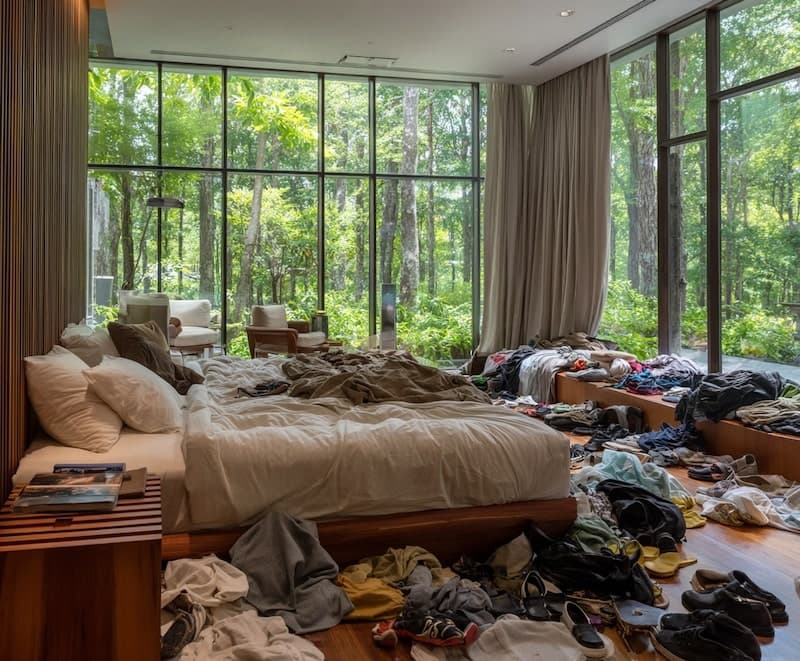
Yes, you can remove moving boxes from a real estate photo when the boxes are temporary clutter and the cleaned image still represents the same room a buyer or renter will see. A stack of boxes in the corner, tape rolls on the floor, loose packing paper, a laundry basket, or a few plastic bins are reasonable cleanup targets.
Do not use AI cleanup to hide damage, stains, bad flooring, blocked windows, missing fixtures, structural problems, safety hazards, or anything that would affect a buyer's decision. If removing the boxes also hides a real problem, stage the room and reshoot instead.
Use the Real Estate Declutter feature for the broader listing workflow, or open the Room Declutter preset when the specific job is one room photo with boxes, cords, bags, or temporary clutter.
Try this task in ClearCrowds
Clean moving boxes from one listing photo
Upload a room photo and start with a preset built for boxes, cords, bags, and temporary listing clutter.
- Listing-safe cleanup
- Small selections
- Room lines preserved

- Removing moving boxes is usually acceptable when the boxes are temporary and would be gone before showing.
- The edit should make the room easier to read, not make the property look better than it is.
- Small selections work better than painting over half the room.
- Keep floors, baseboards, walls, windows, built-ins, furniture positions, and room layout unchanged.
- Save the original image and compare before publishing the listing photo.
Table of contents
- What counts as temporary moving clutter?
- When AI box removal works best
- What you should not remove
- A safe workflow for listing photos
- AI cleanup vs staging and reshooting
- Review checklist
- Prompt examples
- Frequently asked questions
What counts as temporary moving clutter?
Temporary moving clutter means objects that are present because the home is being packed, unpacked, cleaned, or staged, and that will not be part of the property condition after the move.
That includes boxes, tape, bubble wrap, storage bins, loose bags, packing paper, labels, moving blankets, cleaning supplies, and small personal items. The common case is a seller or agent who has a useful room photo, but one corner looks like moving day.
The annoying part is that boxes can pull attention away from the actual room. A buyer is trying to understand light, size, layout, flooring, and how furniture fits. A cardboard stack near the sofa can make the photo feel unfinished even if the room itself is fine.
When AI box removal works best
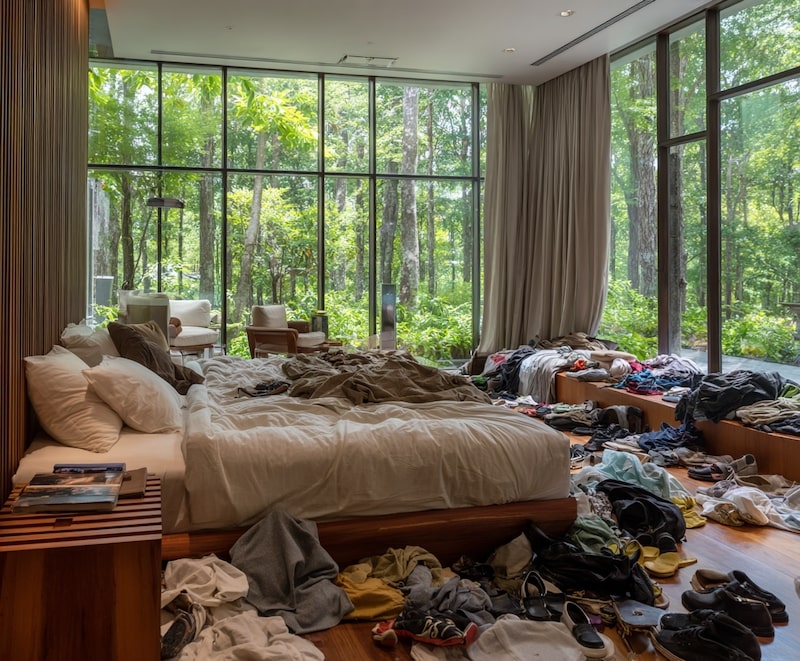
AI cleanup works best when the boxes sit on simple, repeatable background areas: a plain wall, hardwood floor, carpet, tile, bedding, or a simple corner. It is harder when boxes cover detailed furniture legs, patterned rugs, window frames, stair rails, mirrors, or built-in cabinetry.
| Box location | First-pass choice | Risk level |
|---|---|---|
| Against a plain wall | AI room declutter | Low |
| On carpet or simple flooring | AI room declutter with close review | Low to medium |
| Covering baseboards, vents, or furniture legs | Smaller AI selections | Medium |
| In front of windows, mirrors, railings, or tile patterns | Manual edit or reshoot | High |
| Hiding stains, damage, outlets, cracks, or safety hazards | Do not remove | High |
Here is where people mess this up: they select the entire corner because it feels faster. That gives the model permission to rebuild wall lines, floor seams, shadows, and furniture edges. Select the boxes, not the whole room.

What you should not remove
Do not remove anything that changes the property facts.
Keep these visible:
- Wall cracks, water stains, mold marks, floor damage, broken blinds, loose railings, or missing fixtures.
- Permanent furniture, built-ins, appliances, doors, windows, outlets, vents, stairs, cabinets, and room layout.
- Safety issues such as exposed wiring, blocked exits, low railings, or trip hazards that will still exist.
- Required notices, access limits, neighborhood context, or anything the buyer has a right to know.
- Box labels that contain private details can be blurred or cropped, but do not use that as a reason to hide the room condition.
If a box blocks an ugly but real problem, the honest answer is not "remove the box." Move the box, fix the problem if needed, and reshoot.
A safe workflow for listing photos
Use a narrow process:
- Start from the original camera file, not a compressed screenshot.
- Save one untouched copy.
- Straighten and crop lightly before cleanup.
- Identify which objects are temporary moving clutter.
- Select one box cluster at a time.
- Generate a cleanup pass.
- Check the wall, floor, baseboard, shadows, and room geometry at full size.
- Compare with the original.
- Publish only if the room still matches what a buyer would see.
For a broad real estate editing policy, read Real Estate Photo Cleanup with AI. For rental listing situations, the Airbnb-specific guide explains the guest-expectation side: Declutter a Messy Airbnb Photo Without Misleading Guests.
AI cleanup vs staging and reshooting
AI cleanup is not a replacement for a room that is not ready. It is a shortcut for small, temporary distractions.
| Situation | Better move | Why |
|---|---|---|
| Three boxes near a blank wall | AI cleanup | Temporary and contained |
| Tape, paper, and bags on the floor | AI cleanup | Usually small, removable clutter |
| Boxes covering half the living room | Stage and reshoot | Large fills look fake and risky |
| A box hiding damaged flooring | Fix, disclose, or reshoot | The damage matters |
| Bad angle, poor lighting, or distorted room size | Reshoot | Cleanup cannot fix misleading composition |
If the listing deadline is close, a small AI cleanup pass can save one useful image. If the room is still full of boxes, take five minutes to move them and reshoot. That is faster than repairing a broken-looking AI edit.
Review checklist
Before publishing, zoom to 100% and check:
- Do the baseboards and floor lines continue naturally?
- Did the wall texture become cloudy or repeated?
- Are shadows still believable?
- Did furniture legs, rugs, vents, outlets, or trim get warped?
- Does the cleaned room still match the actual showing condition?
- Would a buyer feel misled if they saw the original?
For general object removal limits, read Remove Object From Photo Online. If a person appears in the listing photo, use the more specific Remove People From Photo Online guide.

Prompt examples
Use a literal prompt:
Remove only the selected moving boxes, packing paper, tape, and temporary clutter. Keep the room layout, wall lines, baseboards, flooring, furniture, windows, shadows, lighting, and property condition unchanged.
For a smaller corner:
Clean the selected cardboard boxes from the corner. Rebuild the plain wall and floor texture naturally. Do not change the room size, floor material, baseboards, outlets, furniture, or lighting.
Avoid broad prompts like:
Make this listing photo look luxury.
That can push the edit toward virtual staging, lighting changes, furniture replacement, or a different room. For buyer-facing images, boring and accurate beats impressive and suspicious.
How this fits with ClearCrowds
ClearCrowds works best when the editing goal is specific: remove this box cluster, clean this floor area, remove this cable, or hide this temporary distraction. Start with Room Declutter for room photos. Use Real Estate Declutter when you want the whole listing-photo workflow and related use cases.
If the image needs a broader product, travel, or social cleanup workflow, the AI photo editor comparison explains how to choose between cleanup presets, manual prompts, and slower editing tools.
Frequently asked questions
Can I remove moving boxes from a real estate listing photo?
Yes, when the boxes are temporary clutter and the final photo still represents the property accurately. Keep the edit small and avoid hiding damage, layout problems, missing fixtures, or safety issues. If the boxes cover something important, move them and reshoot instead.
Is it misleading to remove boxes before selling a house?
It can be misleading if the edit hides a material fact. Removing a few boxes that would be gone for showings is usually a presentation cleanup. Removing boxes that conceal stains, cracks, broken fixtures, or room limitations changes what the buyer understands, so it should not be done.
What kind of room photo works best?
Bright, straight photos with simple walls and floors work best. AI has an easier job when boxes sit on a plain background. Complicated rugs, mirrors, tile patterns, railings, window frames, and furniture legs need closer review because small distortions are easier to notice.
Should I disclose AI cleanup on a listing?
Rules vary by market, brokerage, and platform. A conservative rule is to disclose or avoid edits that could affect a buyer's decision. For simple temporary clutter removal, many teams treat it like standard photo cleanup, but you should follow local listing rules and brokerage policy.
Is Photoshop better than AI for moving boxes?
Photoshop is better when the boxes cross complex edges or important details. AI is faster for small, isolated box clusters on simple backgrounds. If the room photo is important and the edit is difficult, a reshoot is often the cleanest answer.
Summary
Removing moving boxes from a real estate photo is a useful AI cleanup task when the boxes are temporary, the selection is small, and the room facts stay visible. Do not use cleanup to hide defects or change buyer expectations. The best edited listing photo looks like the same property, just without moving-day clutter getting in the way.