

共有前に写真の隠れた情報を削除
ファイルをアップロードせず、ブラウザ内で EXIF、GPS、IPTC、XMP を含まない新しい画像を作成します。
- 端末内で処理
- アップロードなし
- GPS と EXIF を削除
写真を端末内でクリーンアップ
Choose a JPG, PNG, or WebP up to 20 MB. Processing stays on this device.
What the clean copy removes
The browser draws the visible image pixels onto a new canvas, then exports a new image without copying the original metadata blocks.
- Location data
- Embedded GPS coordinates and altitude from the original file are not copied.
- Camera details
- Camera, lens, exposure, timestamp, and software tags are not copied.
- Editorial metadata
- Original IPTC and XMP fields such as creator, caption, and workflow notes are not copied.
- Visible pixels remain
- The visible image is retained at its original dimensions, then re-encoded in the same supported format.
Remove photo metadata in three steps
No account or upload is needed.
- 1
Choose a photo
Select a supported file from this device.
- 2
Create a clean copy
Your browser decodes the visible pixels and re-encodes them without the original metadata.
- 3
Download and verify
Save the new file, then use the metadata viewer if you want to inspect the result.
What changes when metadata is removed
The clean copy is a new encoded image, not a byte-for-byte clone.
- JPEG and WebP compression may change the file size and introduce a small visual difference.
- Animated images, HEIC, RAW, SVG, and files above 20 MB are not supported by this browser tool.
- Visible information inside the pixels, such as a street sign or face, is not metadata and will remain visible.
Photo metadata remover FAQ
Direct answers about privacy, GPS, quality, and local processing.
No. This tool uses browser APIs on your device and does not send the selected file to ClearCrowds.
写真をさらに美しく仕上げる
すばやい編集で、プロ品質の仕上がりに。


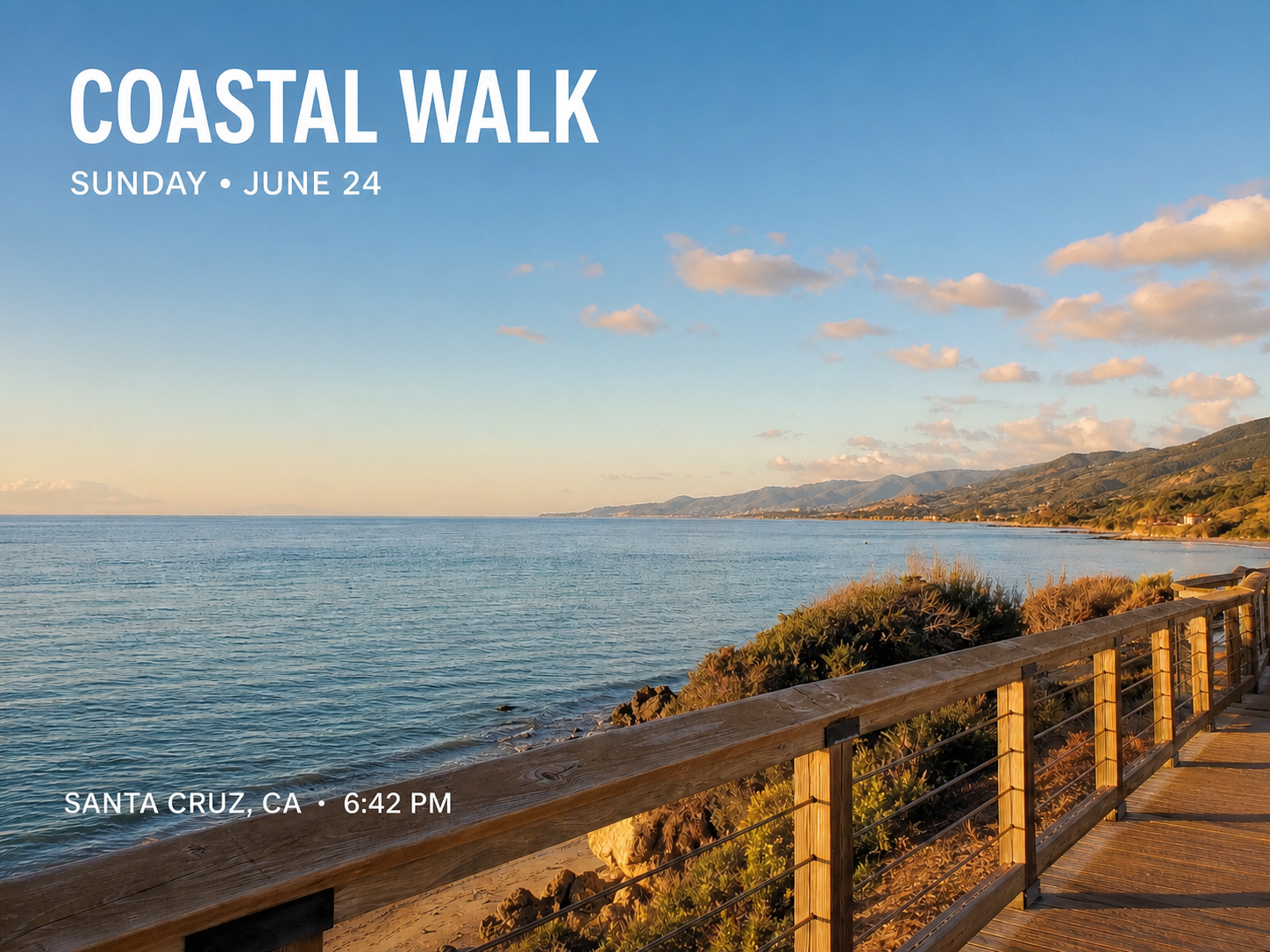

元画像ではなくクリーンなコピーを共有
端末内で隠れた情報を削除して新しい画像を保存します。