文字を書き換えずに、ぼけを見やすく

既存の文字と配置を保ったまま、写真や文書の文字エッジを改善します。

  • Keep the wording
  • Preserve the layout
  • Improve mild blur

文字がぼけた画像をアップロード

JPG, PNG, or WebP. Text clarity opens automatically.
画像を選ぶ
Original keptTool selectedExisting text preserved
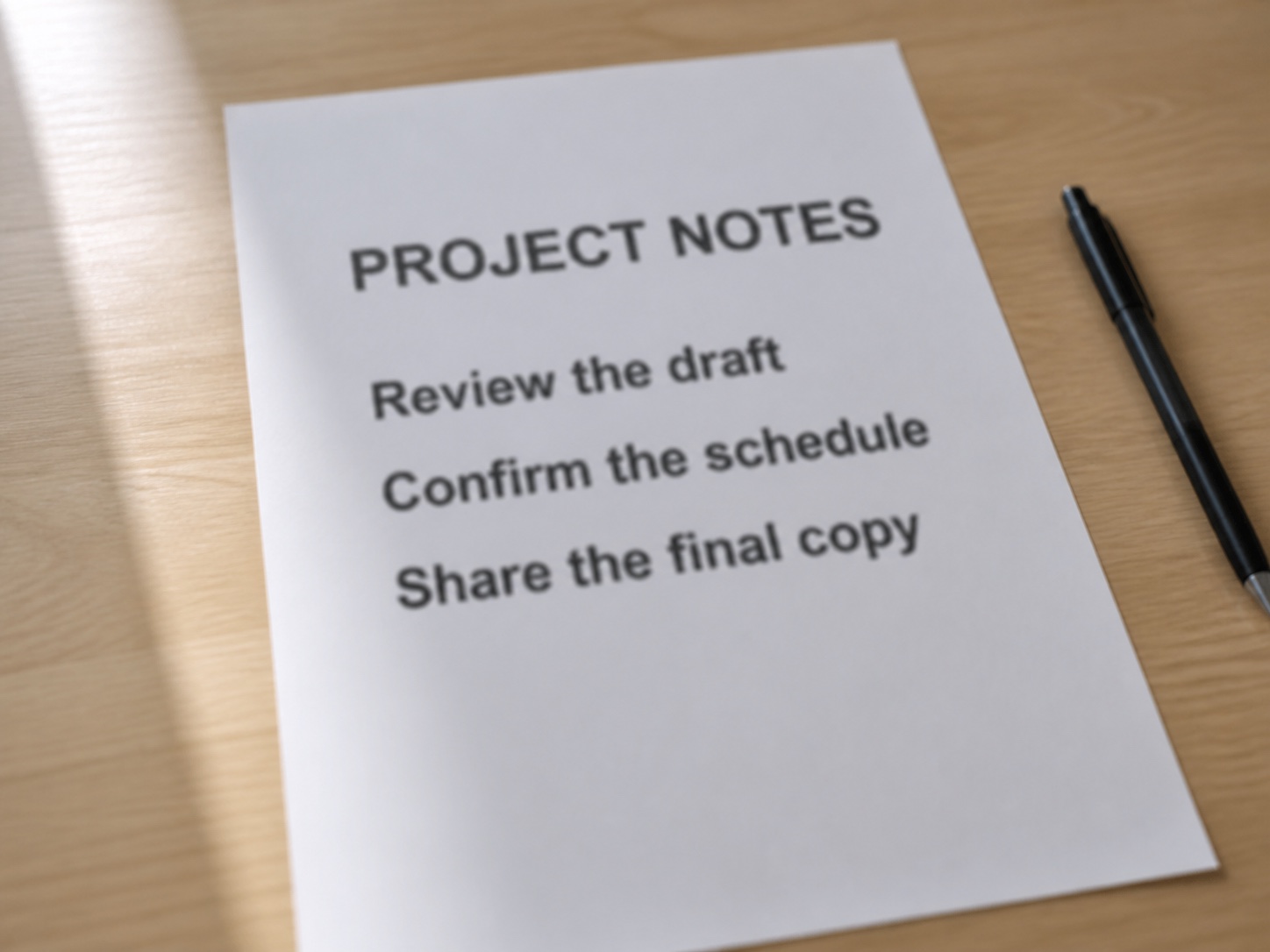
Office note with mildly blurred text
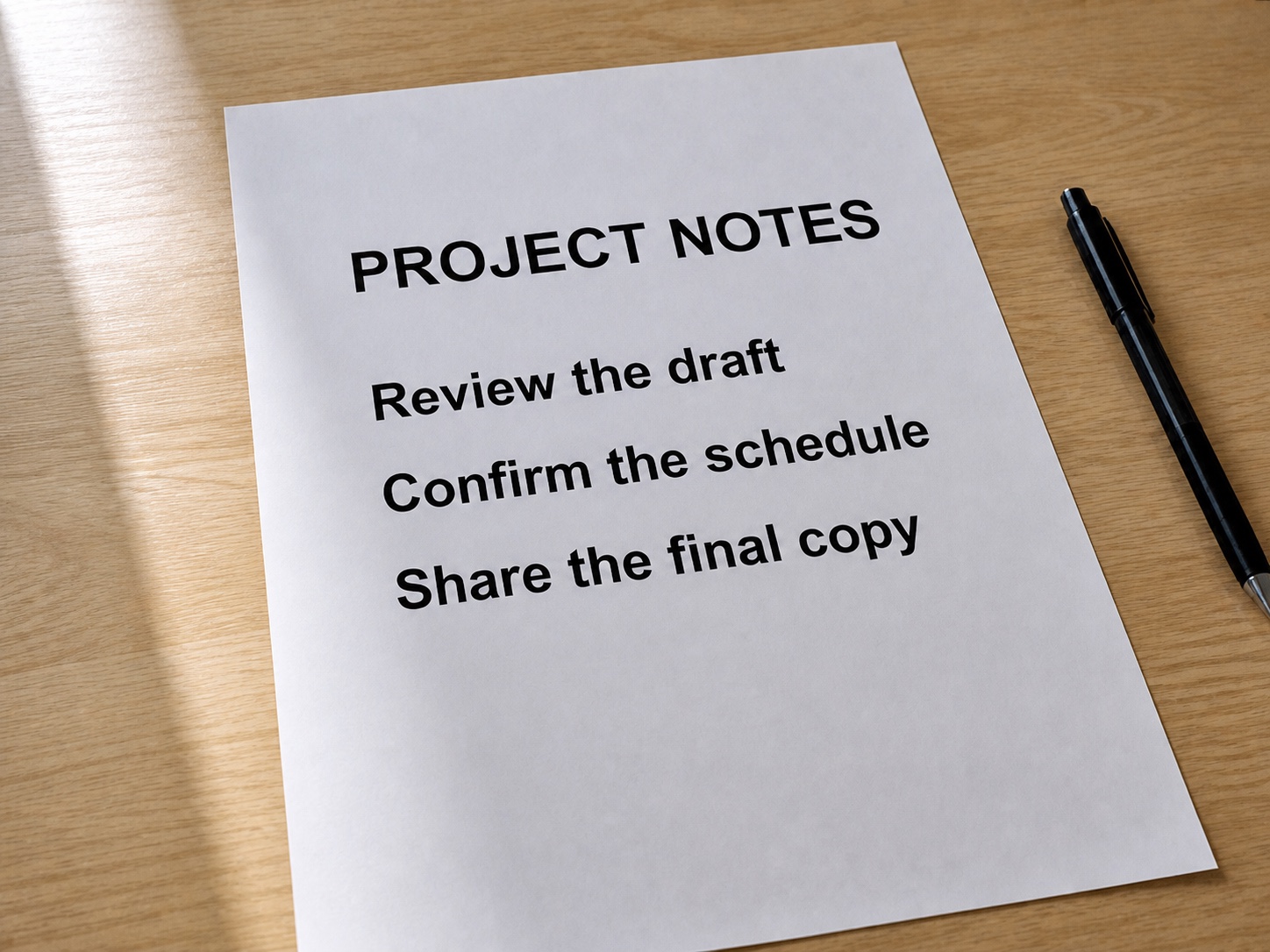
The same office note with clearer existing text
BeforeAfter

Enhance the pixels that already exist

This tool uses a non-generative image enhancer. It improves mild softness without asking a language model to invent or replace characters.

Keep the wording
The existing text remains the source instead of being recreated from a guess.
Preserve the layout
Line breaks, spacing, alignment, background, and composition stay in place.
Improve mild blur
Soft letter edges and low-resolution text can become easier to inspect.
Know the limit
Pixels that are fully smeared, hidden, or missing cannot be recovered reliably.

Unblur text in three steps

Start with the original image and avoid screenshots of screenshots when possible.

  1. 1

    Upload the clearest source

    Choose the highest-resolution photo, screenshot, or scan you have.

  2. 2

    Run text clarity

    The enhancer sharpens existing edges and reduces mild blur across the image.

  3. 3

    Verify every character

    Compare names, dates, prices, codes, and small print with the original before relying on them.

Text that benefits from a clarity pass

Use it when the words are present but softened by focus, motion, compression, or resolution.

Document photos

Improve a mildly soft page captured by a phone camera.

Screenshots

Reduce compression softness around interface labels and small text.

Signs and menus

Make existing lettering easier to inspect without rebuilding the scene.

Labels and receipts

Improve edge clarity before manually checking product or purchase details.

Clarity is not proof of accuracy

Enhancement can make text easier to inspect, but it cannot guarantee that every character is correct.

  • Do not use an enhanced image as the only source for legal, medical, financial, identity, or evidence decisions.
  • Fully unreadable, blocked, or motion-smeared characters may remain unreadable.
  • Always compare critical names, numbers, dates, and codes with the original file or another trusted source.

Unblur text FAQ

Answers about preserved wording, suitable images, and realistic limits.

Yes. Upload an image and use Text Clarity to improve mild blur and soft letter edges.

元の文字を確認しやすくする

最も鮮明な元画像をアップロードして文字補正を開きます。

文字がぼけた画像をアップロード

JPG, PNG, or WebP. Text clarity opens automatically.
画像を選ぶ
Original keptTool selectedExisting text preserved