صفحات الملصقات
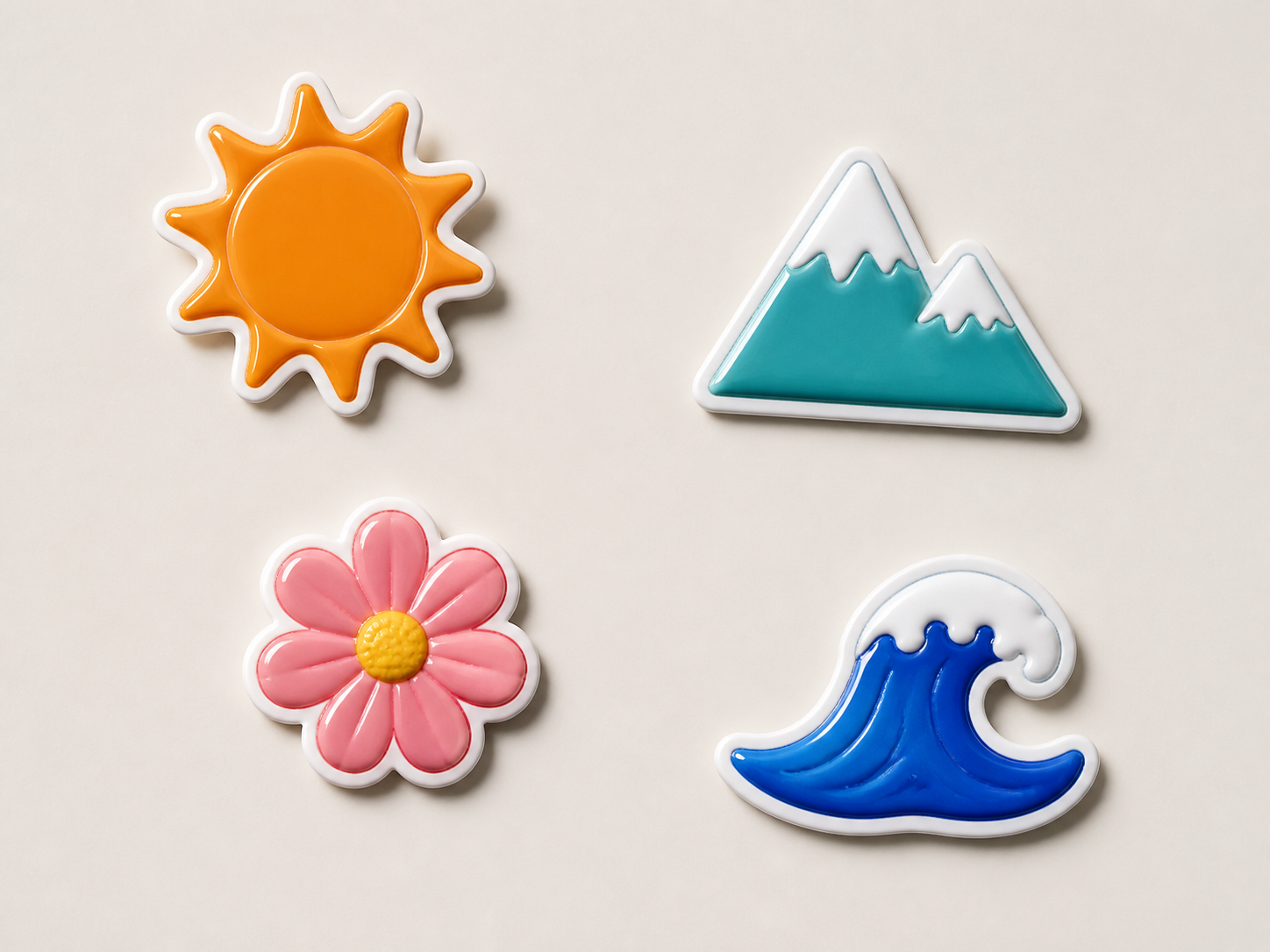
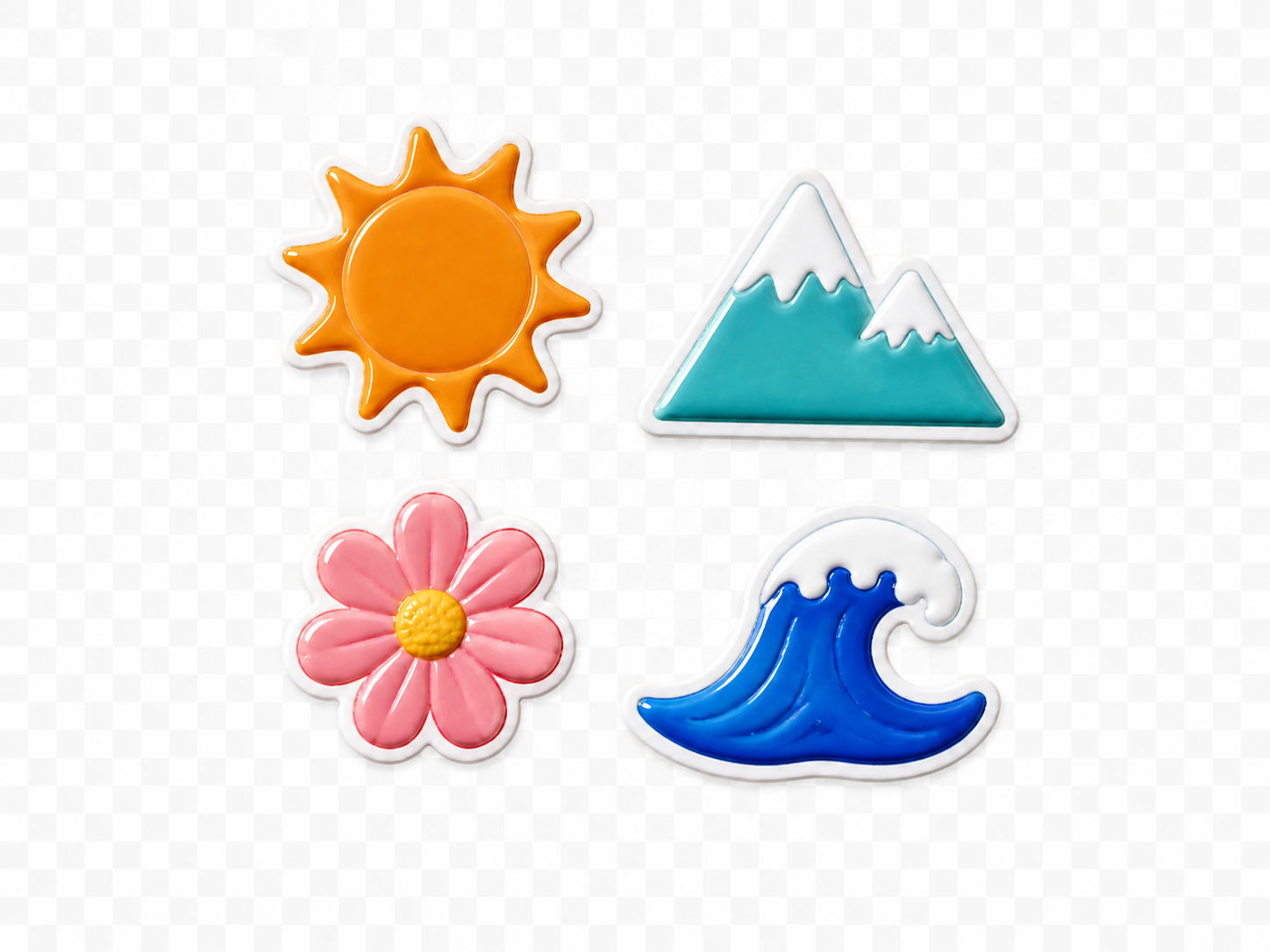
رتّب ملصقات شفافة متعددة في لوحة واحدة للمشاركة أو الطباعة.
ارفع من صورة واحدة إلى 9، واختر حجم اللوحة، ثم عدّل كل صورة كطبقة.
PNG only. Your upload order becomes the initial layer order.
صورة PNG مدمجة
تتحول كل صورة PNG إلى طبقة مستقلة. يبدأ الترتيب تلقائيًا، لكن يمكنك تغيير الموضع والحجم والترتيب والمسافات والخلفية.
استخدم ملفات بخلفيات شفافة إذا كنت تريد تداخل العناصر بصورة نظيفة.
حدد الملفات بالترتيب الذي تريد إضافتها به إلى اللوحة.
اختر مقاسًا شائعًا أو أدخل العرض والارتفاع قبل إنشاء الطبقات.
حرّك الطبقات أو غيّر أحجامها وترتيبها، ثم نزّل اللوحة كملف PNG واحد.
أداة دمج PNG تنتج تصميمًا واحدًا. استخدم محرر الدفعات إذا أردت الاحتفاظ بكل صورة كنتيجة مستقلة.
رتّب ملصقات شفافة متعددة في لوحة واحدة للمشاركة أو الطباعة.
ضع منتجات مقصوصة معًا من دون إعادة بناء خلفياتها.
ادمج الشعارات وشعارات الشركاء والشارات مع إبقاء كل عنصر في طبقة.
أنشئ مجموعة PNG شفافة لاستخدامها لاحقًا في تصميم أكبر.
حُددت المهمة لتبقى الطبقات والشفافية والتخطيط والحفظ والتصدير واضحة ومتوقعة.
إجابات عن عدد الملفات والشفافية والطبقات والتصدير.
تعديلات سريعة. نتائج احترافية.
اختر الصور وحجم اللوحة وابدأ.
PNG only. Your upload order becomes the initial layer order.