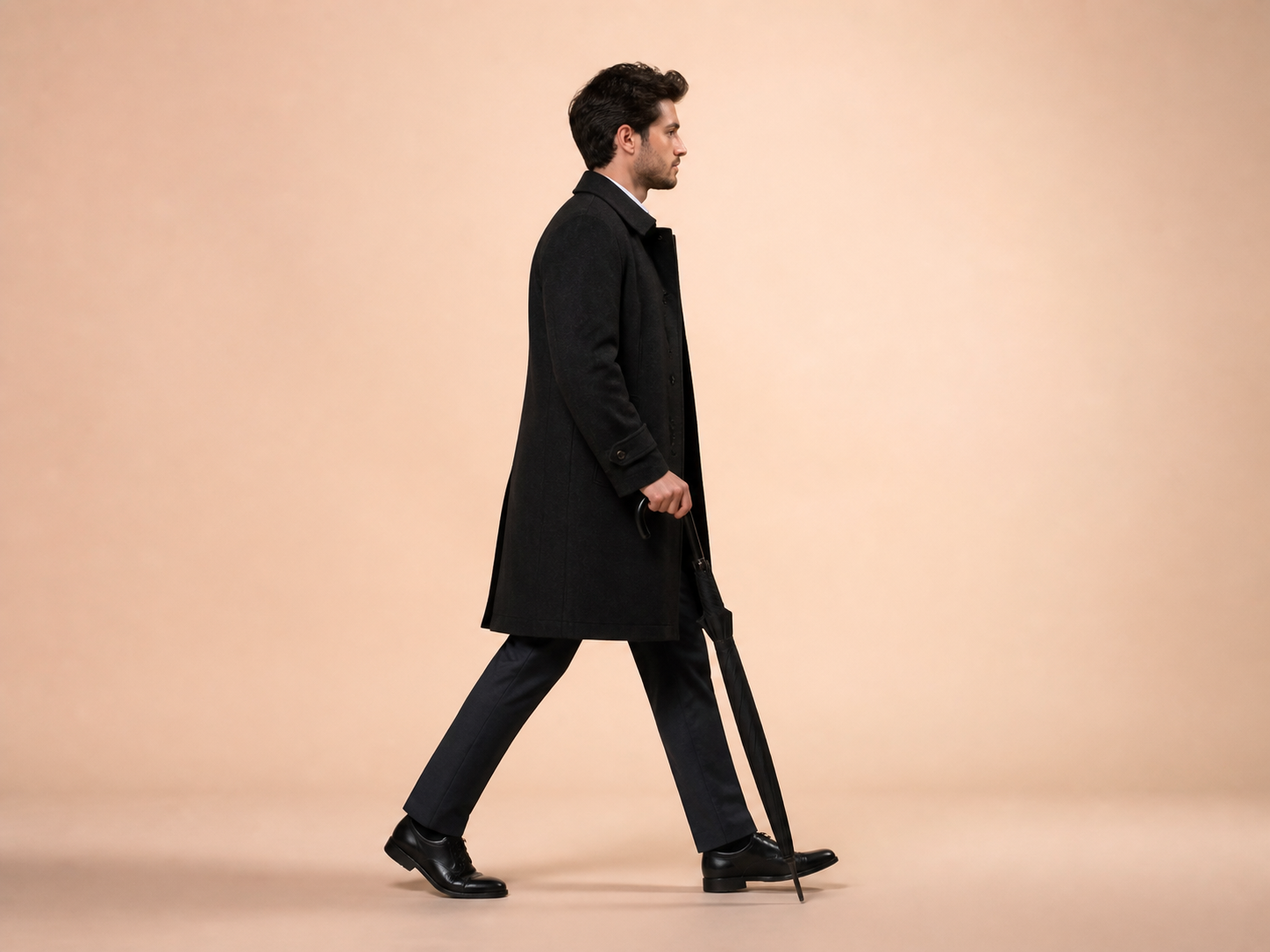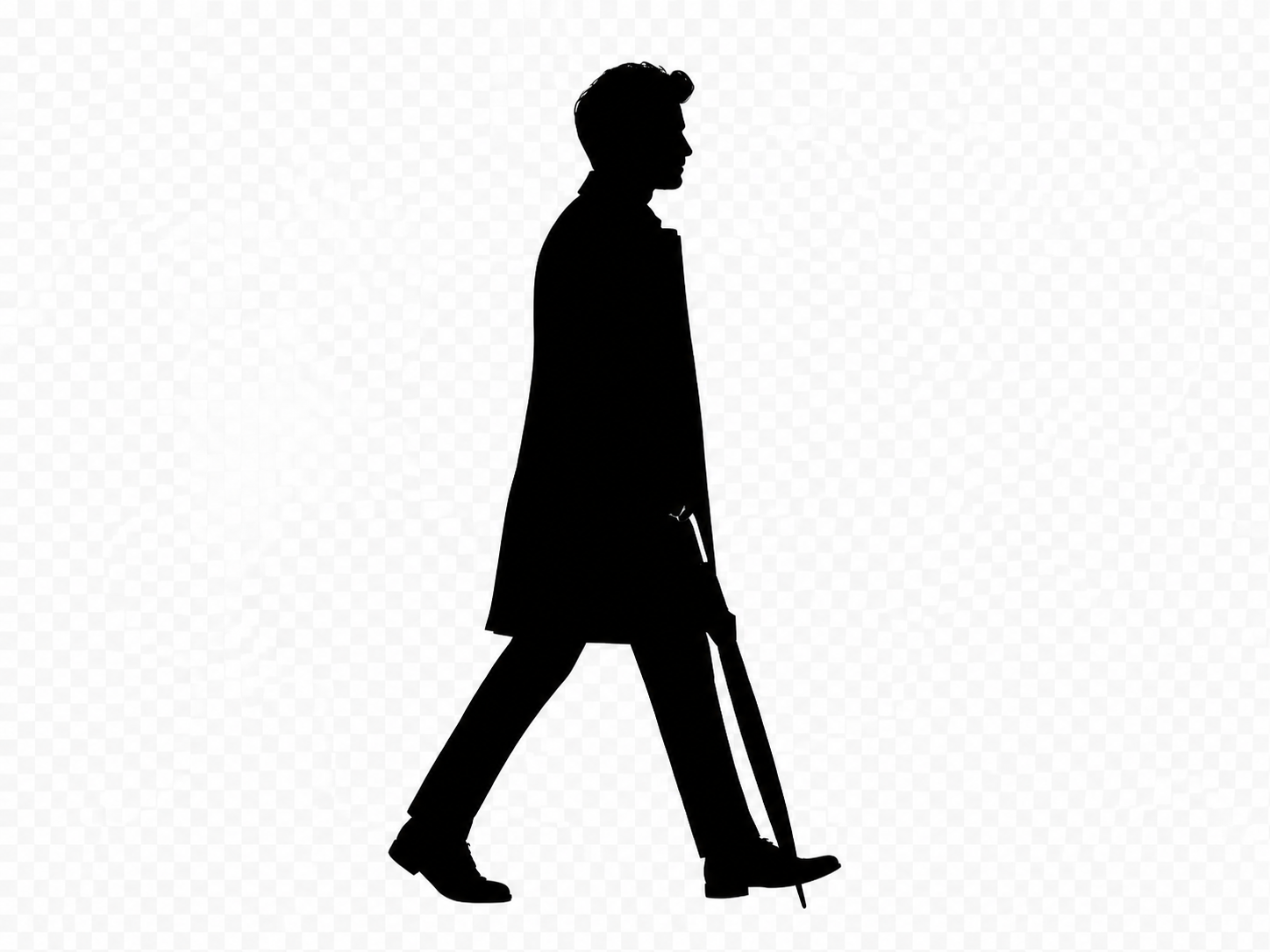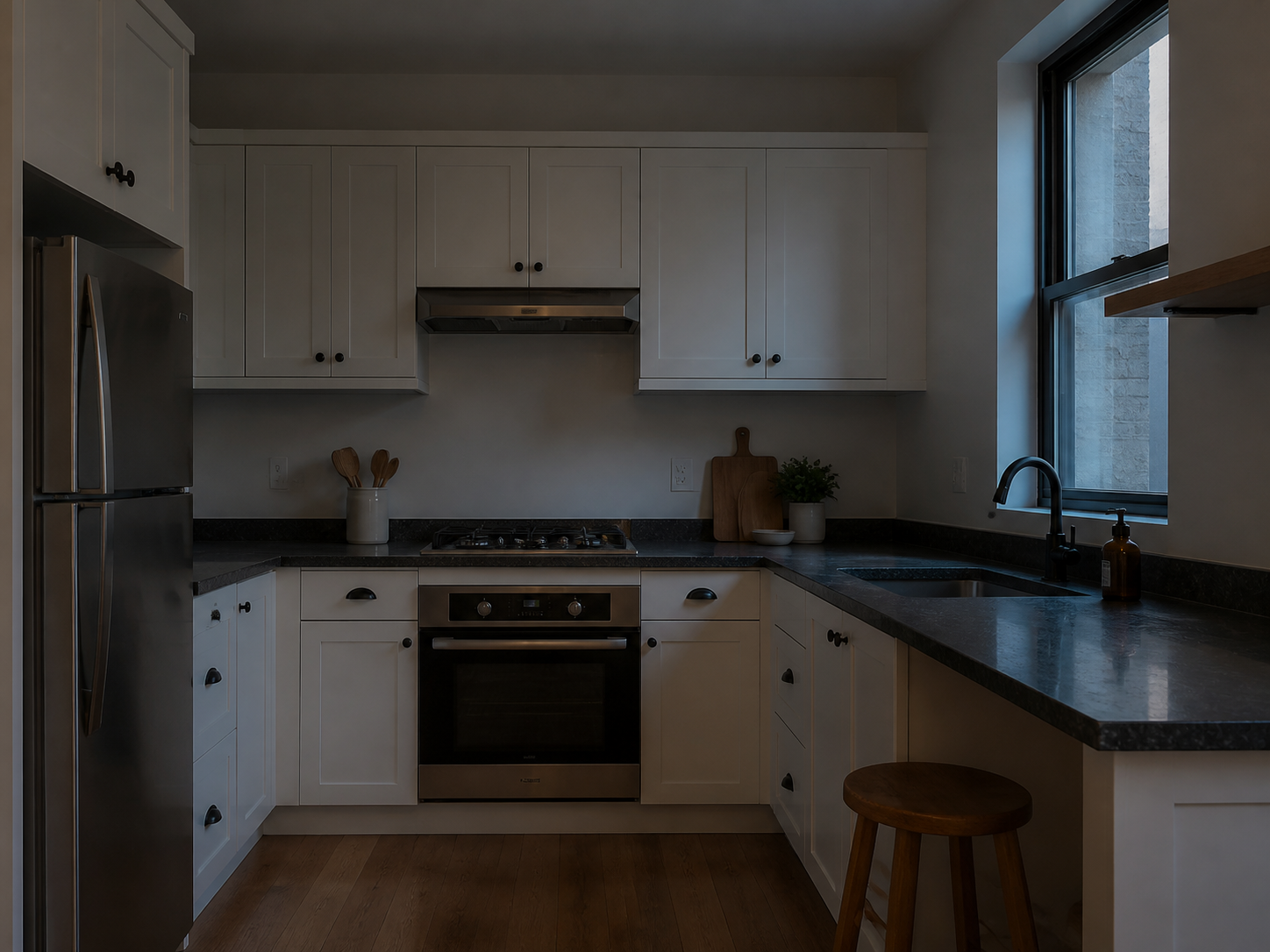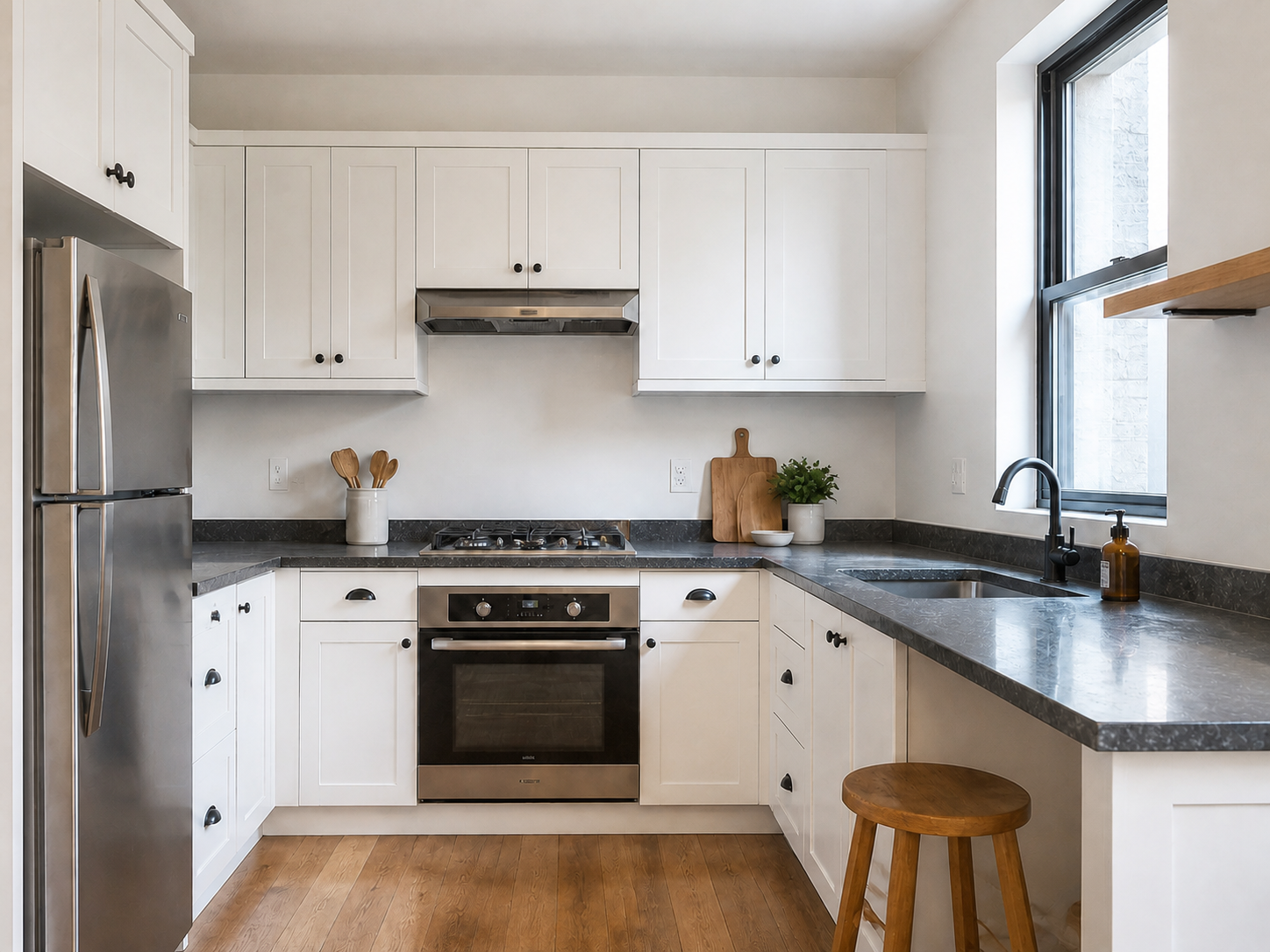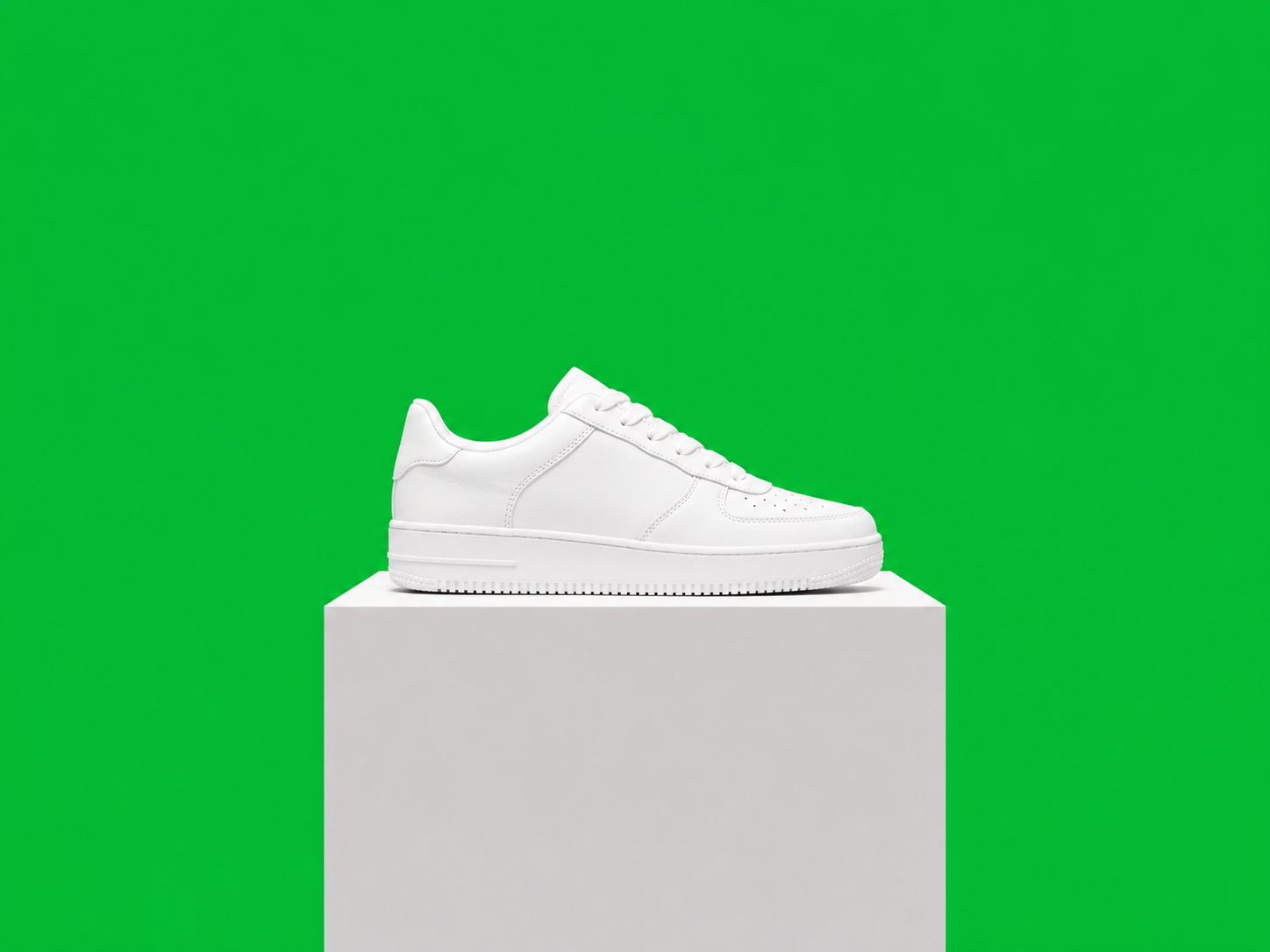
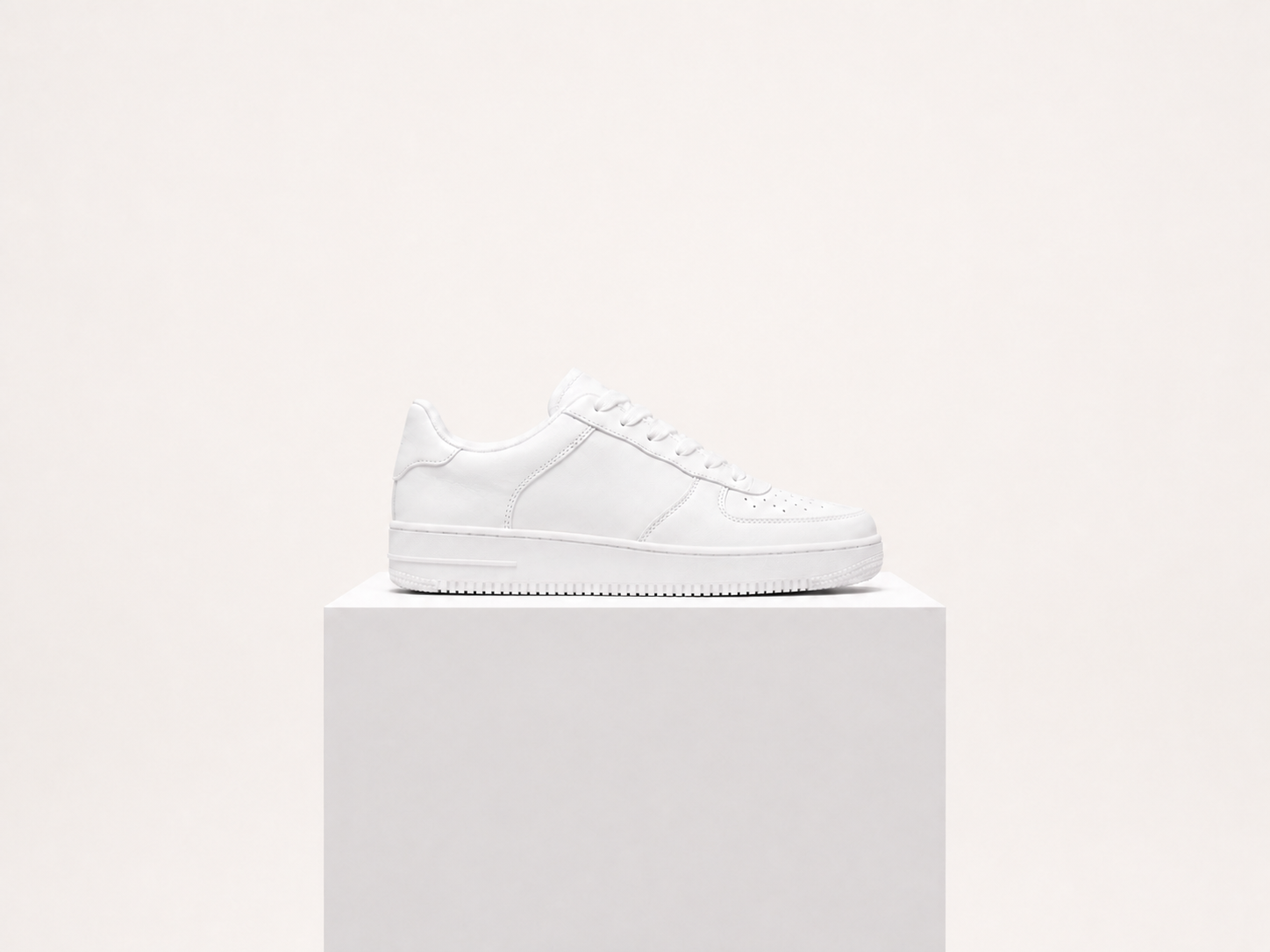
Product photos
Separate an item from a table or room before placing it in a catalog or campaign design.
ارفع صورة غرفة أو منتج أو شخص لفتح محرر ClearCrowds مع تحديد إزالة الخلفية تلقائيًا.
JPG, PNG, or WebP. The background-removal tool opens automatically.
Background removal targets the surrounding scene, not the subject. Review hair, furniture edges, product details, and transparent areas before exporting.
Use one clear photo with a visible subject and enough contrast around its edges.
Choose a product, person, room, or object photo with the full subject in frame.
ClearCrowds separates the subject from the surrounding scene and prepares the cutout in the editor.
Inspect hair, corners, shadows, and transparent areas before downloading or continuing in the editor.
The focused page serves common photo jobs where the subject needs to move onto a new layout or background.
Separate an item from a table or room before placing it in a catalog or campaign design.
Prepare a person for a profile card, poster, invitation, or new background.
Create clean visual elements from furniture or room photos for listing and staging work.
Make a subject easier to place in a thumbnail, announcement, or short-form creative.
The tool separates a visible subject; it does not automatically compose a new scene or repair every difficult edge.
Practical answers about source photos, ordinary backgrounds, and edge quality.
تعديلات سريعة. نتائج احترافية.
ارفع صورة لفتح مسار إزالة الخلفية.
JPG, PNG, or WebP. The background-removal tool opens automatically.