What is Remove Dust?
Remove Dust is an AI photo cleanup preset for removing small dust spots, scanner specks, lint, and tiny particles from a photo while preserving the original subject and surface detail.
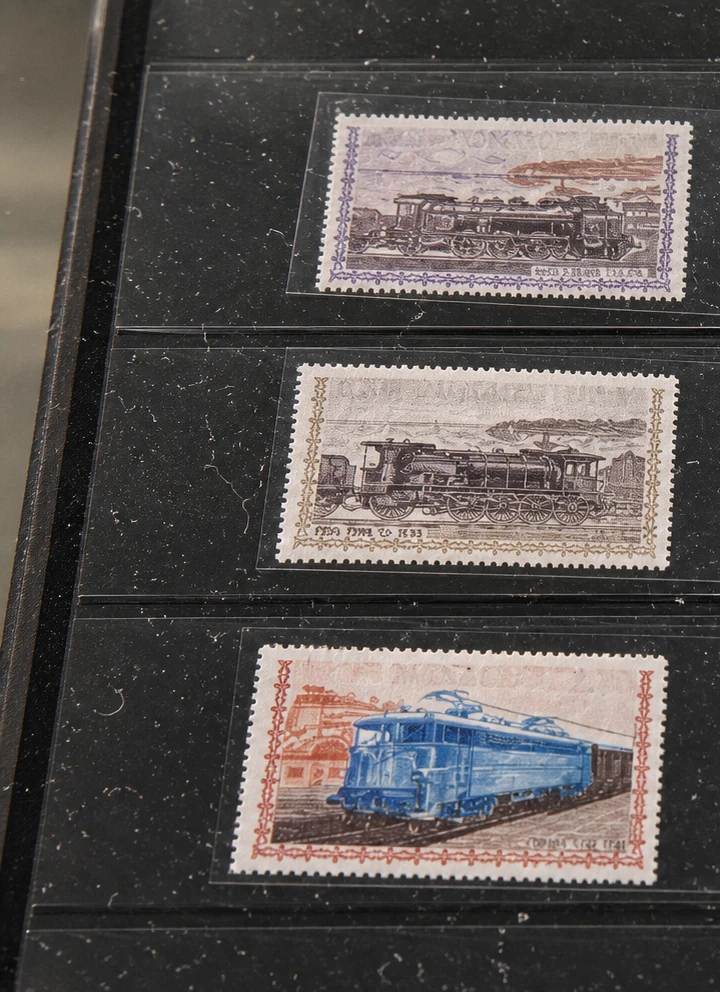
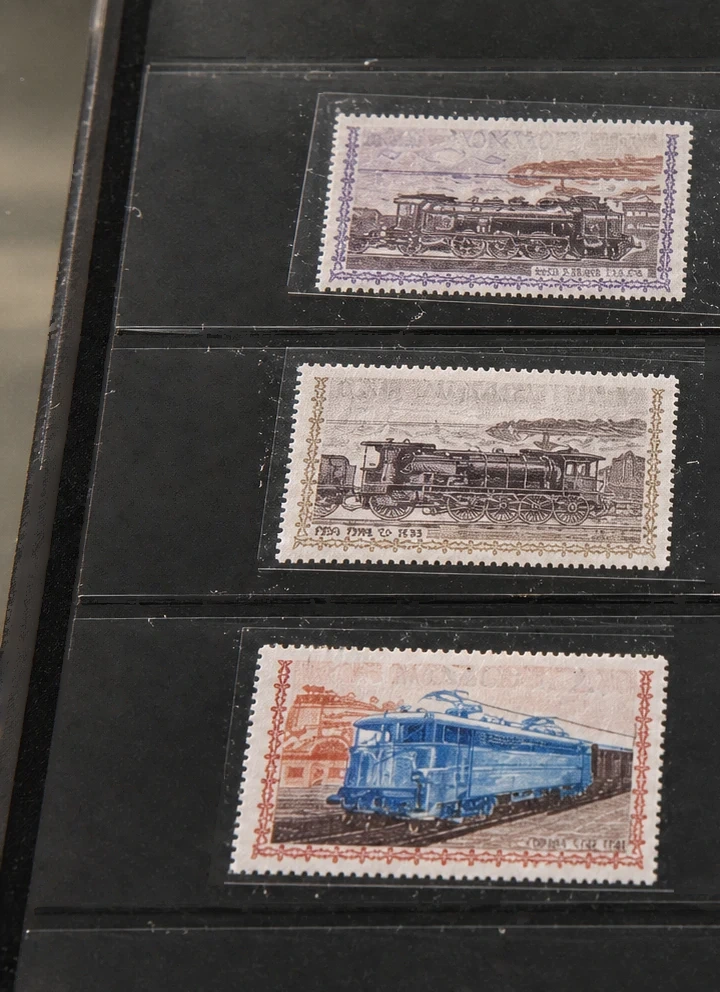
It is useful for photos taken through plastic sleeves, display cases, glass, or glossy packaging where small debris becomes visible after the shot. Stamp photos, collectibles, trading cards, product images, document sleeves, and old scanned photos are common use cases because the object itself should stay unchanged while the surface looks cleaner.
When should you use Remove Dust?
Use Remove Dust when the problem is made of many small visual defects rather than one large object. The preset is designed for scattered specks, dust spots, sleeve particles, tiny fibers, and light scan artifacts.
This is different from a full object remover. A normal object remover may over-edit a detailed stamp, coin, card, label, or collectible because it tries to remove bigger shapes. Remove Dust gives the AI a narrower instruction: clean the small surface distractions and keep the real printed artwork, edges, perforations, colors, text, and texture intact.
Strong keyword fit
This preset is built around long-tail searches such as remove dust from photo AI, photo dust remover, remove dust from photo online free, remove dust from scanned photos, and remove dust spots from photos.
Tips for better results
Upload the sharpest version of the image you have. Dust removal works best when the AI can distinguish real subject detail from small debris.
Avoid asking it to repair major tears or missing artwork in the same pass. If the photo has scratches, stains, and dust together, start with dust cleanup first, then run a second edit only if needed.
For stamp or collectible photos, keep the whole item visible and avoid heavy cropping. The surrounding border helps the AI preserve the original shape.
FAQ
Can this remove dust from a stamp photo?
Yes. It is especially useful for stamp photos, cards, coins, and collectibles photographed inside plastic sleeves or display covers.
Is this for scanned photos too?
Yes. It can help with dust spots and light scanner artifacts on old scanned photos, as long as the image is clear enough.
Will it change printed details?
The preset explicitly asks the AI to preserve real printed artwork, text, perforations, colors, and subject detail while removing only small debris. Very tiny printed marks can still be challenging, so review the result before publishing.