
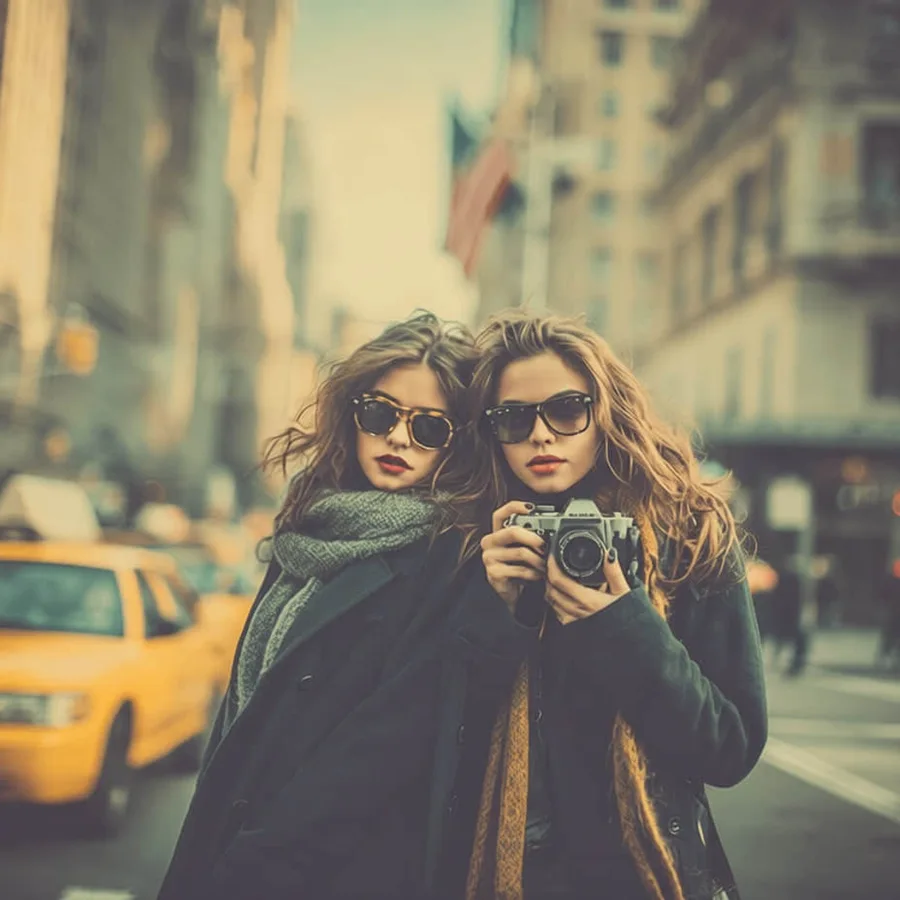
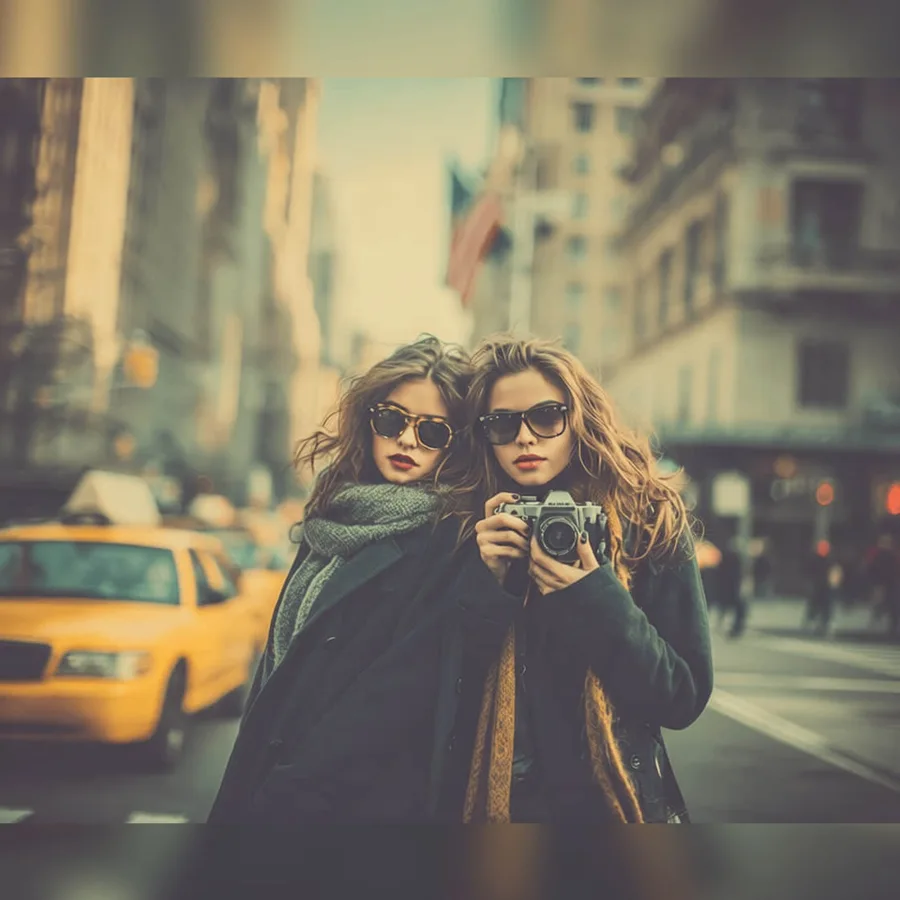
Social Media Resize converts a photo to the exact pixel size a platform expects: Instagram feed posts (1:1, 4:5, 1.91:1), Stories and Reels (9:16), YouTube thumbnails (16:9), Facebook, X, LinkedIn, Pinterest, and TikTok formats. Choose Fit to keep the whole photo visible and pad the empty space with a solid color or a blurred copy of the photo, Fill to smart-crop toward the most important region, or Stretch to force the exact shape. The edit runs with deterministic image processing instead of an AI model, so nothing in the photo is repainted or invented and the result is ready in seconds.
크기 조정 및 내보내기
소셜 미디어 크기 조정
워크플로를 직접 구성하지 않고 크기 조정 및 내보내기 편집을 빠르게 끝내고 싶다면 소셜 미디어 크기 조정을(를) 사용하세요.
사진 업로드
이 프리셋이 선택되어 있습니다.
소셜 미디어 크기 조정
추천 용도
소셜 미디어 크기 조정에 잘 맞는 사진
빠른 사진 편집
상품 사진 워크플로
크리에이터 소재
전후 비교 테스트
사용해 보기
소셜 미디어 크기 조정을(를) 선택하고 사진 업로드
ClearCrowds가 프리셋을 편집기로 전달하므로 사진이 열리면 바로 작업을 시작할 수 있습니다.
사진 업로드
이 프리셋이 선택되어 있습니다.
자주 묻는 질문
자주 묻는 질문
소셜 미디어 크기 조정이(가) 무엇인가요?
소셜 미디어 크기 조정은(는) ClearCrowds '크기 조정 및 내보내기' 카테고리의 프리셋입니다.
내 사진으로 바로 써볼 수 있나요?
네. 사진을 업로드하면 이 프리셋이 선택된 상태로 에디터가 열립니다.