Document photos
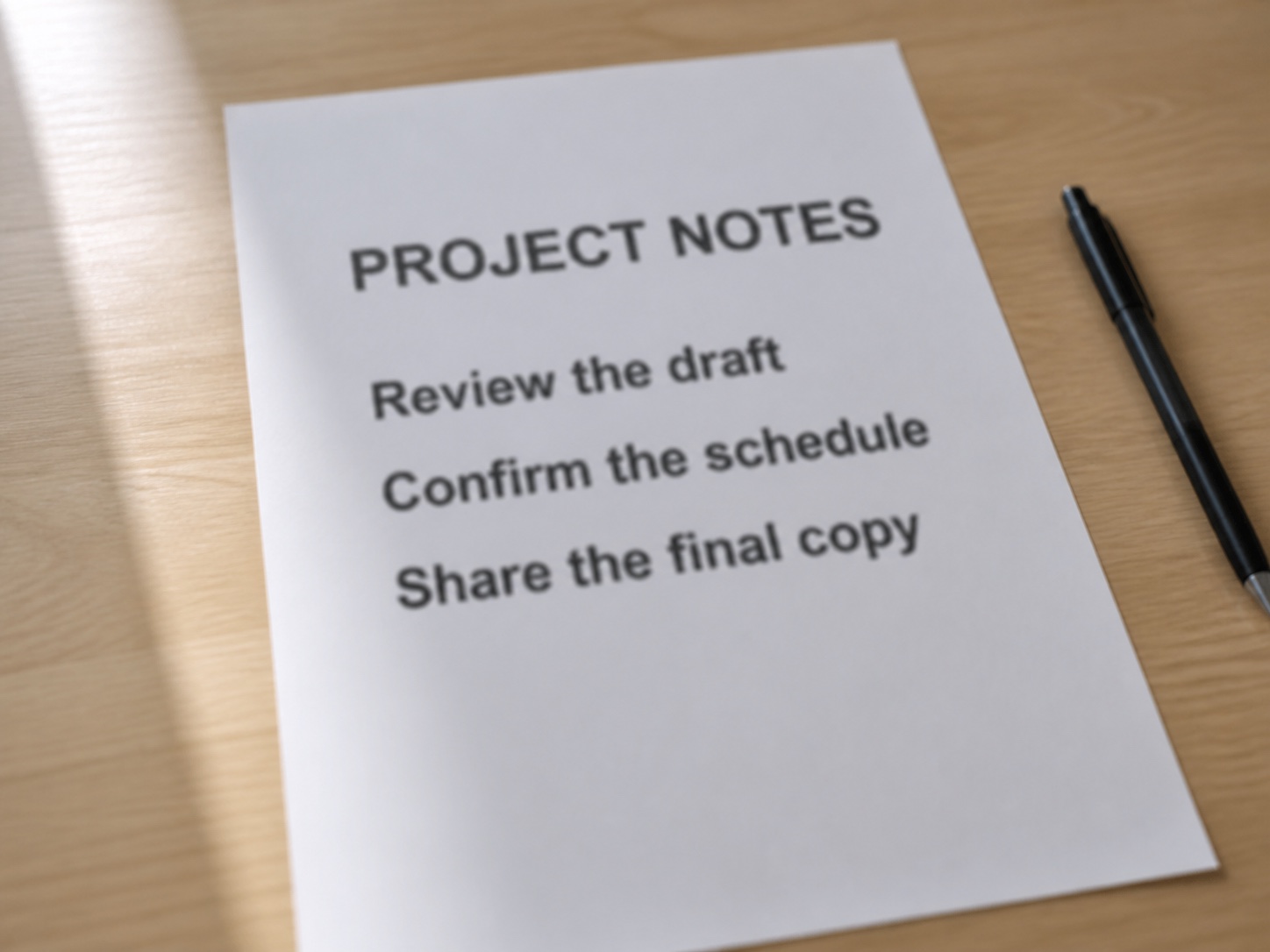
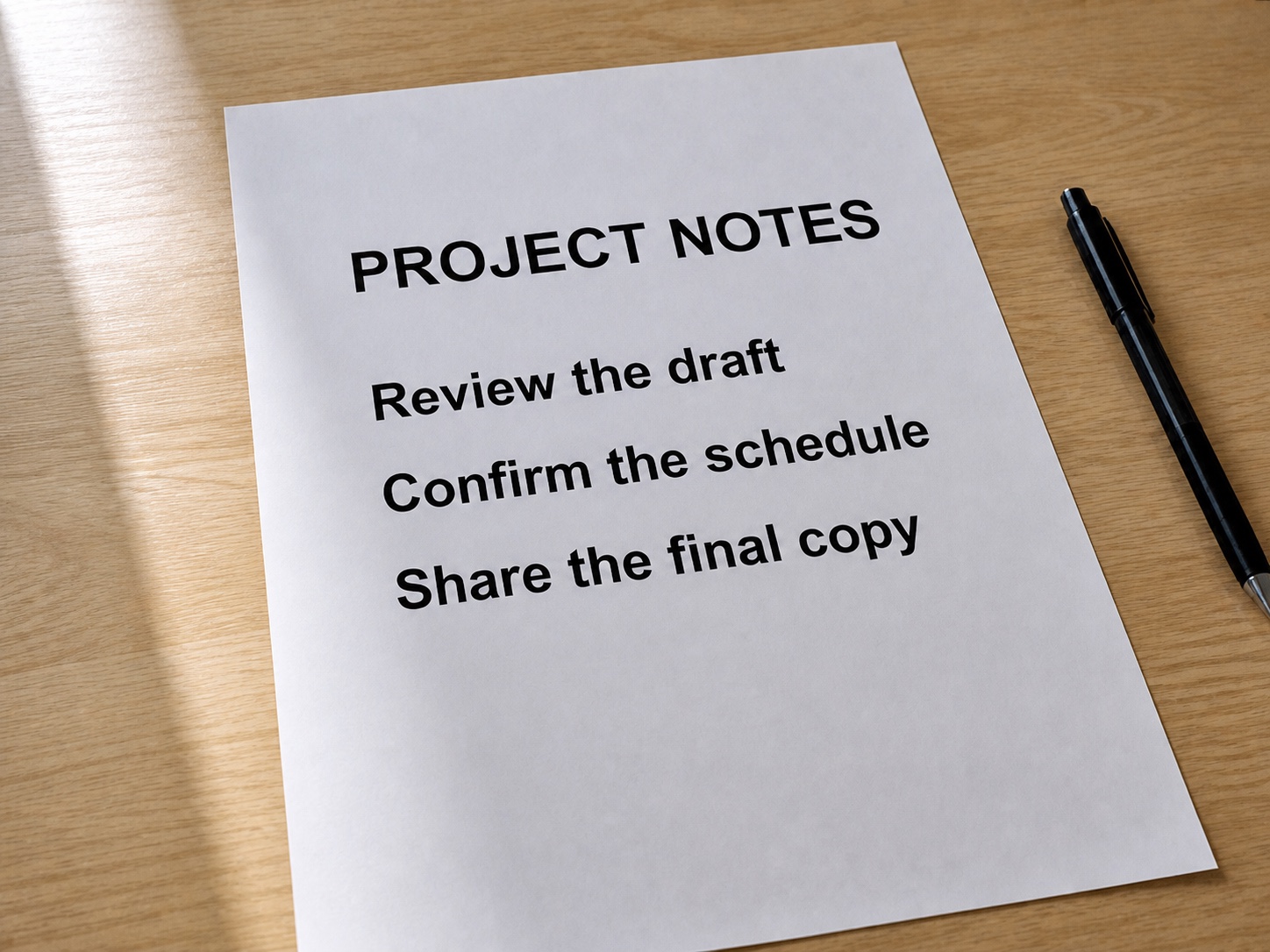
Improve a mildly soft page captured by a phone camera.
원래 문구와 배치를 유지하면서 사진과 문서의 글자 가장자리를 선명하게 만듭니다.
JPG, PNG, or WebP. Text clarity opens automatically.
This tool uses a non-generative image enhancer. It improves mild softness without asking a language model to invent or replace characters.
Start with the original image and avoid screenshots of screenshots when possible.
Choose the highest-resolution photo, screenshot, or scan you have.
The enhancer sharpens existing edges and reduces mild blur across the image.
Compare names, dates, prices, codes, and small print with the original before relying on them.
Use it when the words are present but softened by focus, motion, compression, or resolution.
Improve a mildly soft page captured by a phone camera.
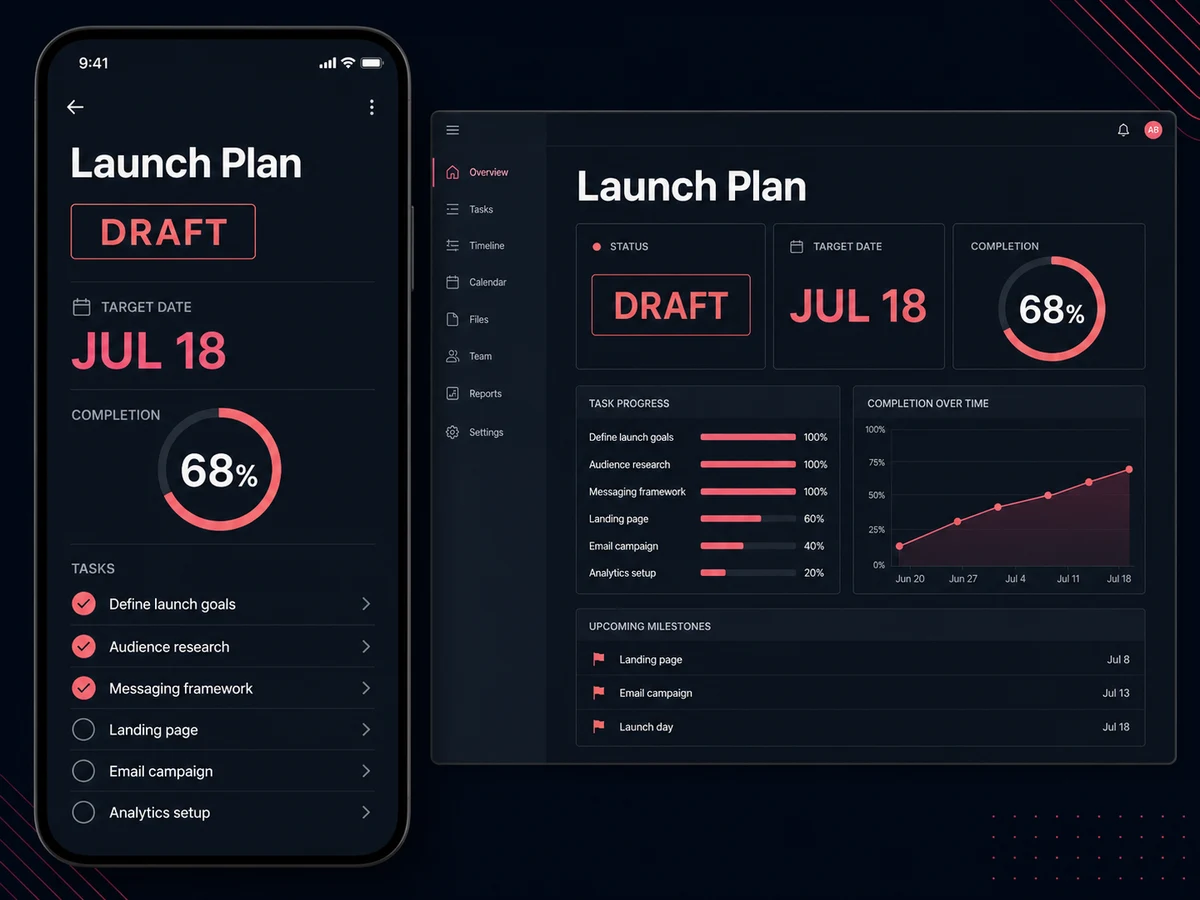
Reduce compression softness around interface labels and small text.
Make existing lettering easier to inspect without rebuilding the scene.
Improve edge clarity before manually checking product or purchase details.
Enhancement can make text easier to inspect, but it cannot guarantee that every character is correct.
Answers about preserved wording, suitable images, and realistic limits.
빠른 편집으로 전문가 수준의 결과를 만드세요.
가장 선명한 원본을 올리고 텍스트 선명화 도구를 엽니다.
JPG, PNG, or WebP. Text clarity opens automatically.