License plates
Brush over the plate while keeping the vehicle and surroundings clear.
전체에 모자이크를 적용하거나 가릴 세부 영역을 브러시로 자유롭게 칠하세요.
JPG, PNG, or WebP. Full-image pixelation is ready by default.
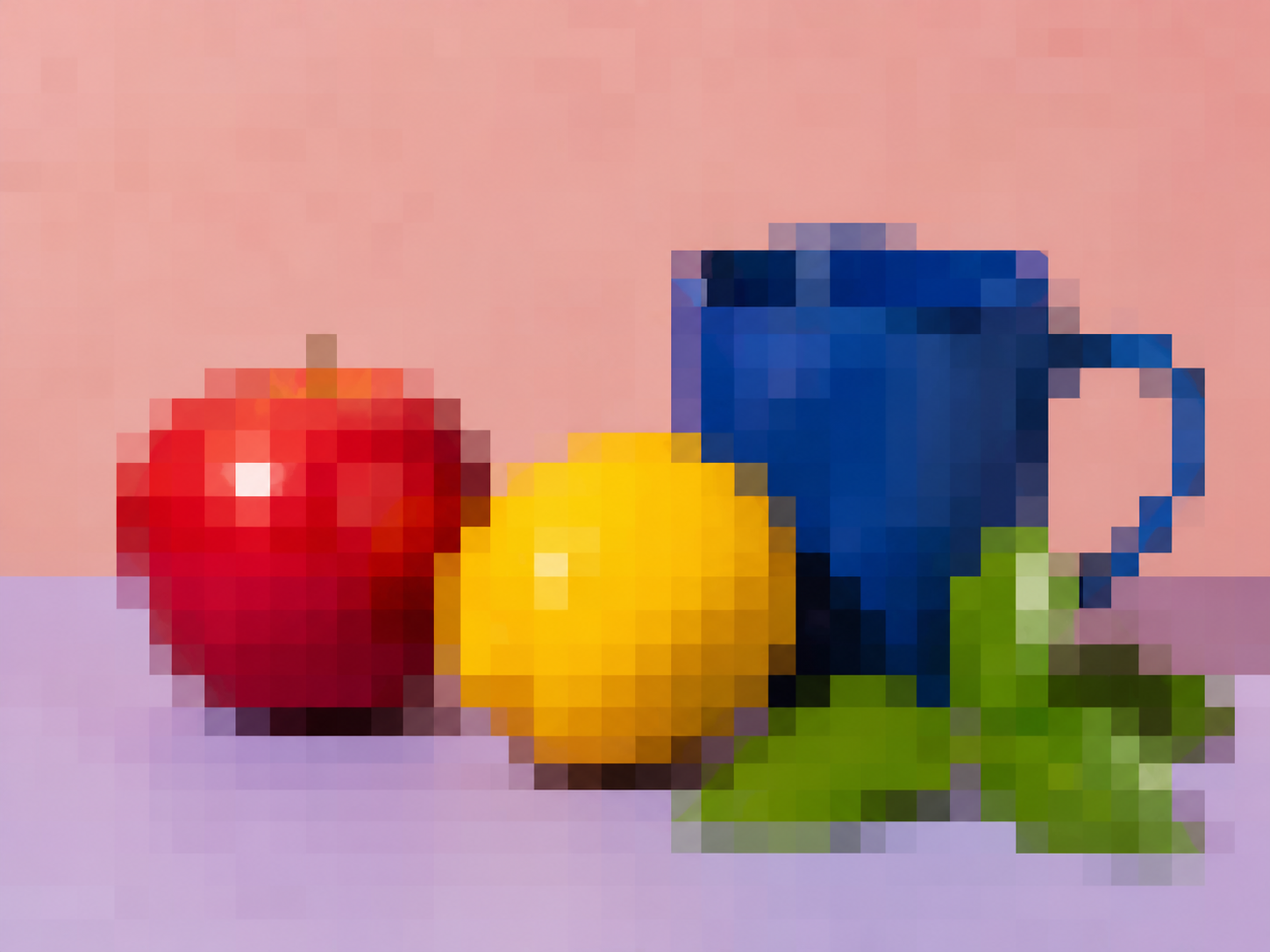
Pixelated
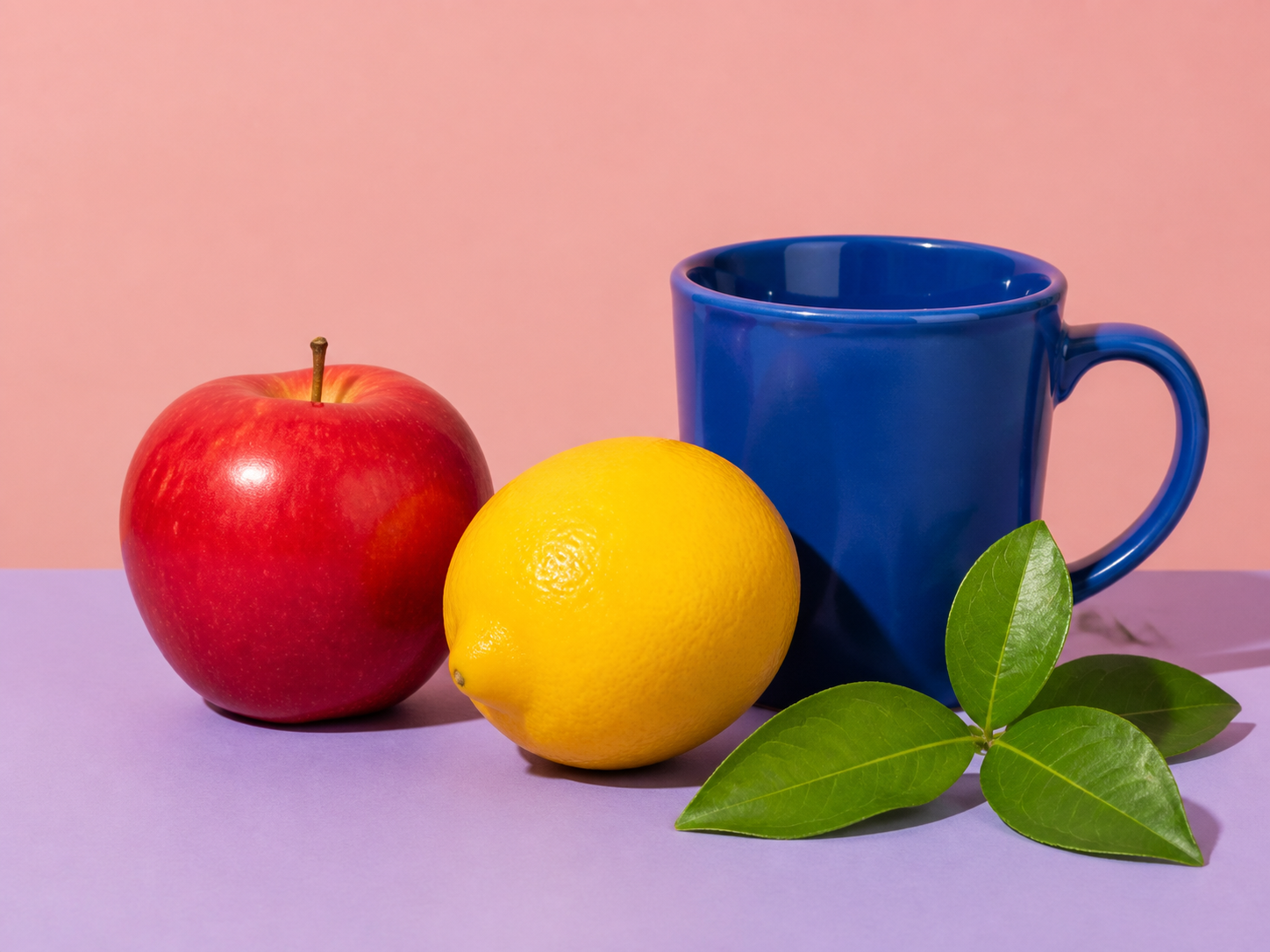
The painted area is reduced to a coarse grid and enlarged with smoothing disabled. Everything outside the brush mask remains unchanged.
Always review the final export at its intended display size before treating pixelation as privacy protection.
Choose the photo or screenshot that needs a visible mosaic treatment.
Use the whole image or brush over every detail to hide, then adjust block size from 4 to 128 pixels.
Confirm the intended detail is sufficiently obscured, apply the edit, and download the PNG.
Pixelation is manual and visible. Blur Faces remains the better tool when faces should be found automatically.
Brush over the plate while keeping the vehicle and surroundings clear.
Cover one account number, address, message, or interface detail before sharing.
Turn the full image into an intentionally blocky graphic or low-resolution treatment.
Reduce the readability of one sign, label, or small area without blurring the entire frame.
A mosaic changes visible pixels but no fixed block size can guarantee that every kind of underlying information is unrecoverable.
Answers about regions, block size, transparency, and privacy review.
빠른 편집으로 전문가 수준의 결과를 만드세요.
전체 이미지나 브러시로 칠한 영역에서 시작하세요.
JPG, PNG, or WebP. Full-image pixelation is ready by default.