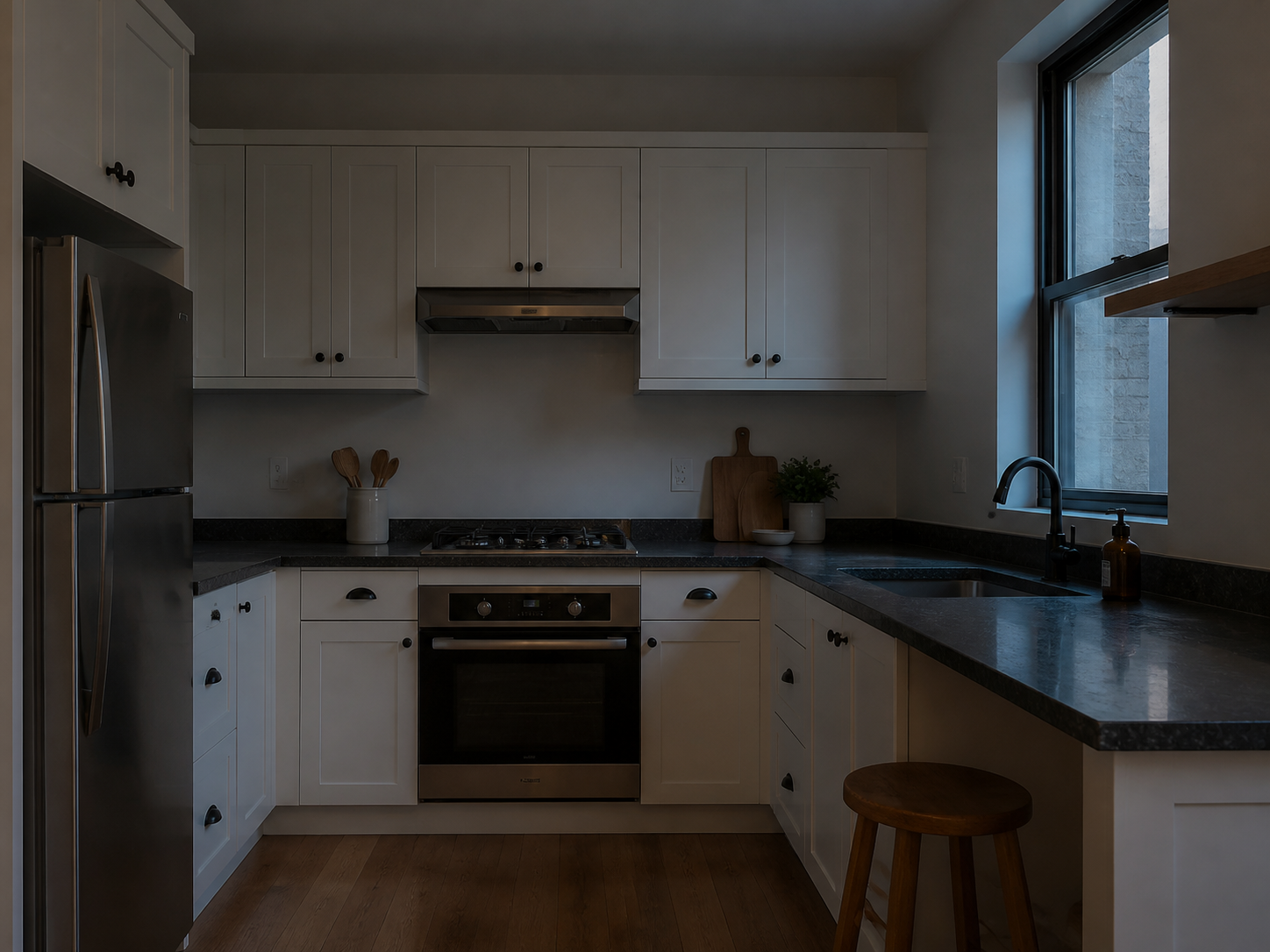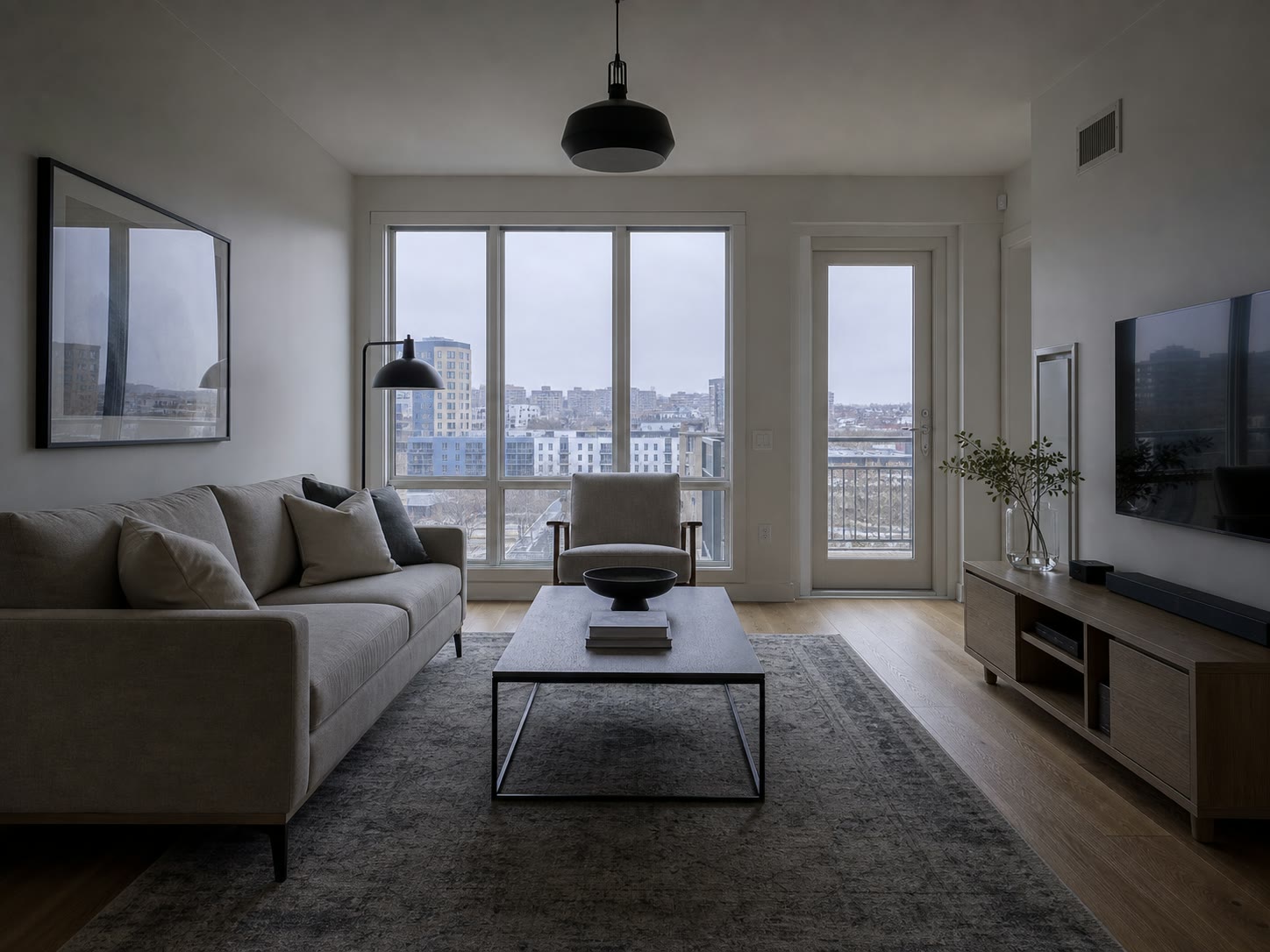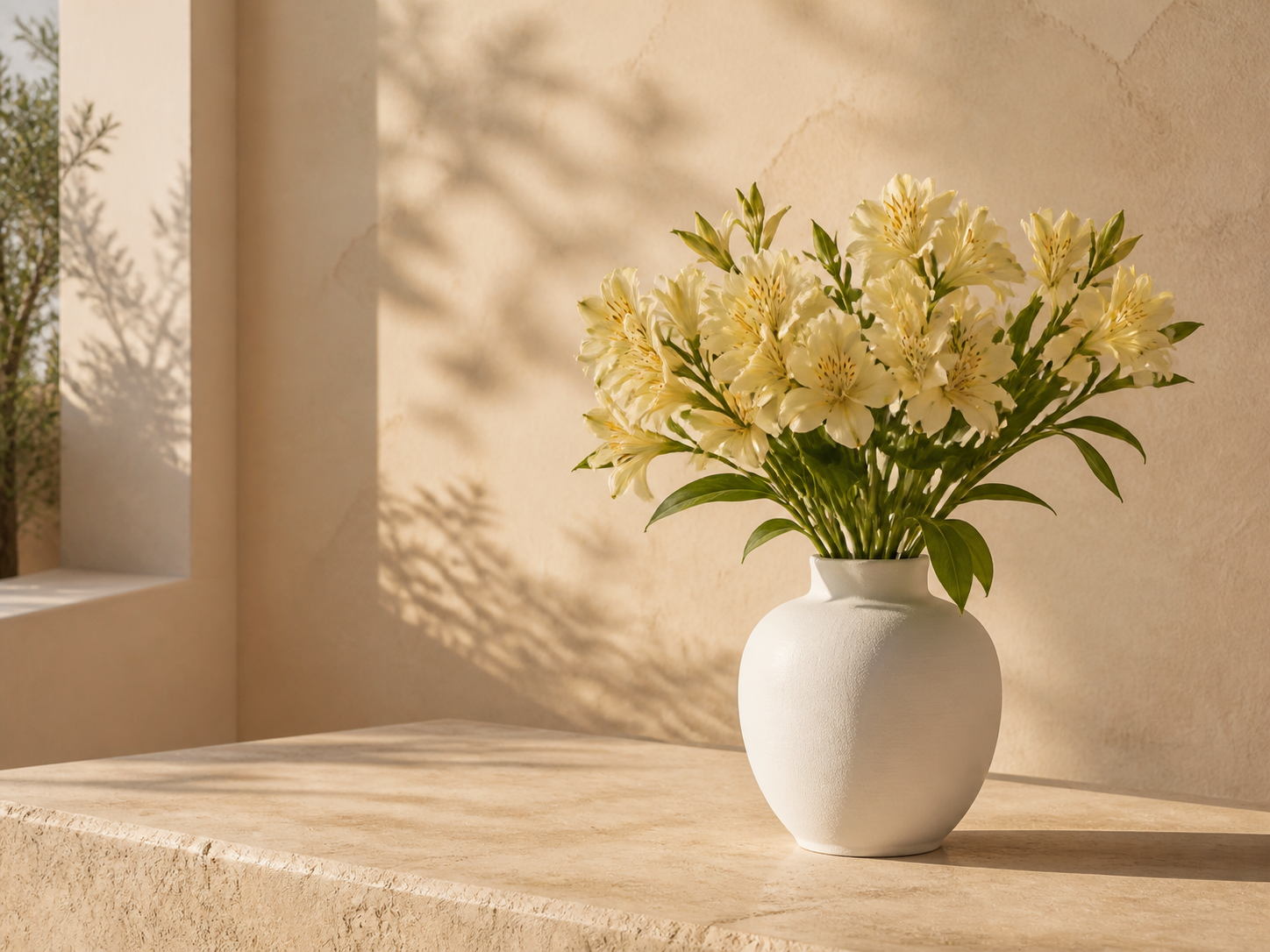
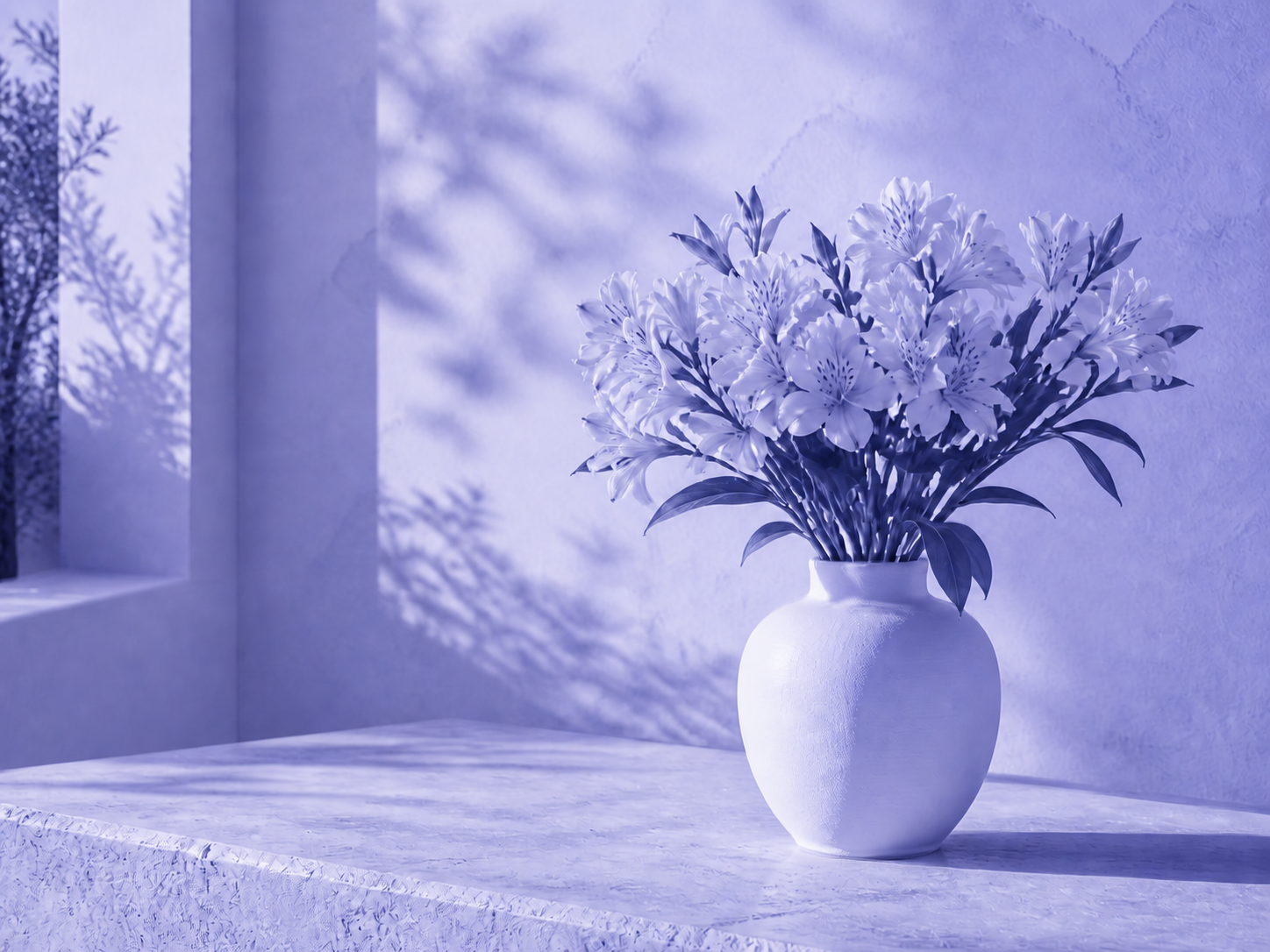
Campaign treatments
Give a set of visuals the same seasonal or launch color direction.
원본 질감과 명암, 투명도를 유지하면서 일관된 색상 분위기를 만드세요.
JPG, PNG, or WebP. Tint and hue controls open automatically.
Tinted
Tinting blends a selected color through the full image while retaining luminance. Hue shift rotates existing colors without touching transparency.
Use a subtle strength first, then increase it while watching skin, whites, and brand colors.
Choose the photo, artwork, or transparent graphic that needs one consistent color treatment.
Pick a tint color, adjust its strength, and rotate hue only if the existing palette also needs to move.
Check the full image at normal size, apply the edit, and download the PNG result.
Use Image Tinter when an asset needs a cohesive mood rather than a precise one-color replacement.
Give a set of visuals the same seasonal or launch color direction.
Create a strong editorial cast while retaining facial form and lighting.
Shift an illustration or texture toward the palette of the page where it will appear.
Recolor translucent decorative graphics without destroying their alpha channel.
This is a global color operation. It does not select a logo, garment, or object independently from the rest of the frame.
Practical answers about tint strength, hue rotation, and transparency.
빠른 편집으로 전문가 수준의 결과를 만드세요.
이미지를 올리고 틴트와 색조를 미리 보세요.
JPG, PNG, or WebP. Tint and hue controls open automatically.