Profile photos
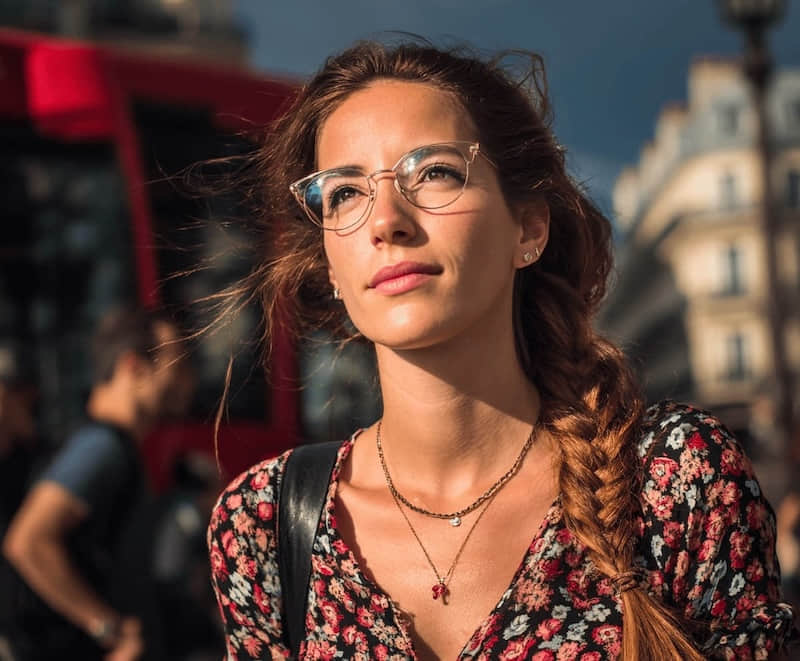
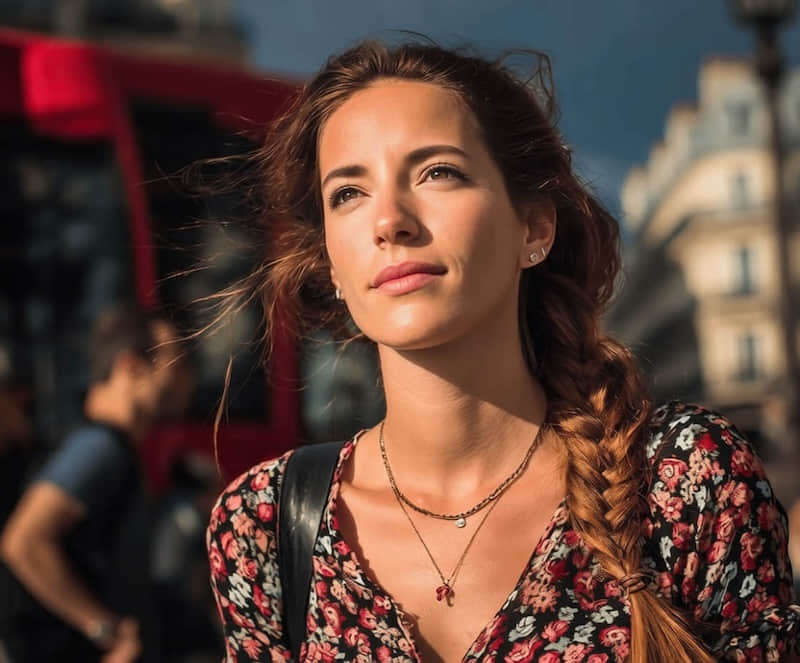
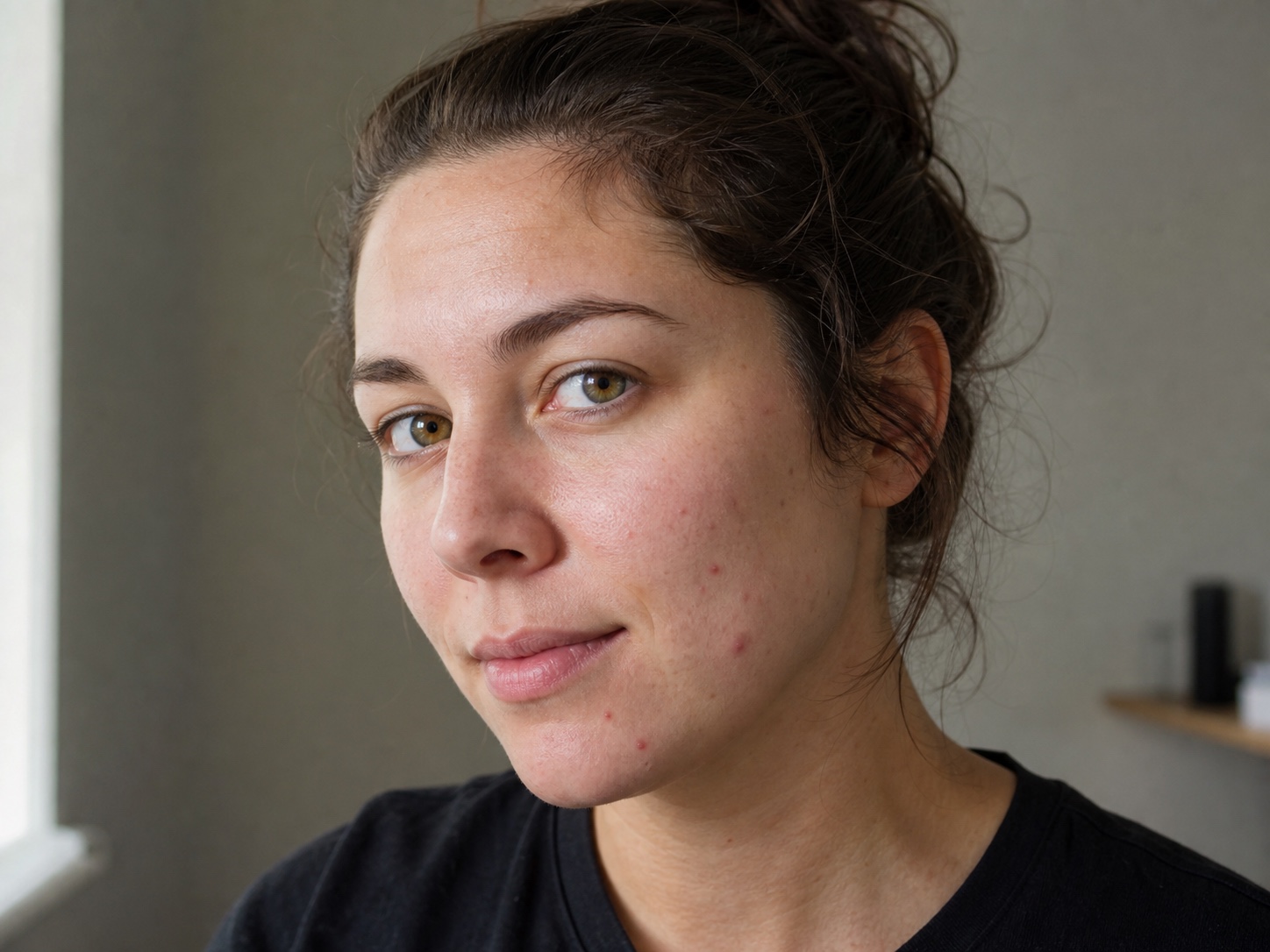
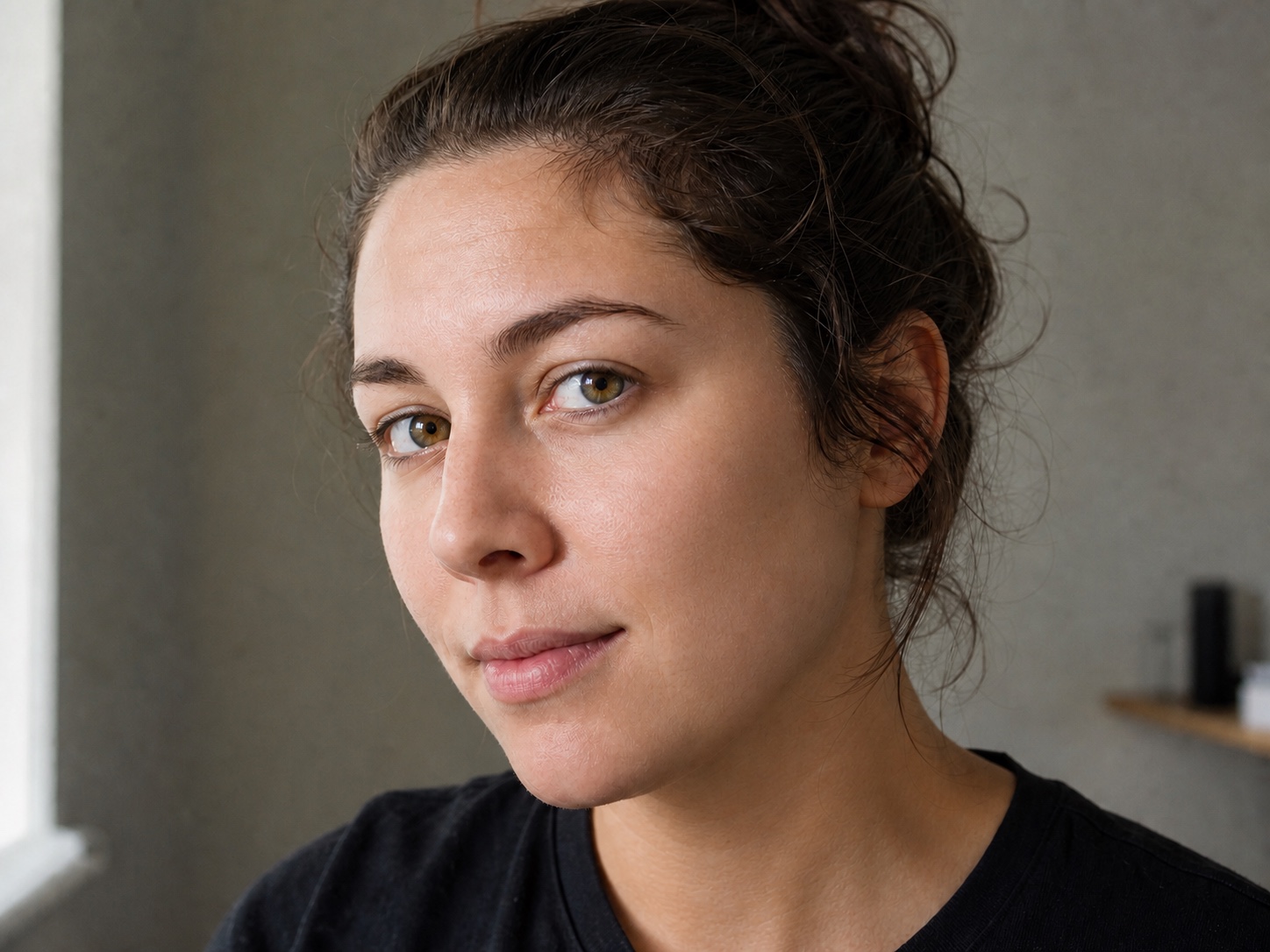
Remove a small breakout while keeping your recognizable face and real skin.
얼굴, 모공, 표정, 조명은 그대로 두고 일시적인 여드름과 작은 자국만 정리합니다.
JPG, PNG, or WebP. Blemish cleanup opens automatically.
The edit targets small, temporary blemishes and asks the model to preserve identity, skin texture, age cues, and the original portrait.
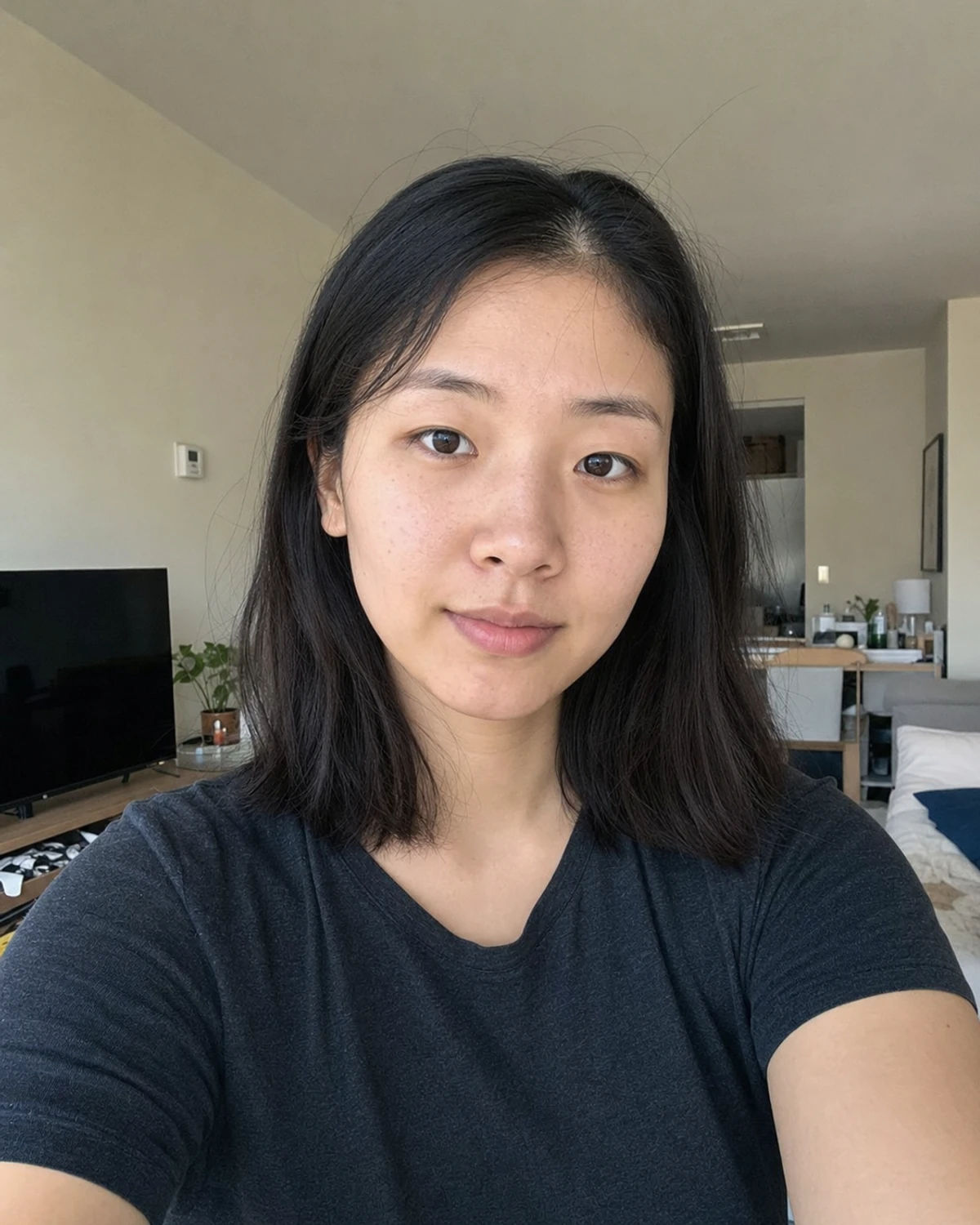
Use a clear portrait where the area you want to clean is visible and in focus.
Choose the clearest original photo so small skin details remain visible.
The focused edit reduces acne, pimples, and temporary spots while preserving the rest of the face.
Check pores, shadows, facial features, and color before downloading.
Use it when a temporary spot distracts from an otherwise good photo.
Remove a small breakout while keeping your recognizable face and real skin.
Clean temporary spots without changing expression, makeup, or studio lighting.
Refine a sharp portrait before sharing or printing it.
Prepare a consistent portrait without using a heavy smoothing filter.
This tool changes pixels in a photo. It does not diagnose or treat a skin condition.
Answers about natural texture, suitable portraits, and realistic limits.
빠른 편집으로 전문가 수준의 결과를 만드세요.
사진을 올리면 잡티 제거가 선택된 상태로 열립니다.
JPG, PNG, or WebP. Blemish cleanup opens automatically.