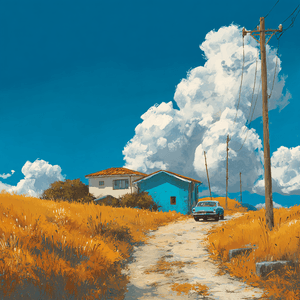
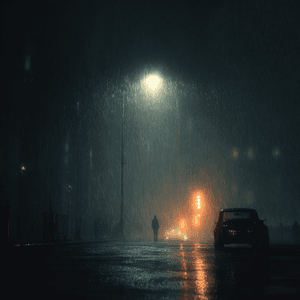
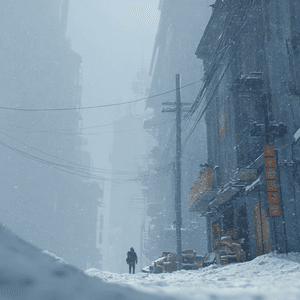
概要
曇りとは?
曇りは、選択した「天気状況」プリセットを使って、アップロードした写真を仕上がりの良い一枚に編集します。
天気状況
手作業でワークフローを組まずに天気状況系の編集をすばやく済ませたいときは、曇りを使ってください。
このプリセットは選択済みです。
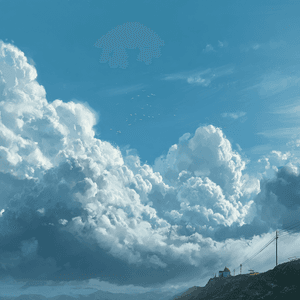
概要
曇りは、選択した「天気状況」プリセットを使って、アップロードした写真を仕上がりの良い一枚に編集します。
使い方
対象部分が見え、周囲の境界、縮尺、光、遠近感から自然な編集を判断できる写真を選びます。
曇りは指定した要素を変更または追加し、被写体、配置、切り抜き、無関係な部分を保ちます。
大きさ、位置、遠近感、接地影、反射、境界のなじみを確認し、新しい要素が元の場面に自然に収まるか見ます。
おすすめ用途
試してみる
ClearCrowds がプリセットをエディターに引き継ぐため、写真を開いたらすぐに編集できます。
このプリセットは選択済みです。
よくある質問
曇りは ClearCrowds の「天気状況」カテゴリのプリセットです。
はい。写真をアップロードすると、このプリセットが選択された状態でエディタが開きます。