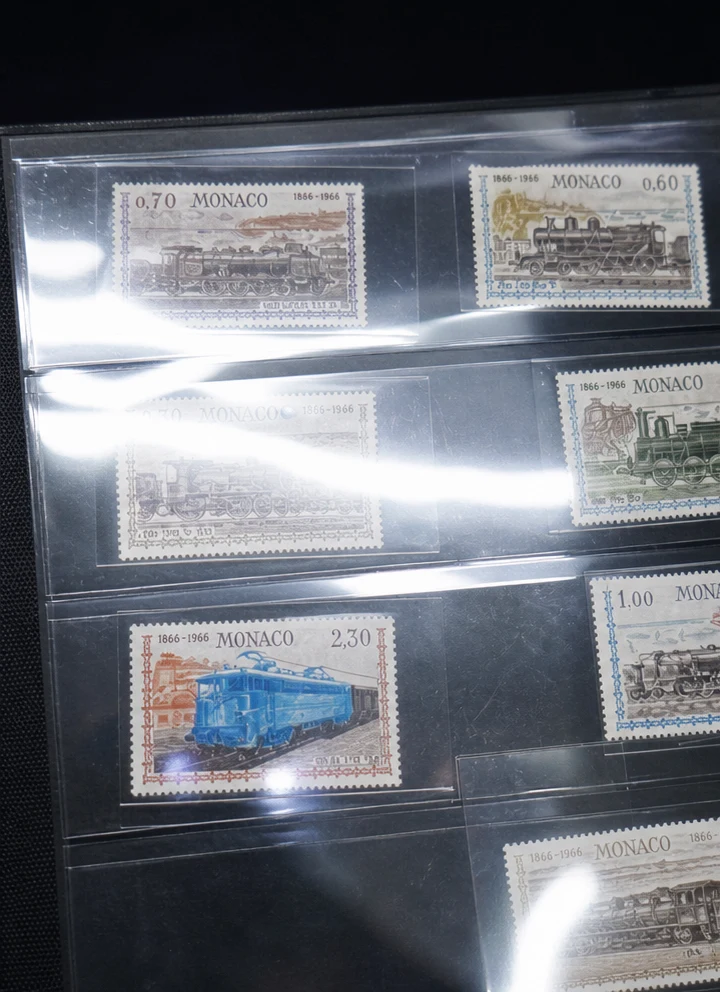
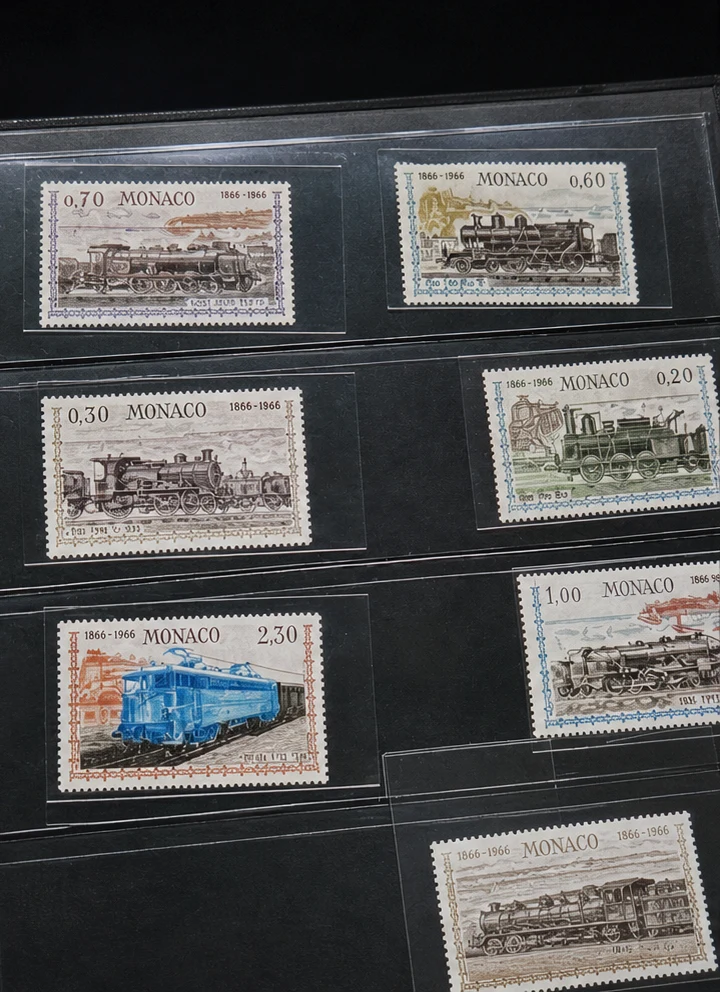
What is Remove Reflection?
Remove Reflection is an AI photo cleanup preset for reducing unwanted reflections, glare, flash hotspots, and glass or plastic sleeve reflections from an image.
It is made for real photo problems: a stamp photographed through a plastic protector, a collectible in a glossy case, a product behind glass, a window reflection across a subject, or a bright light streak on a shiny surface. The goal is to make the original object easier to see without changing what the object is.
When should you use Remove Reflection?
Use it when the distraction comes from light bouncing off plastic, glass, a window, a display case, a laminated cover, or a glossy protective sleeve. It is a better fit than the existing glasses glare preset when the photo is not mainly about eyeglasses.
This preset supports long-tail searches such as remove reflection from photo, ai remove reflection from photo, remove reflection from photo online free, remove glass reflection from photo, remove window reflection from photo, and remove flash reflection from photo.
Tips for better results
Use a photo where the real subject is still visible under the reflection. If the reflection completely covers important artwork or text, the AI has less evidence to reconstruct.
For stamps, cards, and collectibles, avoid cropping off the edges. The full outline helps preserve the shape, border, and printed layout.
If the image has both reflection and dust, try reflection removal first when the glare is the biggest problem. Then use the dust preset for small remaining particles.
FAQ
Is this the same as removing glasses glare?
No. Glasses glare is a portrait-specific problem. Remove Reflection is broader and targets plastic sleeve glare, glass reflections, window reflections, flash hotspots, and glossy surface reflections.
Can it remove reflections from plastic sleeves?
Yes. That is one of the main use cases. It is useful for stamps, cards, documents, product packaging, and collectibles photographed through protective sleeves.
Will it recreate hidden details perfectly?
It can improve visibility when enough real detail is visible. If the reflection completely hides a printed area, the result may need another try or a better source photo.