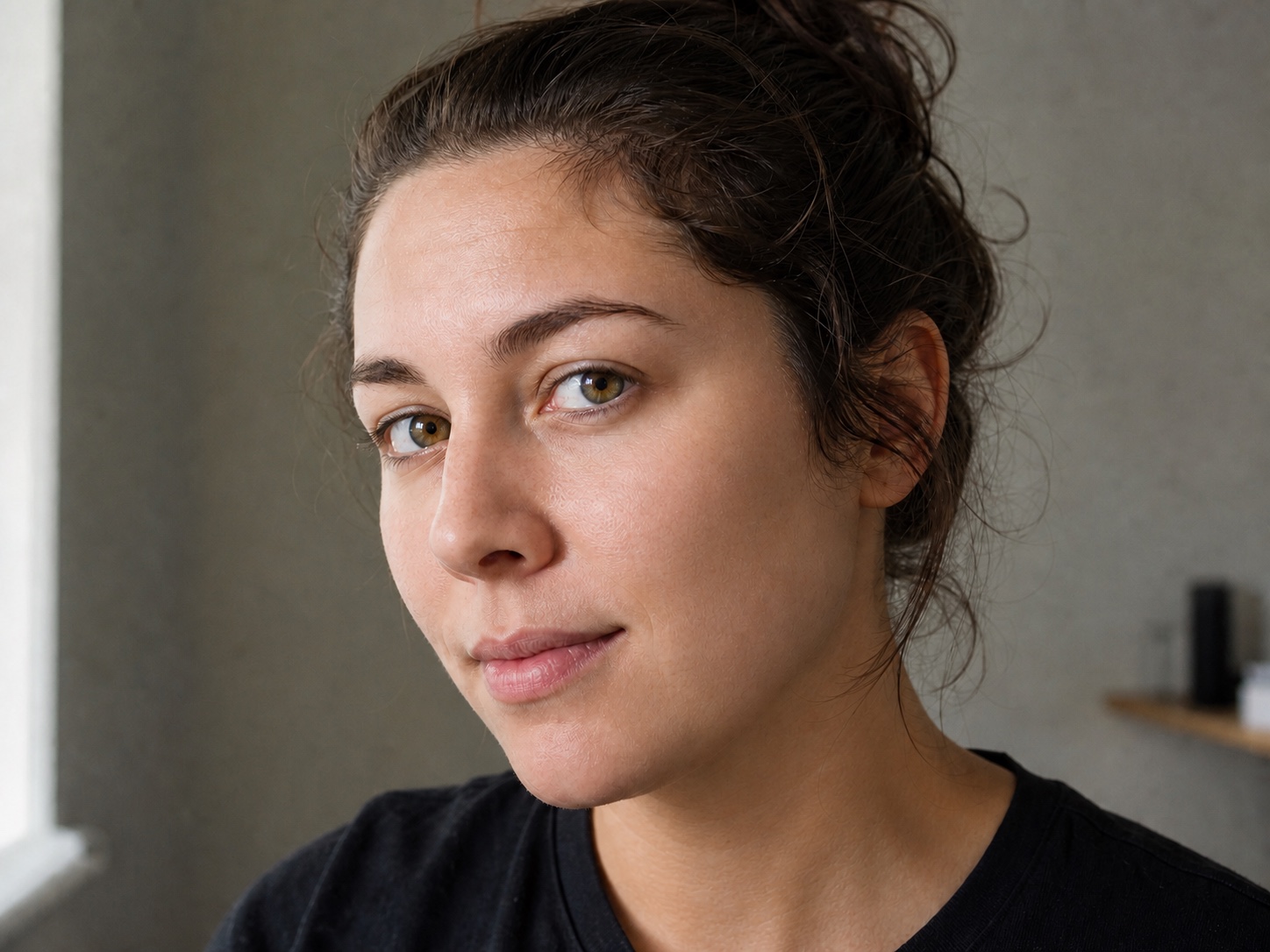
本来の肌感を残して一時的な肌荒れを補正

顔立ち、毛穴、表情、光を変えずに、ニキビや小さな跡だけを整えます。

  • Keep pores and texture
  • Preserve identity
  • Match the lighting

人物写真をアップロード

JPG, PNG, or WebP. Blemish cleanup opens automatically.
写真を選ぶ
Original keptTool selectedNatural texture preserved
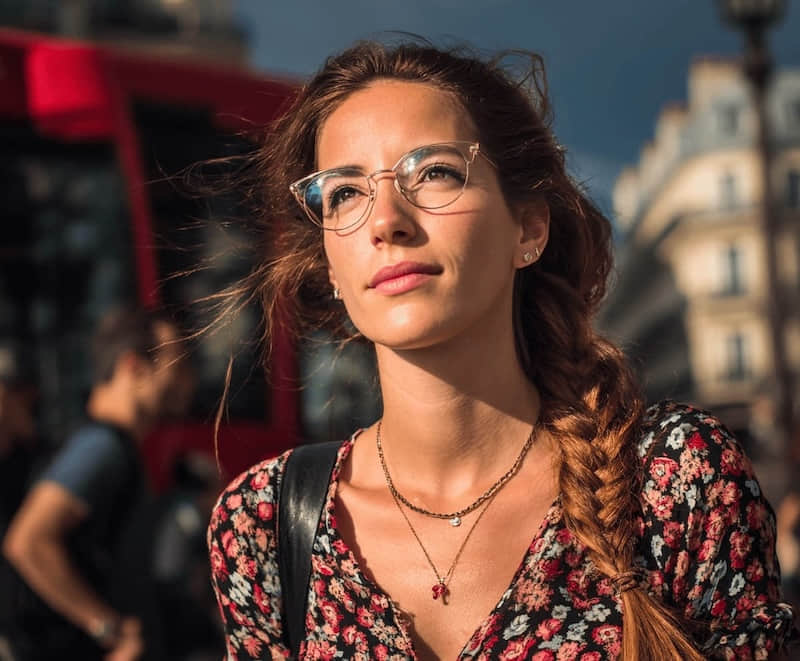
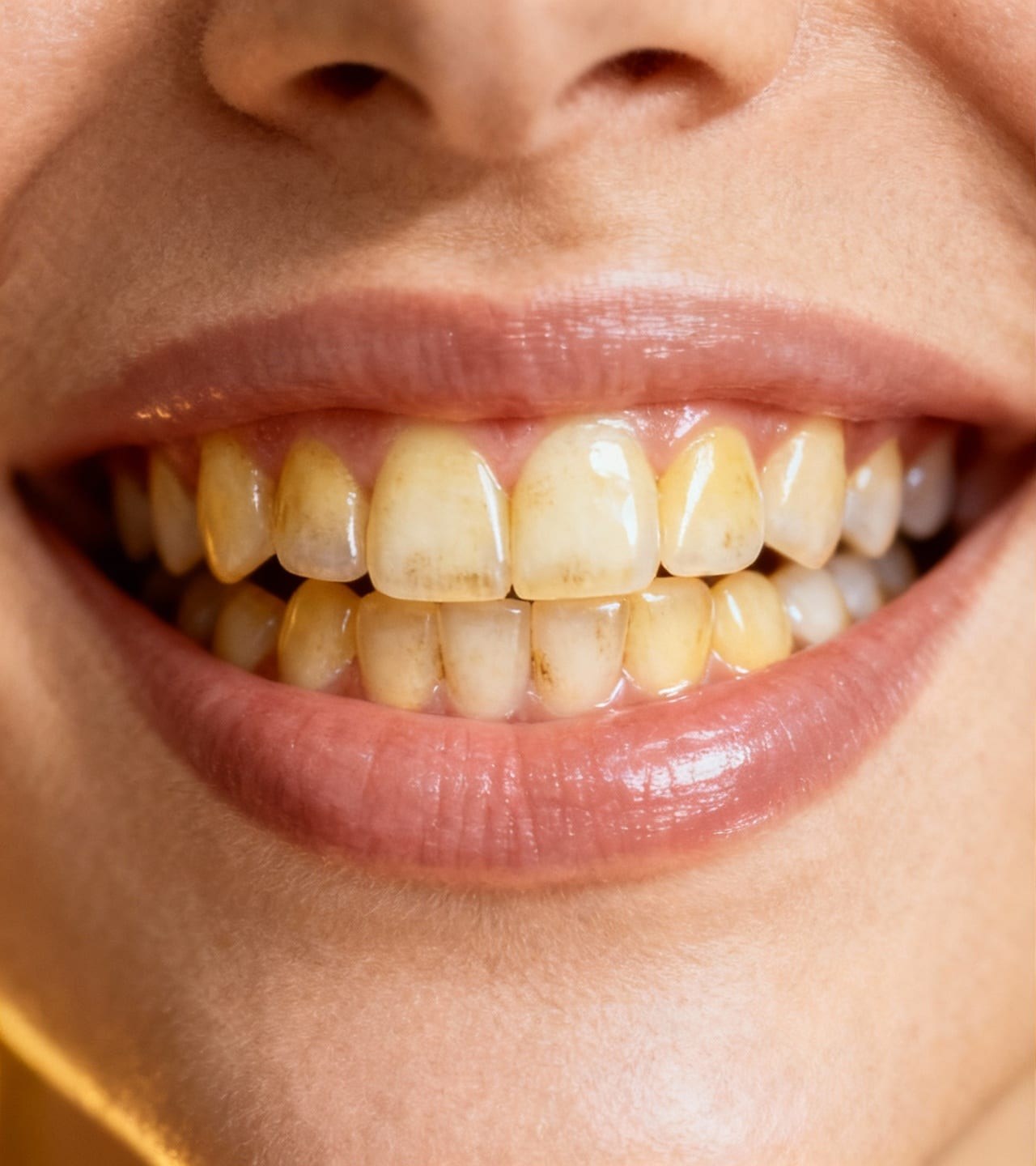
Portrait with temporary blemishes before cleanup
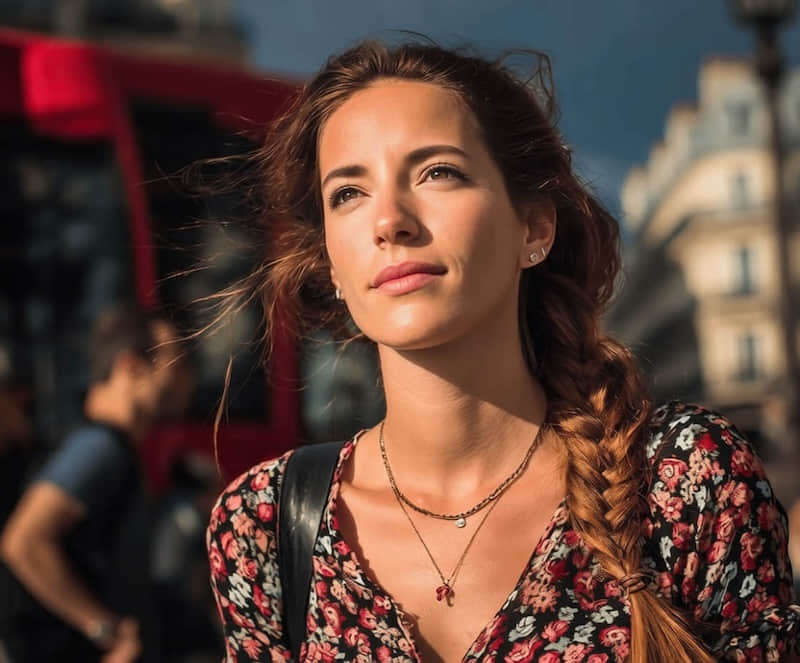
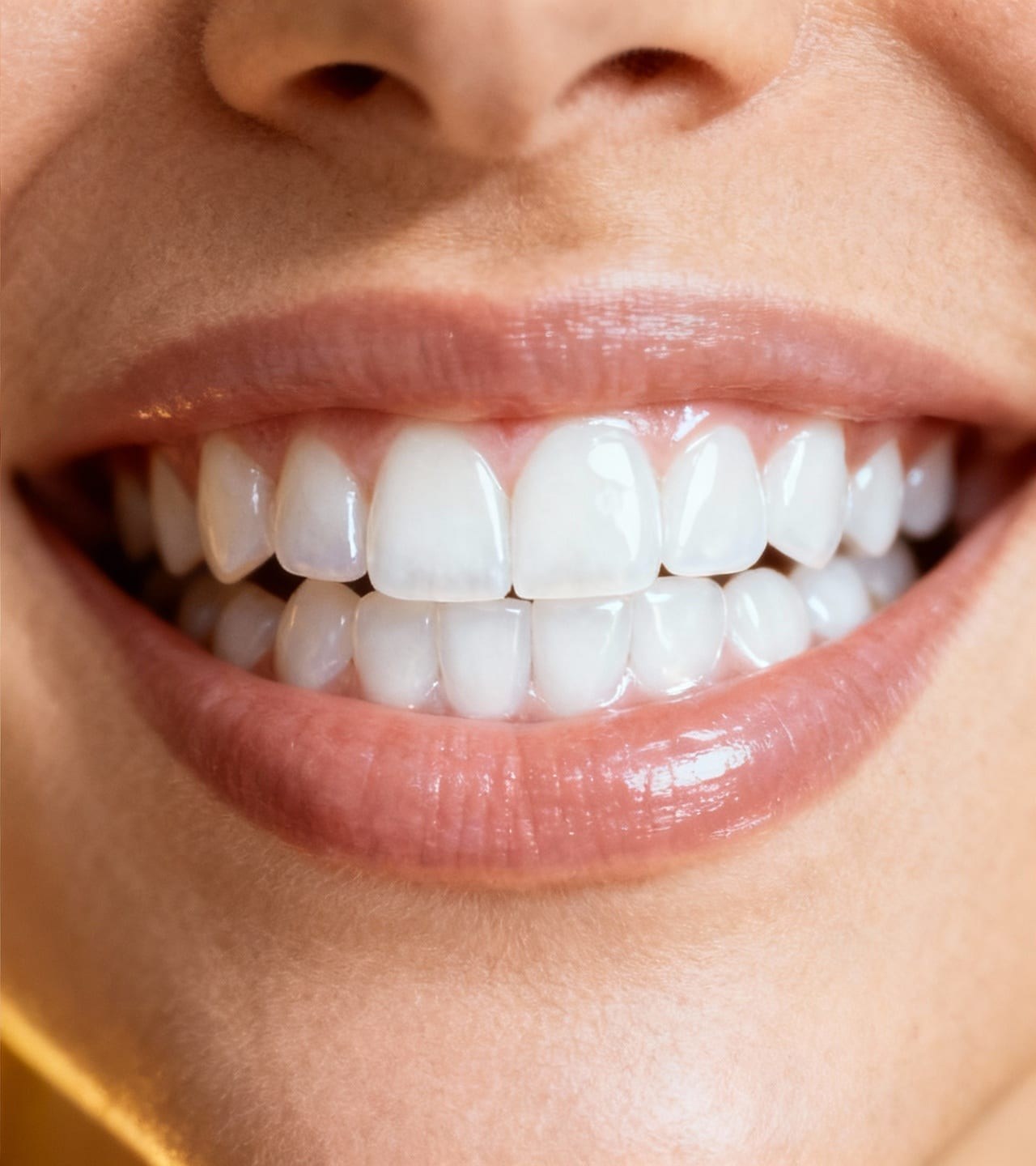
The same portrait after subtle blemish cleanup
BeforeAfter

Clean temporary spots, not the person

The edit targets small, temporary blemishes and asks the model to preserve identity, skin texture, age cues, and the original portrait.

Keep pores and texture
Natural variation stays visible so the skin does not become plastic or painted.
Preserve identity
Face shape, features, expression, hair, and pose remain part of the original photo.
Match the lighting
Cleanup follows the existing highlights, shadows, color, and depth of the portrait.
Make a focused edit
The tool removes temporary spots without applying a full-face beauty filter.

Remove blemishes in three steps

Use a clear portrait where the area you want to clean is visible and in focus.

  1. 1

    Upload the portrait

    Choose the clearest original photo so small skin details remain visible.

  2. 2

    Run blemish cleanup

    The focused edit reduces acne, pimples, and temporary spots while preserving the rest of the face.

  3. 3

    Compare at normal size

    Check pores, shadows, facial features, and color before downloading.

Portraits that need a light cleanup

Use it when a temporary spot distracts from an otherwise good photo.

Profile photos

Remove a small breakout while keeping your recognizable face and real skin.

Professional headshots

Clean temporary spots without changing expression, makeup, or studio lighting.

Event portraits

Refine a sharp portrait before sharing or printing it.

Creator photos

Prepare a consistent portrait without using a heavy smoothing filter.

A photo edit, not skin treatment

This tool changes pixels in a photo. It does not diagnose or treat a skin condition.

  • Keep permanent features such as freckles, moles, birthmarks, and scars unless you intentionally choose another edit.
  • Do not use edited portraits for medical, identity, or evidence claims.
  • Heavy blur, deep shadow, or tiny faces may not contain enough real detail for a reliable result.

Blemish remover FAQ

Answers about natural texture, suitable portraits, and realistic limits.

Yes. Upload a portrait and use the blemish cleanup tool to reduce temporary acne, pimples, and small skin spots.

小さな跡だけを自然に整える

写真をアップロードすると肌荒れ補正が選択された状態で開きます。

人物写真をアップロード

JPG, PNG, or WebP. Blemish cleanup opens automatically.
写真を選ぶ
Original keptTool selectedNatural texture preserved