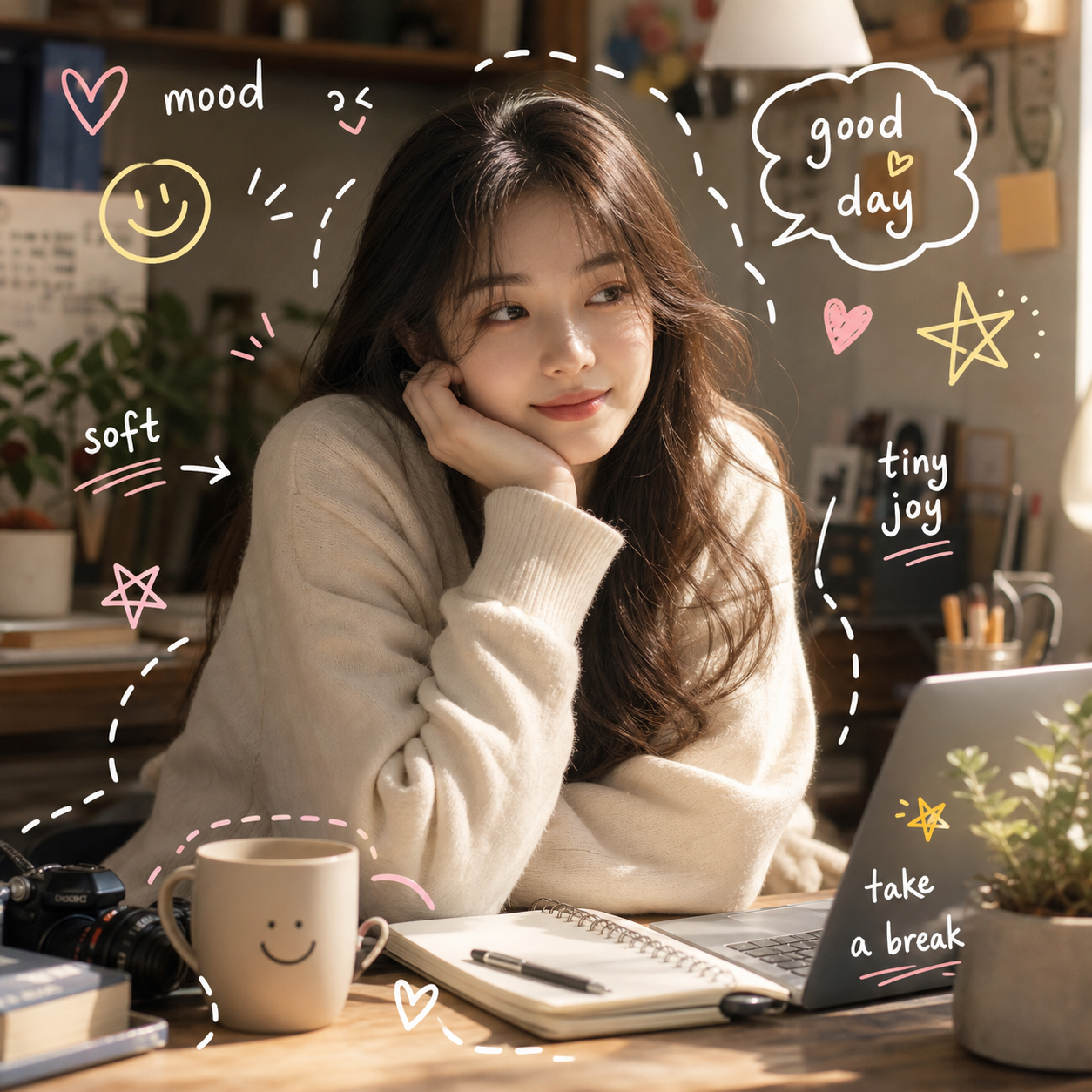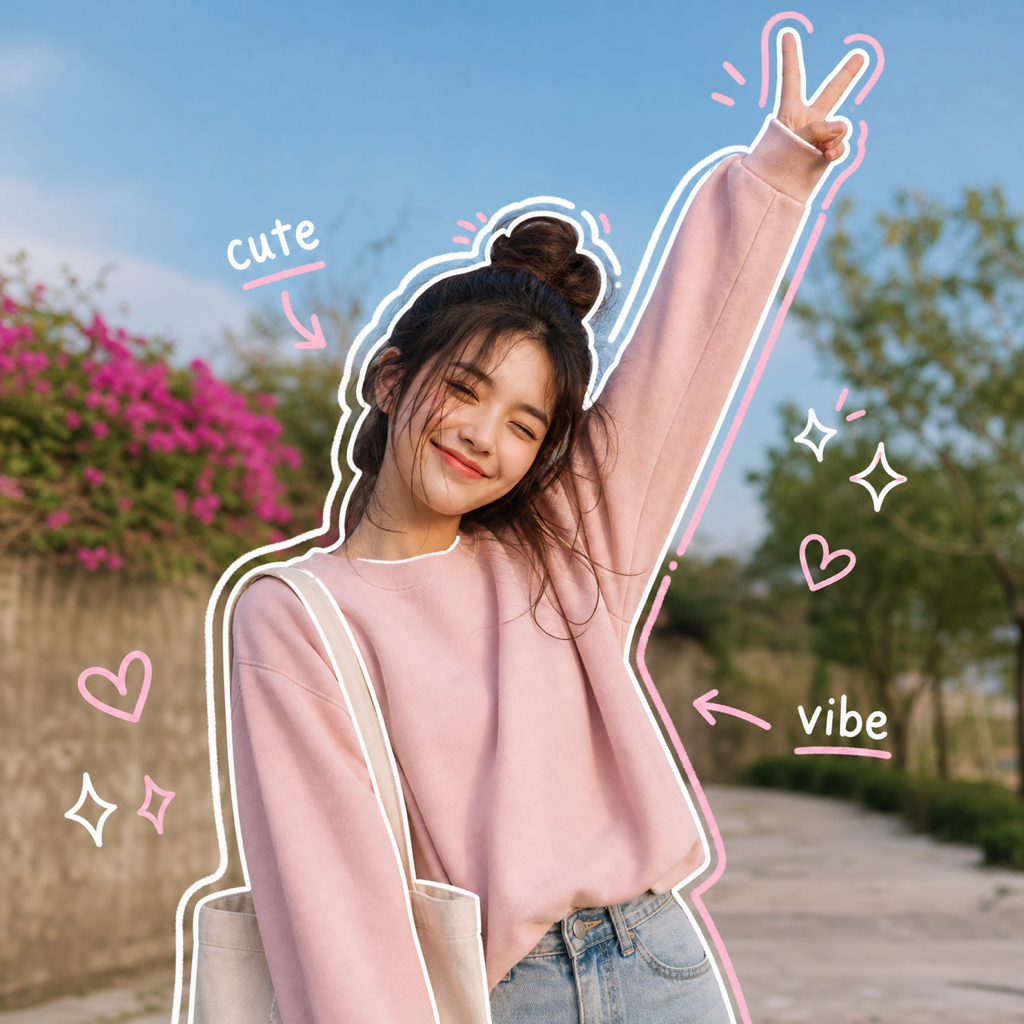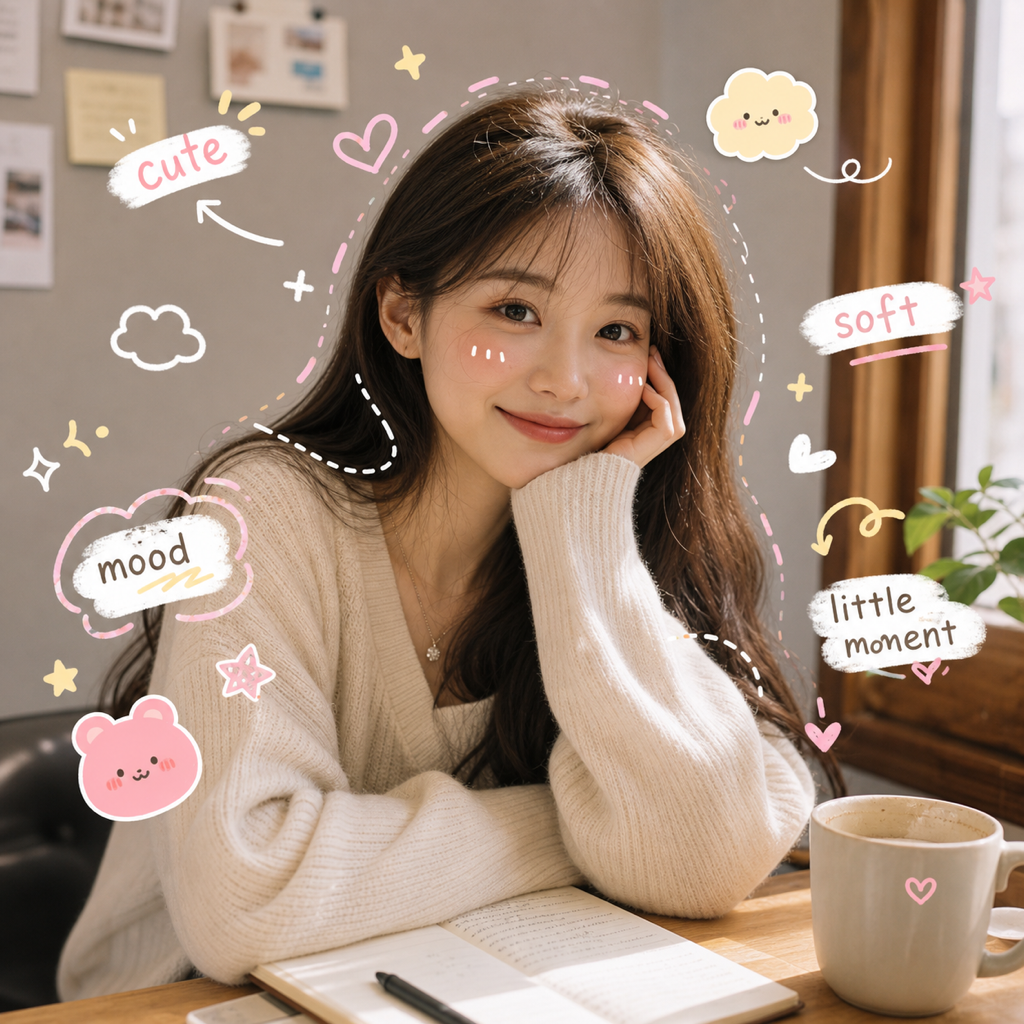
What is Motion Scribble?
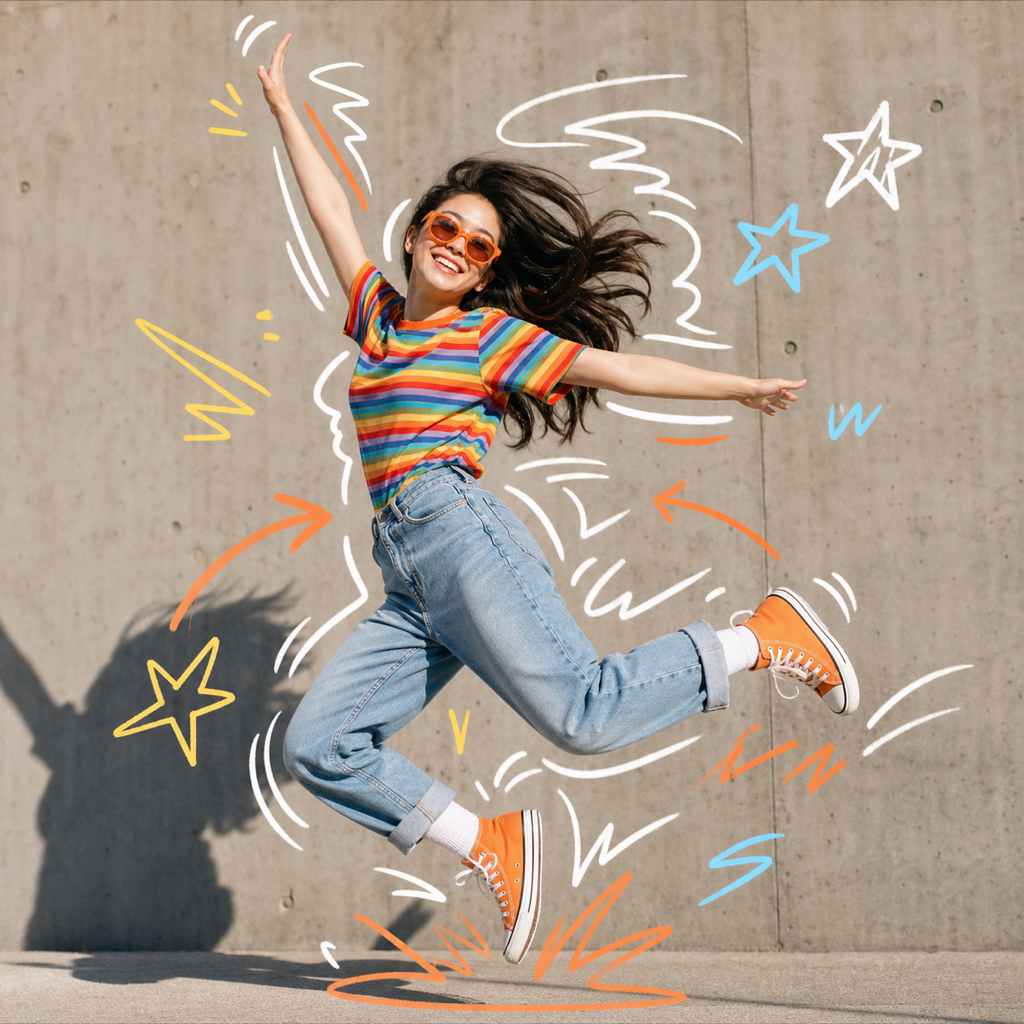
Motion Scribble is an AI photo preset that adds energetic scribble drawing marks, bounce lines, speed strokes, arrows, starbursts, and playful doodles around the real movement in your image. It is designed to make a static photo feel more active without replacing the subject or rebuilding the scene.
Best use cases
Motion Scribble is strongest when the photo already has rhythm. Walking shots, dance poses, sports moments, skateboard photos, street-style movement, concert images, playful pet shots, and expressive portraits can all benefit from lines that follow the existing gesture. The preset is also useful when you want silly doodles or simple doodles that feel intentional rather than random.
Use it when the subject looks like they are moving, turning, laughing, pointing, jumping, leaning, or reacting. The AI can then add scribble marks that emphasize that action. A normal walking photo can get speed lines near the legs or coat. A dance photo can get curved arrows and bounce marks around the pose. A pet photo can get a few playful motion strokes that make the frame feel more alive.
This preset is not a full cartoon generator. It keeps the photo as the base and adds a drawn energy layer. That makes it useful for social posts, event recaps, thumbnails, meme-like creator images, and casual brand content where the original moment should remain recognizable.
It can also help when a good photo feels too still for the story you want to tell. A behind-the-scenes image, a rehearsal moment, a gym photo, or a street shot may have energy that is obvious to the person who was there but less obvious to a viewer scrolling quickly. Motion Scribble adds visual cues that point to that energy without needing a long caption.
How it works in ClearCrowds
ClearCrowds treats Motion Scribble as a reusable preset. After you select it and upload a photo, the editor receives instructions to preserve the subject identity, pose, composition, and canvas orientation. The prompt asks the AI to add scribbles, action marks, starbursts, and arrows that respond to the real pose instead of inventing a different scene.
The preset is intentionally flexible. It can be funny, energetic, sporty, or casual depending on the upload. The important rule is that the marks should support the image rhythm. A calm seated portrait should not suddenly become an extreme action scene, and a busy group photo should not get so many marks that faces disappear.
That balance is why the preset uses simple drawn elements instead of a dense illustration layer. Speed strokes, curved arrows, and starbursts are easy to read at small social sizes. They can make the image feel expressive while still letting the viewer understand who or what is in the photo.
The preset can also be a practical way to test creative direction. If a calm version of the image feels too quiet, Motion Scribble gives you a quick energetic alternative. If the marks feel too playful for the post, you can choose a softer preset without starting from a blank prompt.
It is also useful for carousel variety. One clean photo, one scribble version, and one final caption slide can make a simple post feel more edited without needing a full video or animation workflow.
Try Motion Scribble if you want to add movement and humor to a photo quickly.
Tips for better results
Choose a photo with a clear gesture. A hand wave, hair movement, step, jump, turn, laugh, or pet action gives the scribble layer something to follow.
Keep the subject readable. If the photo is dark, blurry, or heavily cropped, the AI has fewer visual cues for where to place motion lines.
Use it for energy, not precision. Motion Scribble is a creative effect, not a diagram or animation frame. It works best when you want the feeling of movement rather than exact path tracking.
For cleaner posts, pick photos with simple backgrounds. The preset can handle busy scenes, but simple backgrounds make the scribble drawing layer easier to read.
FAQ
Is Motion Scribble a scribble drawing tool?
It creates a scribble drawing effect on top of photos. You do not draw each mark manually; ClearCrowds generates lines and doodles based on the uploaded image.
Can it add silly doodles without ruining the photo?
Yes. The preset is designed to keep the main subject recognizable while adding playful marks around the movement and mood.
What photos work best?
Photos with visible pose, gesture, action, or expression work best. Walking, dancing, sports, pets, events, and expressive portraits are strong candidates.
Is it good for simple doodles?
Yes. The preset uses simple doodles such as arrows, starbursts, and motion lines rather than dense illustration, so it can stay readable on social feeds.