

Elimina los datos ocultos antes de compartir
Crea una copia limpia en tu navegador sin subir el archivo ni copiar EXIF, GPS, IPTC o XMP.
- Proceso local
- Sin subida
- Elimina GPS y EXIF
Limpia una foto localmente
Choose a JPG, PNG, or WebP up to 20 MB. Processing stays on this device.
What the clean copy removes
The browser draws the visible image pixels onto a new canvas, then exports a new image without copying the original metadata blocks.
- Location data
- Embedded GPS coordinates and altitude from the original file are not copied.
- Camera details
- Camera, lens, exposure, timestamp, and software tags are not copied.
- Editorial metadata
- Original IPTC and XMP fields such as creator, caption, and workflow notes are not copied.
- Visible pixels remain
- The visible image is retained at its original dimensions, then re-encoded in the same supported format.
Remove photo metadata in three steps
No account or upload is needed.
- 1
Choose a photo
Select a supported file from this device.
- 2
Create a clean copy
Your browser decodes the visible pixels and re-encodes them without the original metadata.
- 3
Download and verify
Save the new file, then use the metadata viewer if you want to inspect the result.
What changes when metadata is removed
The clean copy is a new encoded image, not a byte-for-byte clone.
- JPEG and WebP compression may change the file size and introduce a small visual difference.
- Animated images, HEIC, RAW, SVG, and files above 20 MB are not supported by this browser tool.
- Visible information inside the pixels, such as a street sign or face, is not metadata and will remain visible.
Photo metadata remover FAQ
Direct answers about privacy, GPS, quality, and local processing.
No. This tool uses browser APIs on your device and does not send the selected file to ClearCrowds.
Más formas de perfeccionar tu foto
Retoques rápidos. Resultados profesionales.


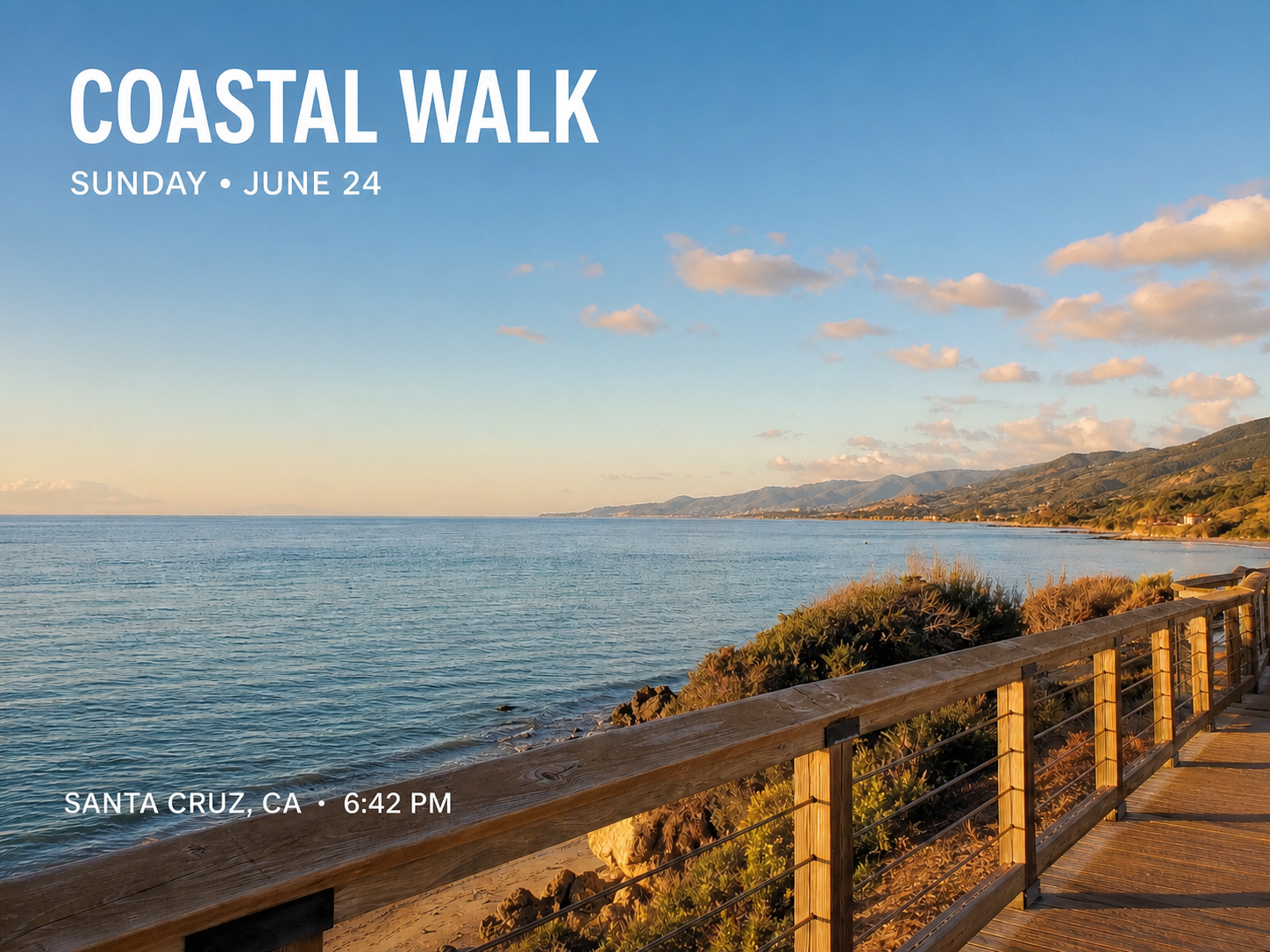

Comparte una copia limpia
Elimina los datos ocultos localmente y descarga el archivo nuevo.