
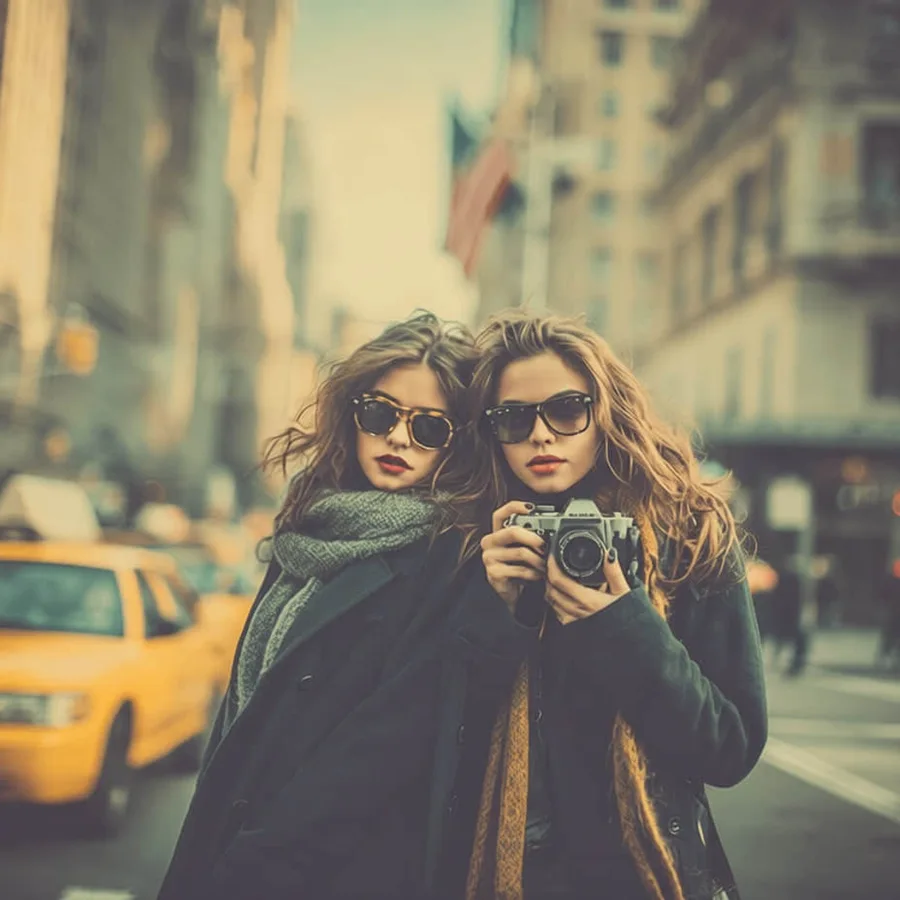
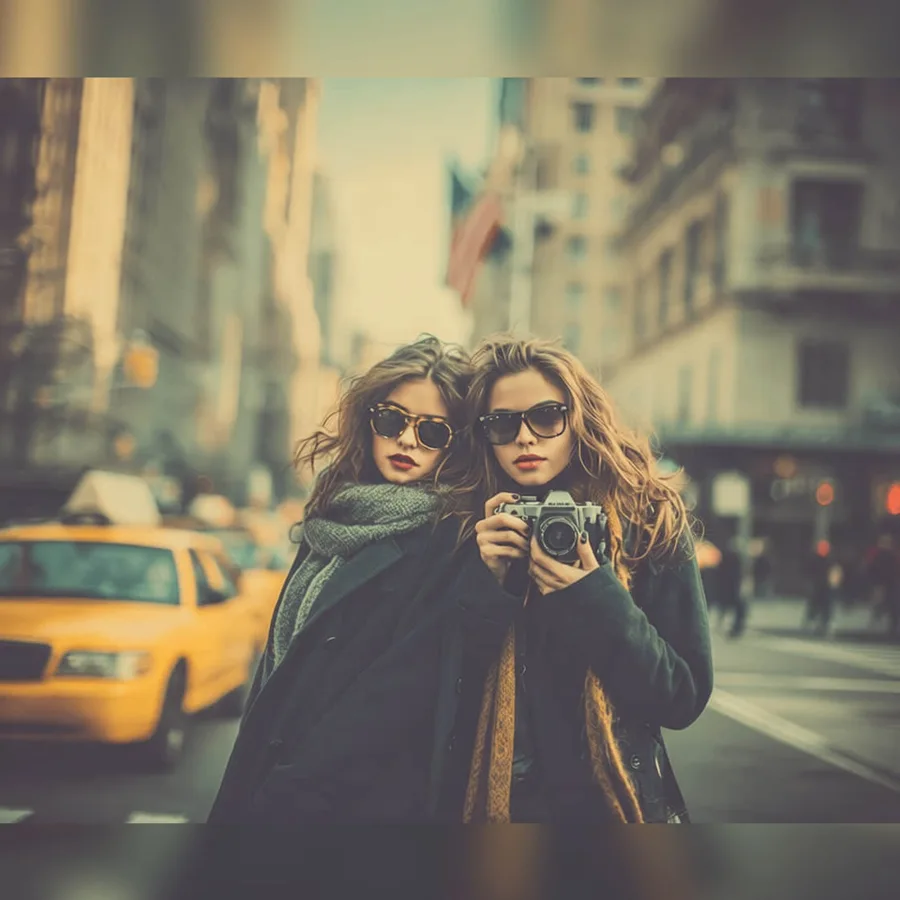
Social Media Resize converts a photo to the exact pixel size a platform expects: Instagram feed posts (1:1, 4:5, 1.91:1), Stories and Reels (9:16), YouTube thumbnails (16:9), Facebook, X, LinkedIn, Pinterest, and TikTok formats. Choose Fit to keep the whole photo visible and pad the empty space with a solid color or a blurred copy of the photo, Fill to smart-crop toward the most important region, or Stretch to force the exact shape. The edit runs with deterministic image processing instead of an AI model, so nothing in the photo is repainted or invented and the result is ready in seconds.
尺寸调整
社媒尺寸裁剪
想快速完成尺寸调整类编辑、又不想手动搭建流程时,直接使用社媒尺寸裁剪。
上传照片
当前预设已选中。
社媒尺寸裁剪
适用场景
社媒尺寸裁剪适合哪些照片
快速修图
商品图流程
创作者素材
前后对比测试
立即试用
上传照片并使用社媒尺寸裁剪
ClearCrowds 会把这个预设带入编辑器,照片打开后即可直接开始处理。
上传照片
当前预设已选中。
常见问题
常见问题
社媒尺寸裁剪是什么?
社媒尺寸裁剪是 ClearCrowds「尺寸调整」分类下的一个预设。
可以用自己的照片试试吗?
可以。上传照片后,ClearCrowds 会打开编辑器并自动选中该预设。