License plates
Brush over the plate while keeping the vehicle and surroundings clear.
给全图添加清晰马赛克,或用笔刷自由涂抹要遮挡的局部细节。
支持 JPG、PNG、WebP,默认直接处理整张图片。
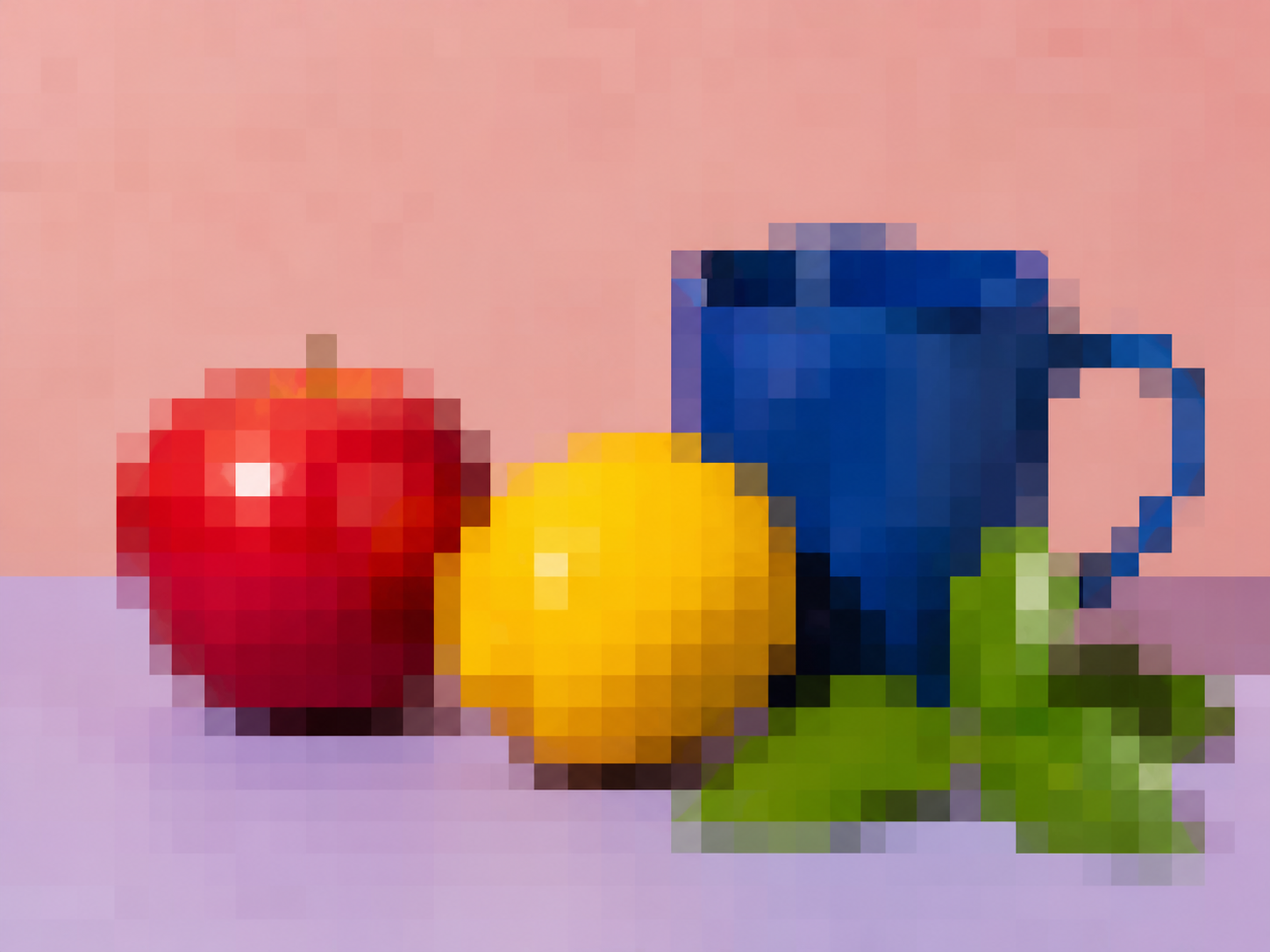
Pixelated
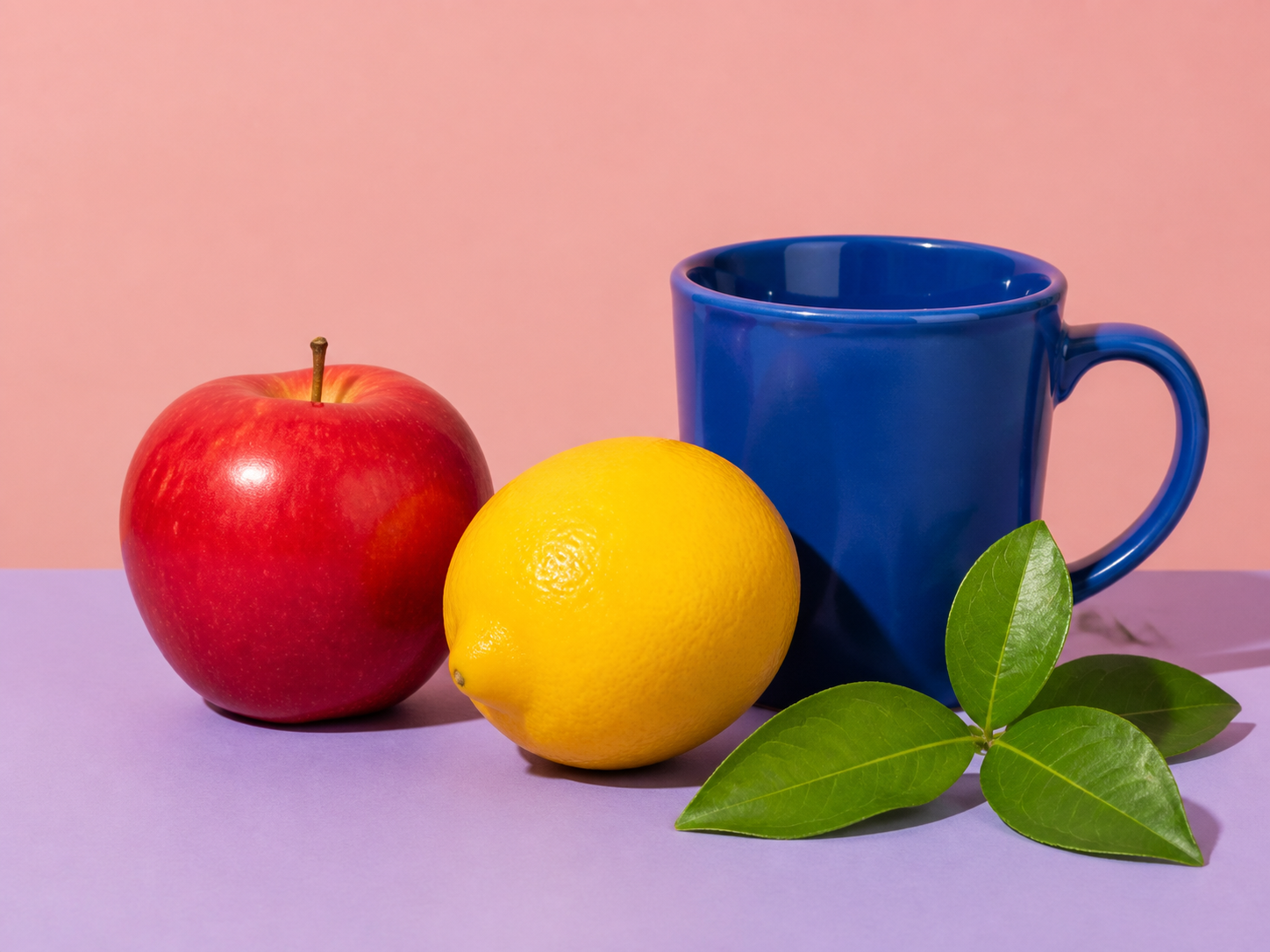
The painted area is reduced to a coarse grid and enlarged with smoothing disabled. Everything outside the brush mask remains unchanged.
Always review the final export at its intended display size before treating pixelation as privacy protection.
Choose the photo or screenshot that needs a visible mosaic treatment.
Use the whole image or brush over every detail to hide, then adjust block size from 4 to 128 pixels.
Confirm the intended detail is sufficiently obscured, apply the edit, and download the PNG.
Pixelation is manual and visible. Blur Faces remains the better tool when faces should be found automatically.
Brush over the plate while keeping the vehicle and surroundings clear.
Cover one account number, address, message, or interface detail before sharing.
Turn the full image into an intentionally blocky graphic or low-resolution treatment.
Reduce the readability of one sign, label, or small area without blurring the entire frame.
A mosaic changes visible pixels but no fixed block size can guarantee that every kind of underlying information is unrecoverable.
Answers about regions, block size, transparency, and privacy review.
快速处理,也能获得专业效果。
上传图片,从整图像素化或笔刷涂抹局部区域开始。
支持 JPG、PNG、WebP,默认直接处理整张图片。