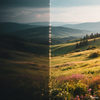
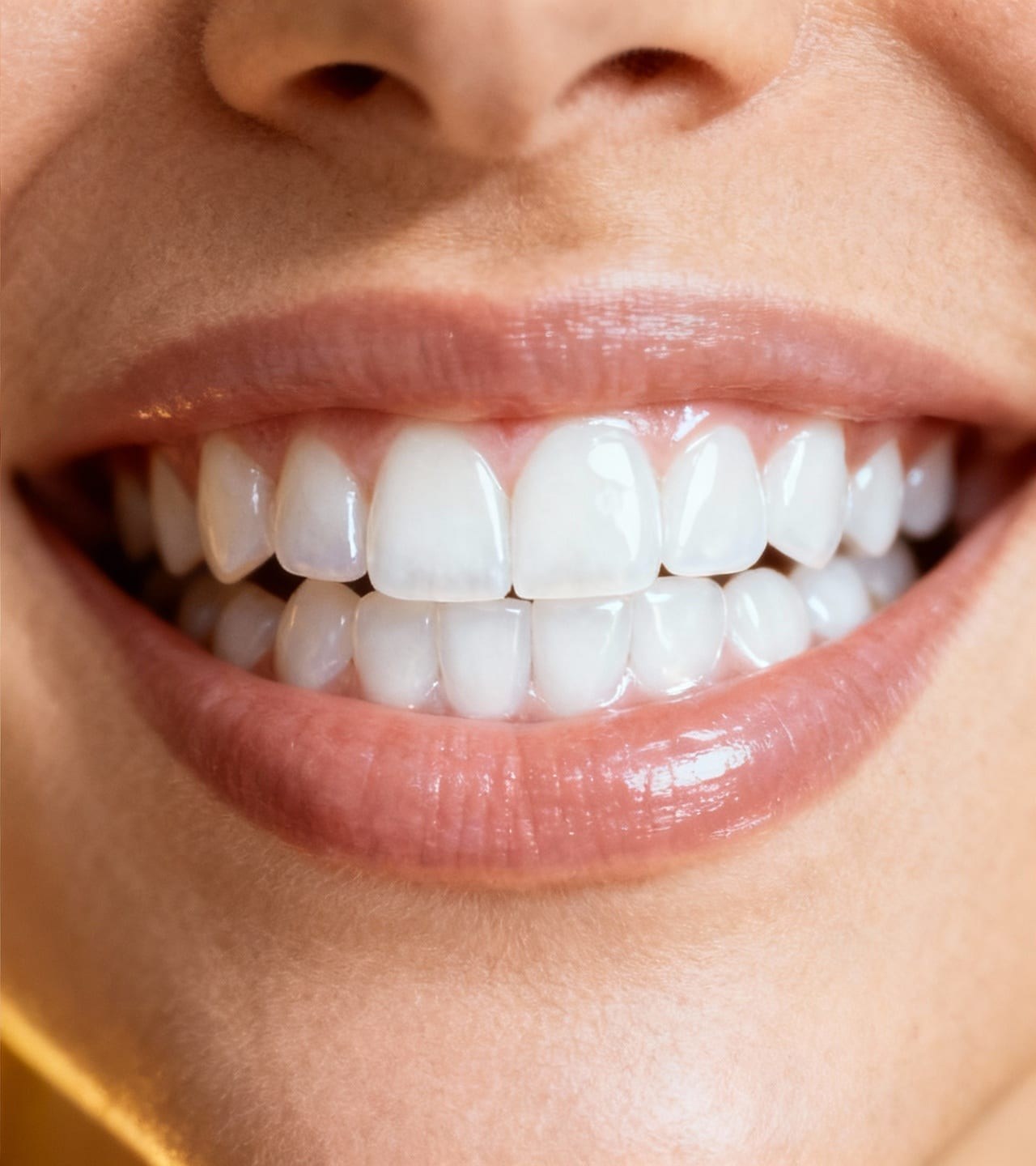
핵심 설명
초고해상도이란?
초고해상도은(는) 선택한 '일반 향상' 프리셋으로 업로드한 사진을 완성도 높은 결과물로 편집합니다.
일반 향상
워크플로를 직접 구성하지 않고 일반 향상 편집을 빠르게 끝내고 싶다면 초고해상도을(를) 사용하세요.
이 프리셋이 선택되어 있습니다.
핵심 설명
초고해상도은(는) 선택한 '일반 향상' 프리셋으로 업로드한 사진을 완성도 높은 결과물로 편집합니다.
사용 방법
원본 파일이 있다면 스크린샷이나 반복 압축본 대신 가장 품질이 높은 원본을 업로드하세요.
초고해상도은(는) 선택한 보정 또는 내보내기 작업을 수행하며 사진 내용과 관련 없는 부분은 다시 디자인하지 않습니다.
원본 크기에서 질감, 경계, 피부, 글자, 색상, 대비를 확인하고 작은 미리보기뿐 아니라 원본과 직접 비교하세요.
추천 용도
사용해 보기
ClearCrowds가 프리셋을 편집기로 전달하므로 사진이 열리면 바로 작업을 시작할 수 있습니다.
이 프리셋이 선택되어 있습니다.
자주 묻는 질문
초고해상도은(는) ClearCrowds '일반 향상' 카테고리의 프리셋입니다.
네. 사진을 업로드하면 이 프리셋이 선택된 상태로 에디터가 열립니다.