
Remove Sunglasses From a Photo: What AI Can and Cannot Fix
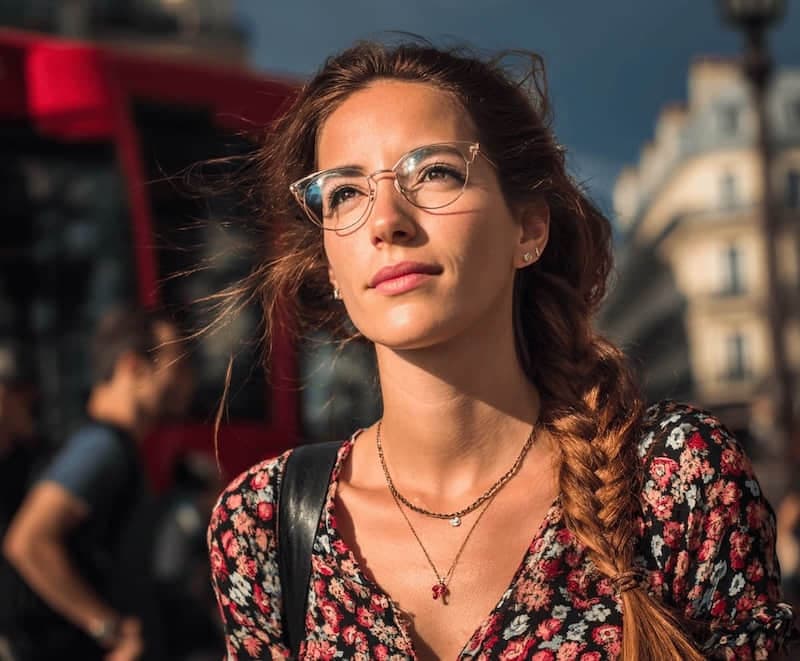
AI can remove sunglasses from a photo when there is enough visible face and eye-area context to make a conservative edit. It works best with light tint, thin frames, clear reflections, or photos where the eyes are partly visible. It is much less reliable when dark or mirrored lenses fully hide the eyes.
The important rule is simple: removing sunglasses is not the same as removing a small glasses frame. If the original photo does not show the eyes, the AI is reconstructing missing detail rather than recovering it.
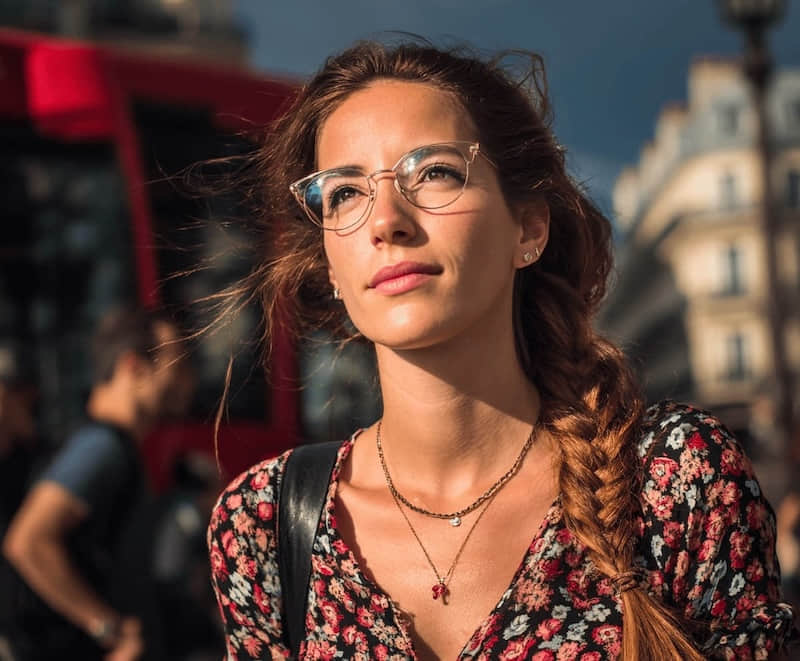
Quick answer
Use a sunglasses removal workflow when:
- The sunglasses are not fully opaque.
- The face is sharp and close enough to edit.
- The frame does not cover eyebrows, eyelids, and eye corners completely.
- You want a casual social, profile, or creative edit rather than a strict identity document.
- You are willing to reject the result if the eyes, gaze, or expression look different.
Use a reshoot instead when the photo is important, the lenses are very dark, or the final image must preserve identity exactly.
Try this task in ClearCrowds
Try a conservative glasses removal preset
Upload a portrait and start with the glasses removal preset. Review the eyes carefully before exporting.
- Identity-aware prompt
- Conservative reconstruction
- Portrait workflow
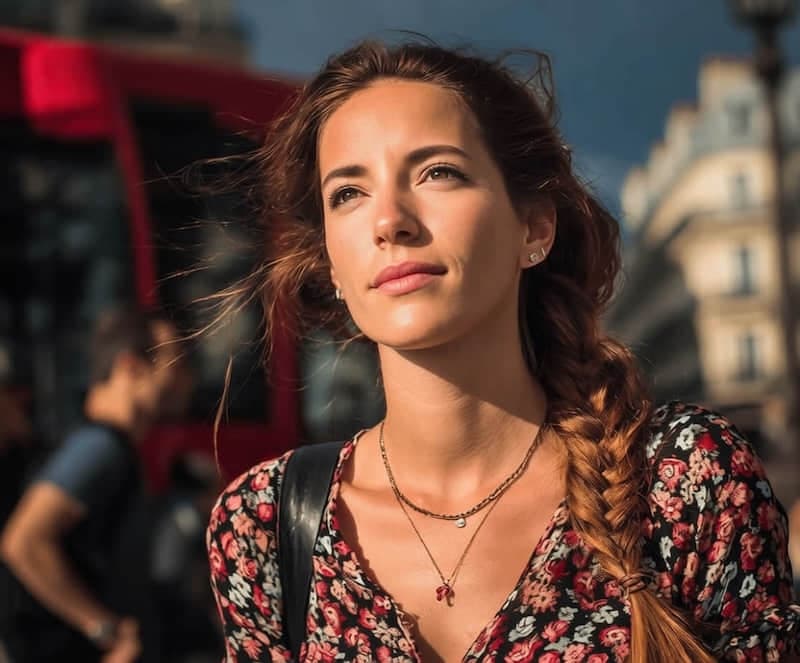
Sunglasses removal is more likely to look natural when the edit is small and the AI has visible cues.
| Photo condition | Likely result | Best action |
|---|---|---|
| Lightly tinted lenses with visible eyes | Usually workable | Use a conservative remove-glasses pass |
| Thin frames with clear lens edges | Often workable | Keep the full face visible in the crop |
| Mirrored lenses with visible eye outline | Mixed | Try once, then inspect gaze and eye shape |
| Dark sunglasses hiding both eyes | Risky | Reshoot or keep the sunglasses |
| Low-resolution selfie | Risky | Use the original camera file if available |
If the result changes the person's gaze, eye size, age cues, or expression, do not use it as a faithful portrait. Try a smaller edit or keep the original.
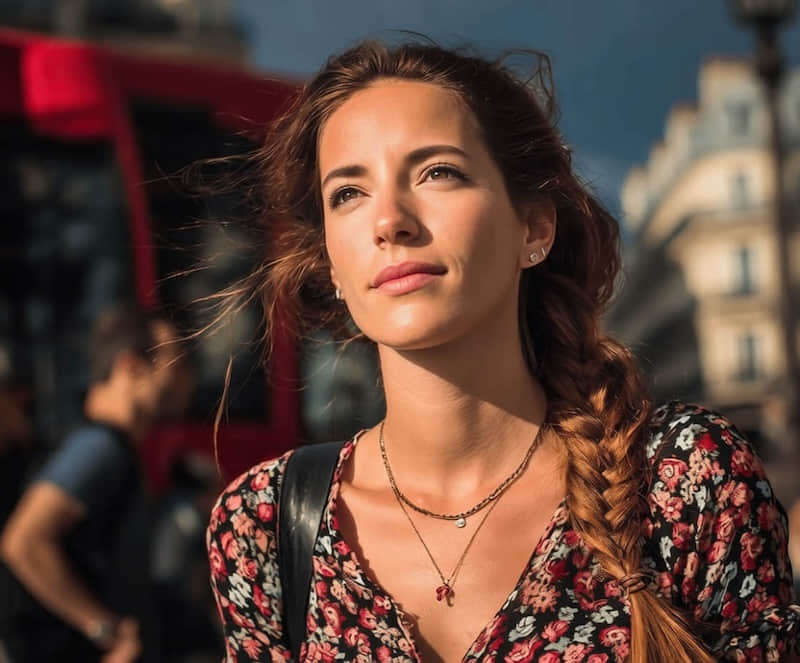
Sunglasses vs eyeglasses vs glare
These are three different photo jobs.
| Goal | Use this workflow | Watch out for |
|---|---|---|
| Remove a normal eyeglass frame | Remove Glasses | Frame edges around the eyes and nose |
| Reduce white glare while keeping glasses | Remove Glare | Do not remove the frames by mistake |
| Remove sunglasses completely | Remove Glasses, but review carefully | Hidden eyes may be guessed |
| Fix reflection on a window or product photo | Remove Reflection | Not a portrait-specific task |
For sunglasses, the risk is not only the frame. The lens may cover the real eye color, gaze direction, eyelid shape, eyelashes, shadows, and wrinkles. A good workflow treats those areas conservatively.
Step-by-step workflow
- Start from the original photo, not a compressed screenshot.
- Keep the whole face, eyebrows, nose bridge, and sunglasses frame in the crop.
- Choose a glasses removal preset rather than a general object remover.
- Ask for a conservative result that preserves identity and expression.
- Compare the edited photo against the original at full size.
- Reject the result if the eyes look too smooth, too large, younger, or pointed in a different direction.
The safest prompt is:
Remove the sunglasses while preserving the same person, face shape, age cues, gaze direction, expression, skin texture, lighting, and photo quality. Reconstruct only the areas covered by the frames and lenses conservatively.
Do not ask the tool to make the person "more attractive" or "more natural" in the same pass. That can turn a cleanup task into a face-changing task.
What to check before saving
Look closely at these areas:
- Eye size and gaze direction.
- Eyelid folds and under-eye shadows.
- Eyebrows and nose bridge.
- Skin texture around the frame.
- Lighting direction and lens shadow.
- Whether the result still looks like the same person.
If one eye looks stronger than the other, undo and retry with a smaller target. If both eyes were fully hidden behind dark lenses, a second source photo is usually safer than a stronger AI edit.
Better capture tips
When you can take another photo, small changes help more than aggressive editing:
- Turn the face slightly away from direct sun.
- Ask the person to lift the sunglasses for one extra shot.
- Take one photo with sunglasses and one without, keeping the same expression.
- Avoid mirrored lenses if the final portrait needs visible eyes.
- Use the original high-resolution file for editing.
These capture choices give the AI more real information and reduce the chance of an invented-looking result.
Where ClearCrowds fits
ClearCrowds has a Remove Glasses preset that is written to preserve identity while removing frames and lens areas. It is a better fit than a broad object-removal prompt because the edit happens near the eyes, nose, skin texture, and expression.
If the sunglasses should stay and only the lens reflection is distracting, use Remove Glare instead. If the reflection is on a window, glossy surface, or plastic cover, use Remove Reflection.
For related portrait cleanup, read How to remove glare from glasses on iPhone or Android and Remove glasses from photo.
FAQ
Can AI remove sunglasses from a photo?
Yes, but the result depends on how much real eye-area detail is visible. Light tint and thin frames are easier than dark or mirrored sunglasses.
Can AI recover eyes hidden behind dark sunglasses?
Not exactly. If the original photo does not show the eyes, AI has to infer them. That can be useful for a casual edit, but it should not be treated as a faithful recovery of hidden detail.
Is this the same as removing glare from glasses?
No. Glare removal keeps the glasses and reduces lens reflection. Sunglasses removal removes the frames and lenses, which can require reconstructing covered facial detail.
Will it work for profile photos?
It can work for casual profile photos when the result still looks like the same person. For resumes, IDs, legal, school, or business verification photos, use a real photo without sunglasses.
What if the edited eyes look wrong?
Use a smaller edit area, try another source photo, or keep the sunglasses. Do not keep a result that changes the person's gaze, age, or expression.
Summary
Removing sunglasses from a photo is possible, but it is a high-care portrait edit. The best results come from clear source photos, light or partly transparent lenses, and conservative prompts. If the sunglasses fully hide both eyes, a reshoot is more reliable than asking AI to invent missing detail.