
The Secret Behind a Brighter Smile in Your Photos
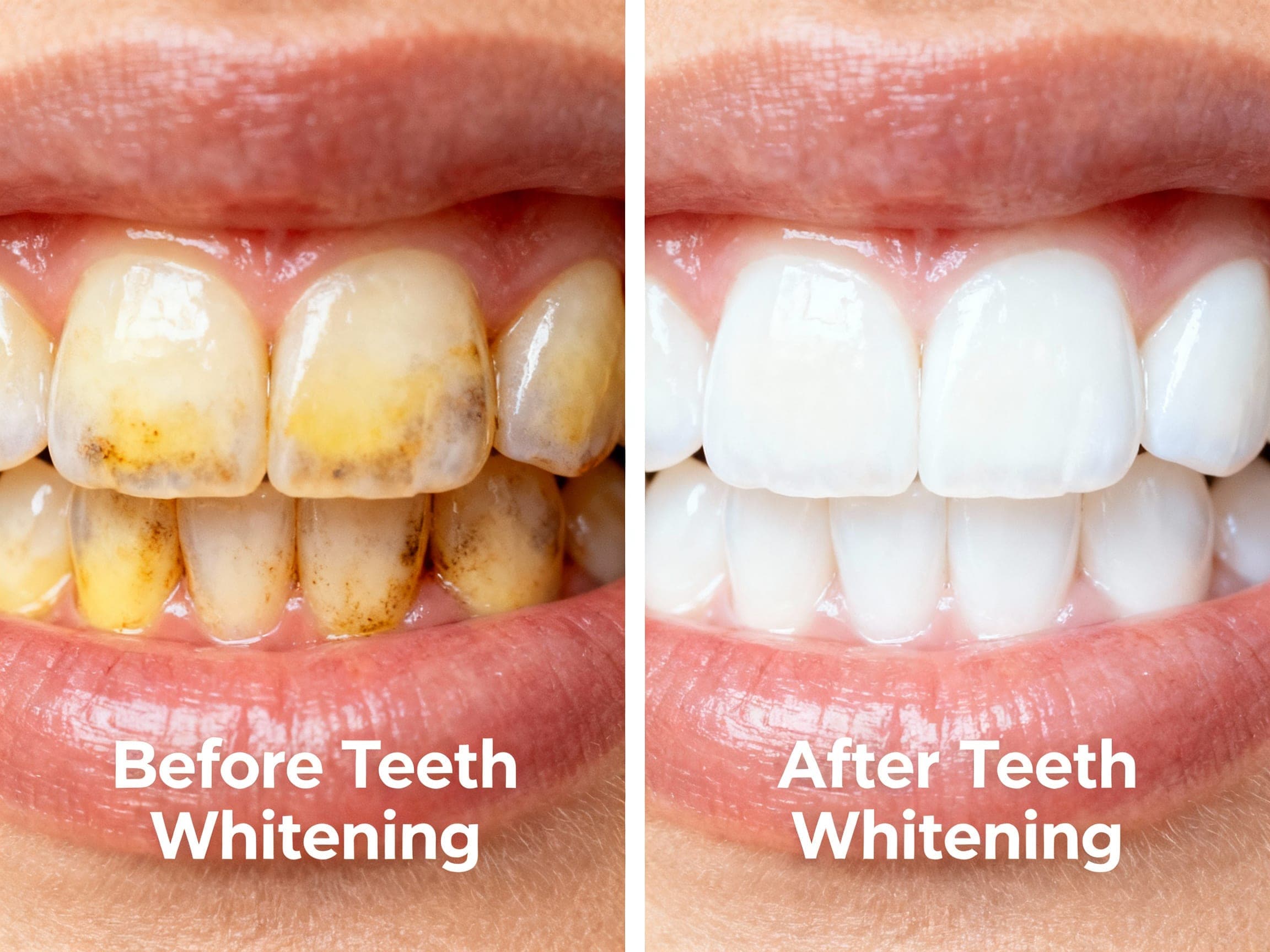
We've all been there: scrolling through your camera roll, a perfect shot… until you zoom in. That bright smile you thought you had looks a little less than brilliant. It’s that moment of "post-selfie regret" that many of us can relate to. In fact, a recent survey found that 61% of people are self-conscious about their smile in photos, wishing it appeared brighter.
Why Do Our Teeth Look Different in Photos Than in Real Life?
It’s often not your teeth, but the camera and lighting playing tricks. Different lighting conditions, from the warm glow of a restaurant to the harsh glare of a camera flash, can dramatically affect how colors are perceived. This can amplify natural yellow or grey undertones in your teeth that aren't as noticeable in person. Even the white balance settings on a camera can subtly alter the color of your teeth, making them appear duller than they actually are.
Can You Really Whiten Your Teeth in a Photo with Just One Tap?
The short answer is: yes, absolutely! The days of needing complex software and professional editing skills to brighten your smile in photos are gone. Thanks to advancements in artificial intelligence, achieving a stunning, whiter smile in your pictures is now incredibly simple. Tools like ClearCrowds offer "One-tap beauty tools" that include teeth whitening, making studio-grade results accessible to everyone without a steep learning curve. Imagine having a personal digital retoucher in your pocket, ready to perfect your smile with a single tap.
How Does AI "Know" How to Whiten Teeth Naturally?
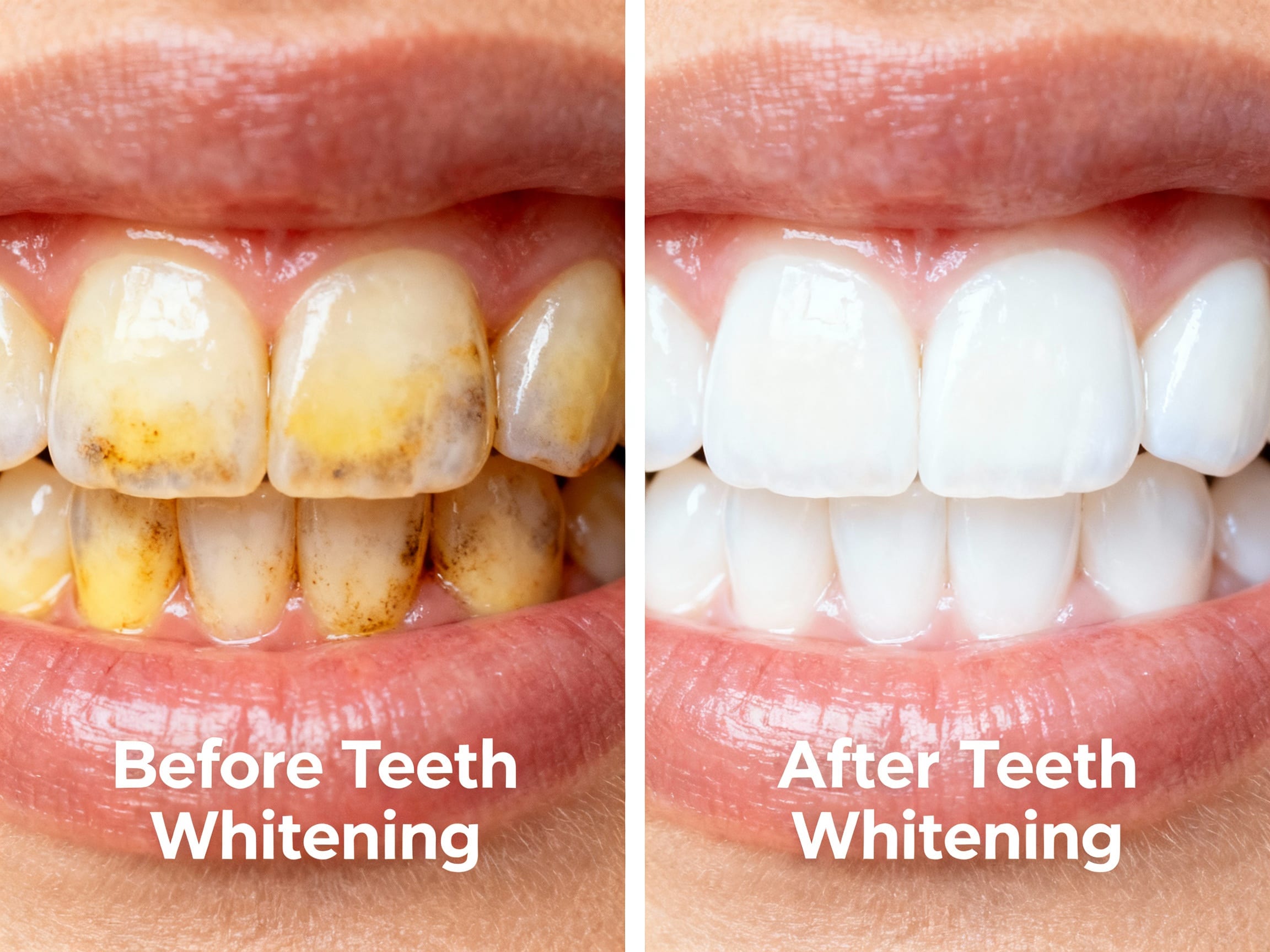
This is where the magic of AI comes in. Advanced photo editors leverage machine learning and neural networks to intelligently identify specific features in an image—in this case, your teeth. The AI analyzes the natural color of your teeth, distinguishes them from surrounding gums and lips, and then applies subtle, targeted enhancements. It's designed to brighten without creating an unnatural, glowing effect. For instance, ClearCrowds uses advanced AI not just for removing crowds, but also to enhance features like teeth, ensuring natural, professional results with no editing artifacts. These algorithms are incredibly sophisticated; AI in photo editing has evolved significantly, with algorithms now capable of recognizing over 150 different facial features and conditions.
Is It Just About Whiteness, or Can Photo Editors Do More for My Smile?
While whitening is a primary focus, these AI-powered tools can often do more. They can subtly brighten your teeth, even out minor discoloration, and some might even offer very slight shape adjustments to make your smile appear more uniform. The key is maintaining realism. The goal isn't to create a perfect, artificial smile, but to enhance your natural one, making it look its best without appearing obviously edited.
Your Brighter Smile, Instantly: Practical Tips for Using a Teeth Whitening Photo Editor
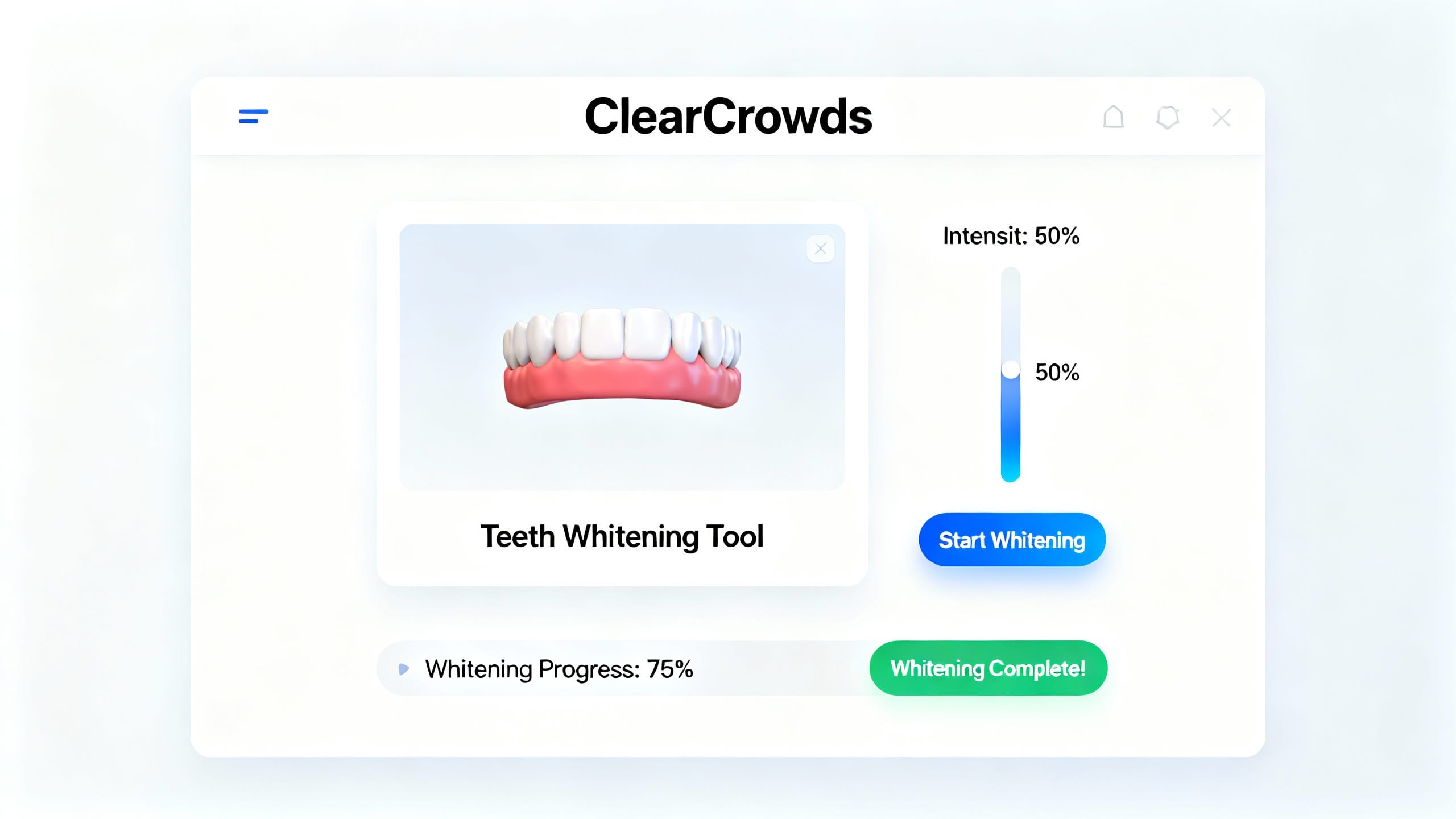
To get the best results from a teeth whitening photo editor, start with a good base photo. Ensure your face is well-lit and in focus. When using the tool, resist the urge to overdo the whitening. A slight enhancement often looks far more natural than a blindingly white smile that doesn't match your complexion. Always check for consistency across all your teeth. ClearCrowds makes this process intuitive, allowing you to adjust the intensity with a simple slider, ensuring your smile looks naturally radiant.
Unlock Your Best Smile in Every Shot
A confident, bright smile in photos is no longer a dream but an achievable reality with the right tools. AI-powered teeth whitening photo editors offer an effortless way to enhance your pictures, making sure your smile truly shines. Experiment with these tools, and you'll discover how easy it is to elevate your photos and share your best self with the world.